
TL;DR: We tested the 10 best wireframing tools in 2026 to find which ones actually work for modern AI-first product workflows.
- UXMagic leads for structured AI-generated flows and usable output
- Figma remains strongest for collaboration and design systems
- Balsamiq is still the best for intentional lo-fi wireframing
- Uizard is ideal for fast MVPs
- Penpot stands out as the best open-source alternative with developer-friendly handoff.
Wireframing used to be the safe part of product design. Low stakes. Grey boxes. No one argued much.
That era is over.
In 2026, wireframing is where speed, logic, AI, and technical debt collide. Pick the wrong tools to design wireframes and you either move fast but create chaos, or move carefully and never ship.
Most teams are still using wireframing software designed for a world that no longer exists. Static screens. Manual connections. Post-it note thinking dressed up as modern UX.
This guide is not about nostalgia or feature lists. It is about which wireframe tools actually hold up when products scale, AI enters the workflow, and developers stop tolerating mess.
How To Choose The Best Wireframing Tools In 2026
Before picking any wireframing software, run every shortlisted tool through the same brief. Use three consistent prompts across all options: a marketing signup flow, an onboarding screen, and an e-commerce checkout. Then compare on these five factors:
| Factor | What to look for |
|---|---|
| Generation quality | Does the tool understand intent and produce sensible hierarchy, spacing, and structure? |
| Design system fidelity | Can you anchor output to your components and tokens for consistency? |
| Export and handoff | Does it export cleanly to Figma, PNG, SVG, or production code? |
| Collaboration | Does it support multiplayer editing, comments, and version history? |
| Pricing traps | Are dev inspection, exports, or AI credits locked behind paid tiers mid-project? |
What Changed In 2026
Wireframing is no longer about screens. It is about flows, logic, and intent. Three things define modern wireframing now:
Fidelity is a sliding scale: Stakeholders misread low fidelity. High fidelity distracts too early. The best wireframe tools let teams move between rough and polished without rebuilding everything.
AI removed the blank canvas, not the responsibility: AI can generate UI instantly. It cannot guarantee structure, accessibility, or maintainability. That responsibility still sits with the tool and the workflow.
Vibe coding is creating maintenance debt: AI-generated wireframes that export directly to code often hallucinate logic, misuse HTML semantics, and fail accessibility checks. Speed without guardrails is expensive later. This is where most wireframing software starts to break.
The Tools
- UXMagic
Best for: Replacing traditional wireframing tools entirely Pricing: Free to start / Paid plans available
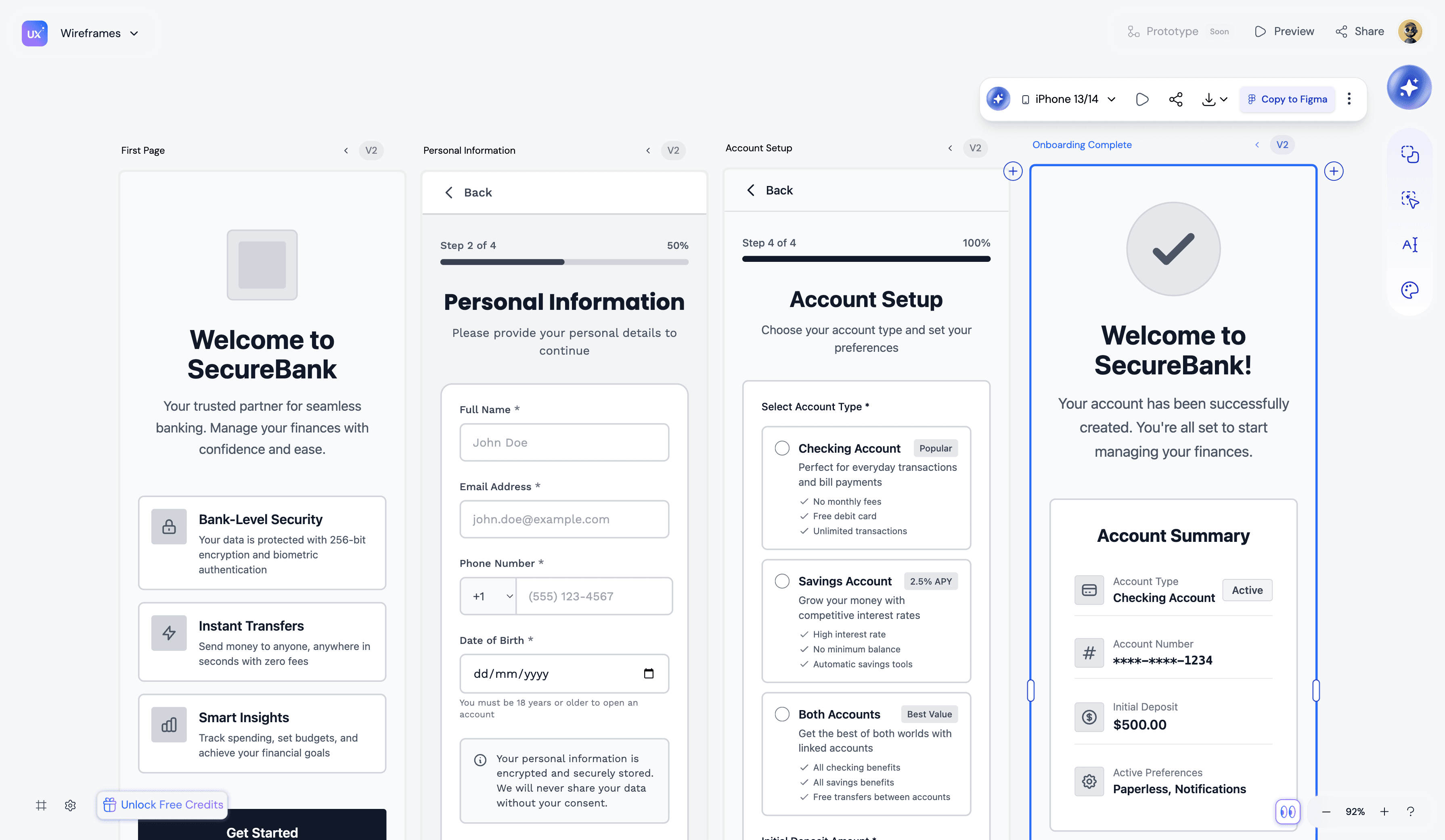
UXMagic does not treat wireframing as drawing. It treats it as system design. Instead of starting with isolated frames, UXMagic starts with flow logic and intent, then generates a connected UI that actually behaves like a product. in this add something where I can interlink clone a website feature
Most wireframe tools still assume this outdated workflow:
Sketch → Screens → Prototype → Handoff → Rewrite
UXMagic flips it to:
Intent → Flow → Structured Screens → Usable Output
Highlights:
- Flow-first generation prevents screen sprawl
- Consistency is enforced automatically, not remembered
- AI accelerates creation without breaking structure
- Fidelity evolves without rebuilding flows
- Export directly to Figma or production-ready React and HTML
Pros:
- The only wireframing tool that starts with flow logic rather than isolated screens
- Enforces design system consistency automatically
- Goes from wireframe to production code without a translation layer
Cons:
- Newer category, still scaling ecosystem
- Best value unlocked on paid tiers
In a market where AI-native tools to design wireframes generate chaos and professional tools slow teams down, UXMagic collapses that tradeoff. It is not a faster sketchpad. It is a different category of wireframing software entirely. See the full breakdown of how UXMagic's AI UI generator turns a prompt into a structured, editable design.
- Figma
Best for: Visual collaboration and design systems Pricing: Free limited tier, paid from $15/seat/month
Figma is the industry default for wireframe design tools and collaboration. Auto Layout and variables make it reliable wireframing software for responsive, structured output. The limits show early: AI features are light, flow generation is manual, and Dev Mode exports are often bloated. It works best after structure is clear. Pair it with UXMagic for flows and intent, then hand off to Figma for polish and handoff.
Highlights:
- Mature Auto Layout and component system
- Best-in-class real-time multiplayer editing
- Strong plugin ecosystem including UXMagic integration
Pros:
- Industry standard for design systems and handoff
- Excellent collaboration and version history
Cons:
- Flow creation is manual and screen-based
- Native AI features are light compared to dedicated wireframing software
- Steeper learning curve for Auto Layout behavior
- Balsamiq
Best for: Intentional lo-fi sketching Pricing: From $9/month
The original wireframing tool. Balsamiq sticks to low-fidelity sketches intentionally, so your team focuses on structure rather than visuals. It is one of the most searched balsamiq wireframing options for good reason: it is simple, battle-tested, and forces the right conversations early. If you are looking for a balsamiq free alternative or comparing balsamiq vs figma, the answer depends entirely on your workflow. Balsamiq wins when you want stakeholders focused on structure, not pixel-pushing. Figma wins when your team needs real-time collaboration and handoff.
Highlights:
- Sketch-style lo-fi wireframes
- Drag-and-drop simplicity
- Available as desktop and web app
Pros:
- Keeps stakeholders focused on structure, not aesthetics
- Extremely low learning curve
- One of the most reliable balsamiq wireframing tools available
Cons:
- No AI generation
- Not suitable for high-fidelity prototyping
- Limited export options compared to modern wireframing software
- Axure RP
Best for: Logic-heavy enterprise applications Pricing: From $29/month
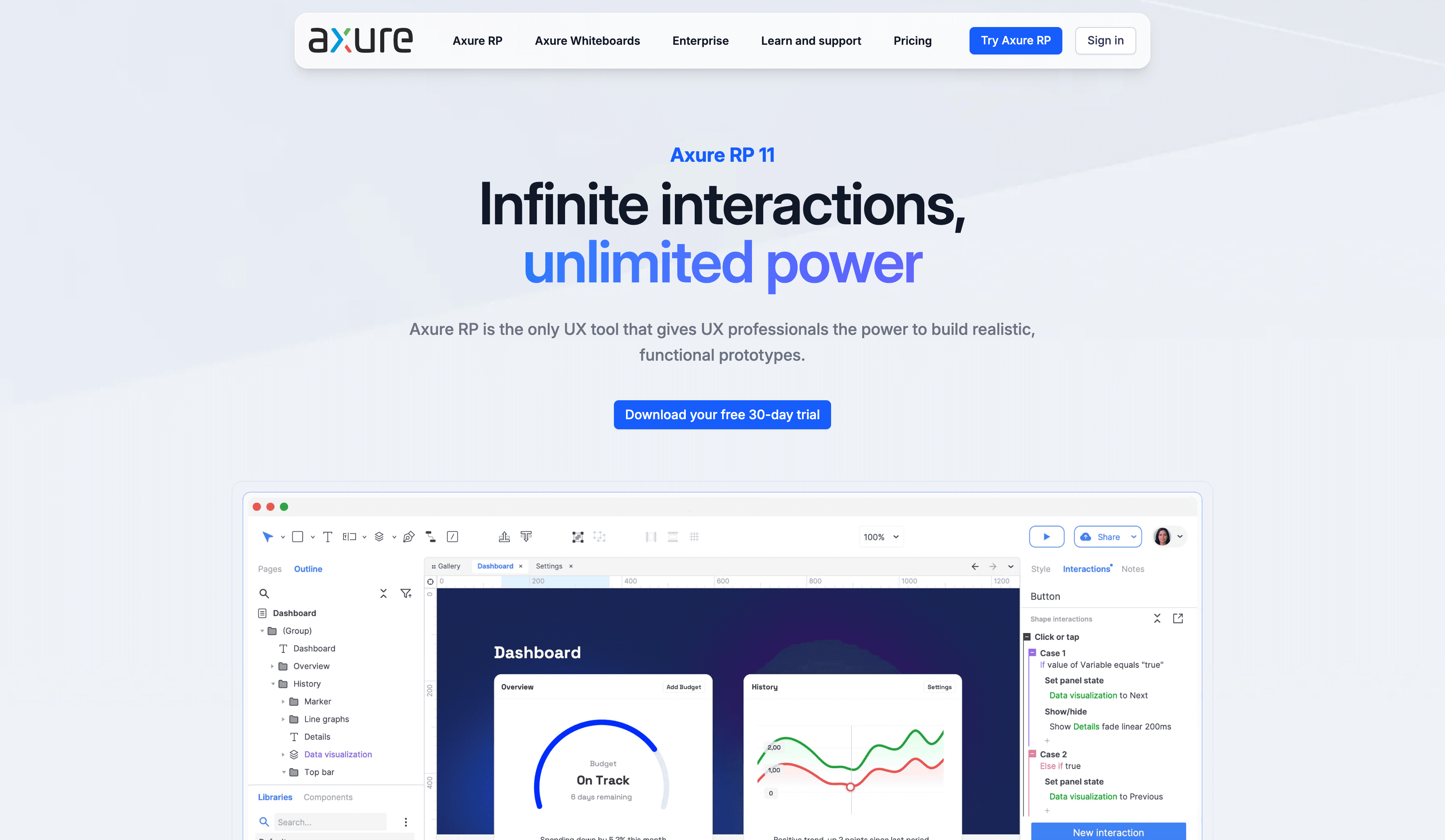
Axure remains unmatched for conditional logic and data-driven prototypes. If you design fintech or healthcare systems where logic errors are catastrophic, Axure is still one of the most relevant prototyping and wireframing tools available. The tradeoff is speed and accessibility for non-specialists. Axure is not a tool you pick up in an afternoon. But for teams building systems where logic must be validated before development begins, nothing else comes close.
Highlights:
- Advanced conditional logic and variables
- Data-driven prototypes
- Enterprise-grade security and permissions
Pros:
- Best for complex logic flows and conditional states
- Trusted by enterprise teams in regulated industries
Cons:
- Steep learning curve
- No AI generation
- Expensive for smaller teams
- UXPin
Best for: High-fidelity accuracy and code-aware prototyping Pricing: From $19/month
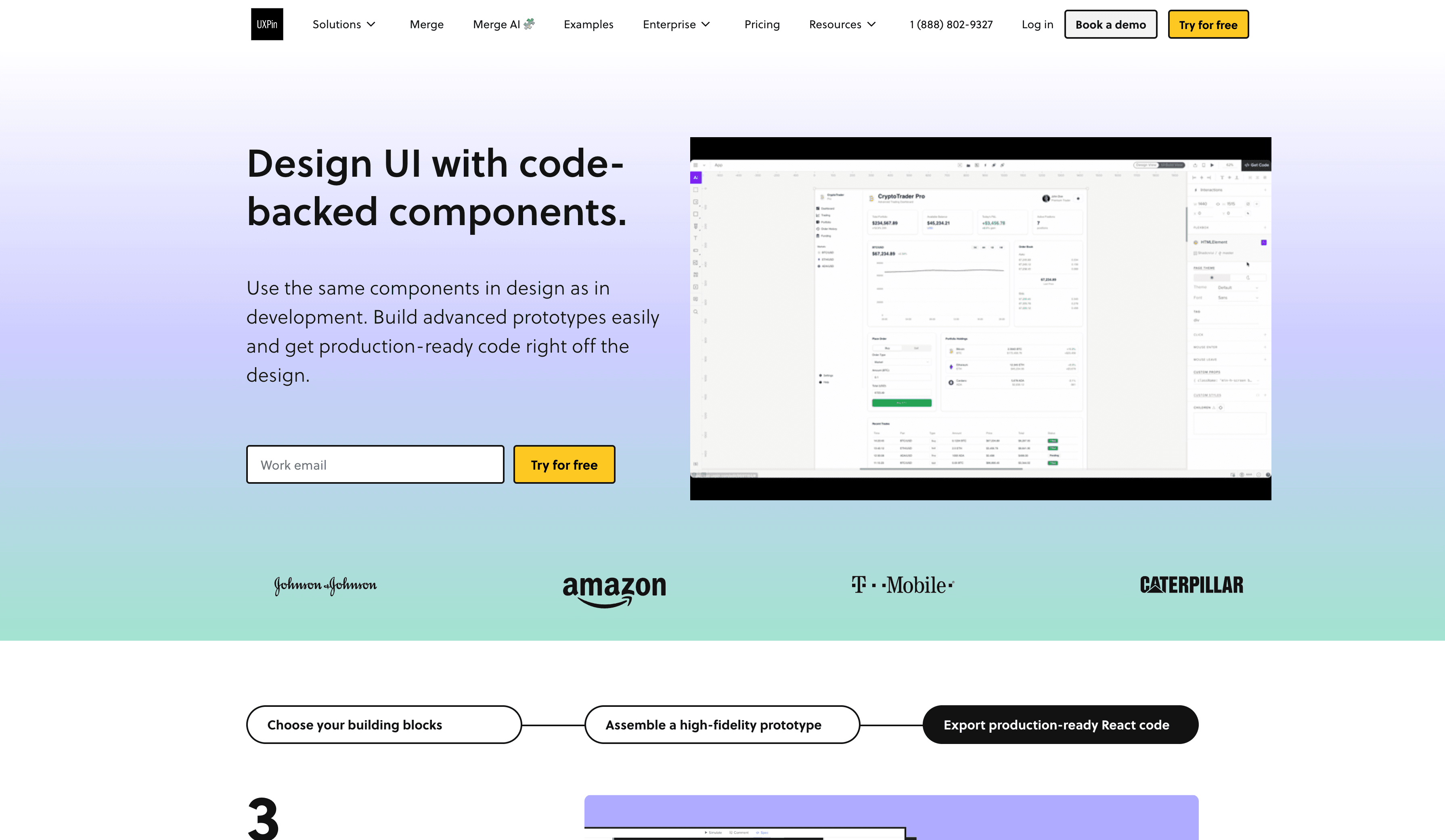
UXPin renders real HTML and CSS in prototypes, ensuring accessibility and responsiveness are more accurate than vector-based wireframe tools. Its AI Component Creator turns text prompts or UI images into React components backed by MUI, Ant Design, and Tailwind. This makes UXPin one of the more capable prototyping and wireframing tools for teams who need to validate accessibility and interactions before development. The downside is setup time. Connecting components and props requires developer involvement, which puts it at a disadvantage for early-stage ideation.
Highlights:
- Real HTML and CSS rendering in prototypes
- AI Component Creator for React output
- Built-in accessibility checking
Pros:
- Bridges visual design and engineering precisely
- Best for teams needing code-accurate prototypes
Cons:
- Slower for early-stage flow ideation
- Requires developer setup for full value
- Learning curve higher than most wireframing software
- Uizard
Best for: Solo founders and quick MVPs Pricing: Free tier, paid from $12/month
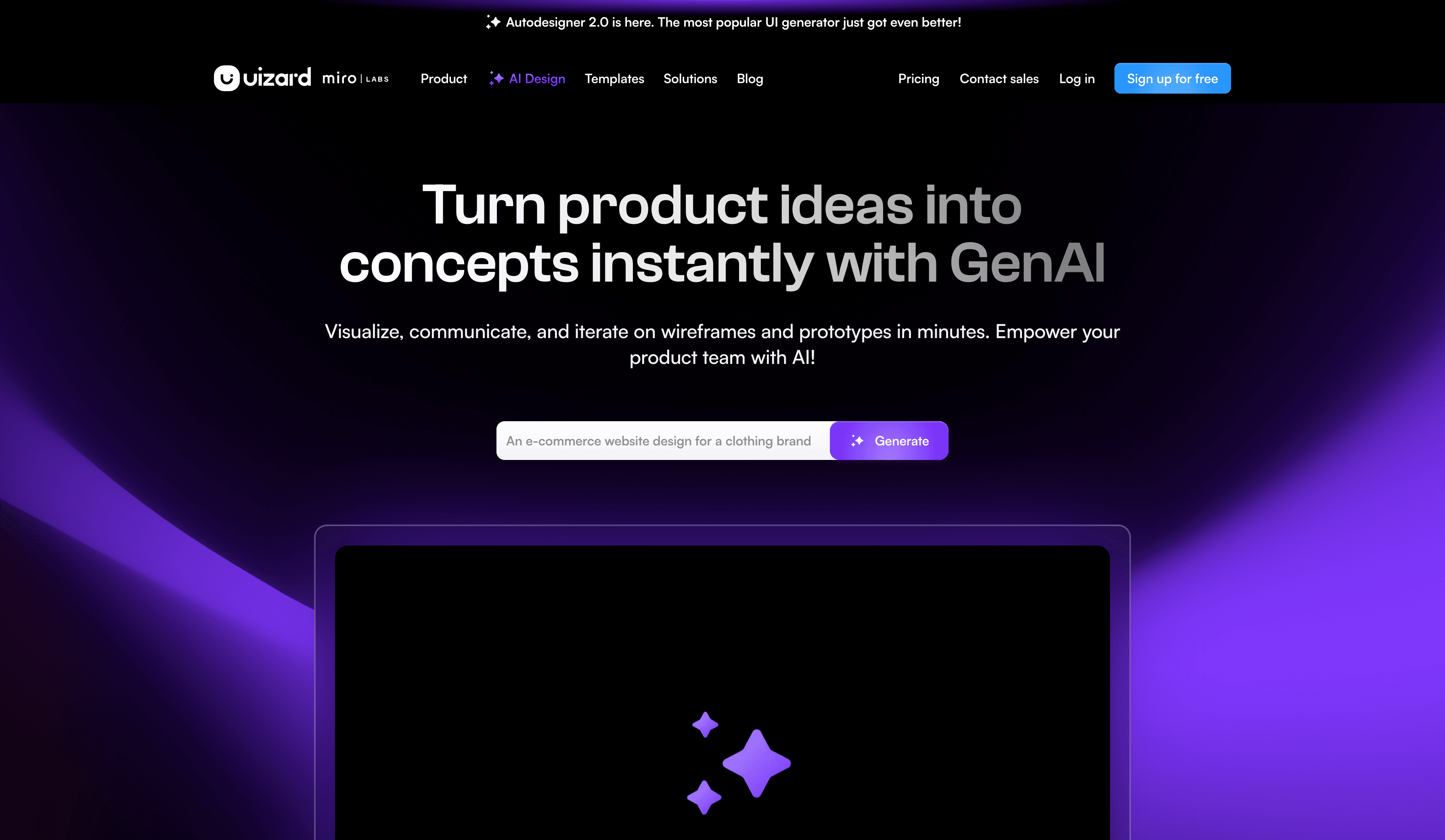
Uizard is one of the fastest wireframe tools for removing blank canvas paralysis. Autodesigner 2.0 combines conversational AI with wireframe generation, so you can iterate by describing changes rather than rebuilding screens. The downside is generic output. Designs often feel templated and require significant cleanup before professional use. Great for momentum. Risky for differentiation. One of the more popular good wireframing tools for non-designers, but best treated as a starting point rather than a finishing tool. Read our full UXMagic vs Uizard comparison for a deeper breakdown.
Highlights:
- Autodesigner 2.0 for conversational iteration
- Screenshot to editable wireframe
- Sketch scanner for hand-drawn inputs
Pros:
- Fastest among wireframe tools for removing blank canvas paralysis
- Free tier is genuinely useful
Cons:
- No native Figma export confirmed by multiple sources
- Generic output requires heavy cleanup
- Weak design system control
- Visily
Best for: Structured teams and PMs Pricing: Free tier available
Visily prioritizes consistency over creativity. Screenshot to design and high quality Figma export make it one of the more reliable wireframe design tools for integrating into professional pipelines. Free CSS inspection is a meaningful advantage for developer handoff. Less exciting than Uizard. More reliable. One of the better wireframing tools for PMs and product teams who need structure without spending hours on polish.
Highlights:
- Screenshot to wireframe conversion
- Clean Figma export
- Free CSS inspection
Pros:
- Consistent, structured output
- Strong Figma export pipeline
- Good free tier value
Cons:
- Less creative flexibility than AI-first tools
- Output can feel template-heavy
- Motiff
Best for: Design system governance Pricing: Limited free tier, paid plans available
Motiff's AI focuses on enforcing consistency rather than generating screens. As generation becomes cheap, governance becomes valuable. Motiff addresses the maintenance problems created by uncontrolled AI output, making it one of the more forward-thinking wireframing software options for teams managing large design systems.
Highlights:
- AI enforces design system consistency
- Strong component governance
- Built for scale
Pros:
- Best wireframing tool for managing consistency across large teams
- Addresses the chaos that most AI wireframe tools create
Cons:
- Not focused on early-stage ideation
- Limited ecosystem compared to Figma
- Penpot
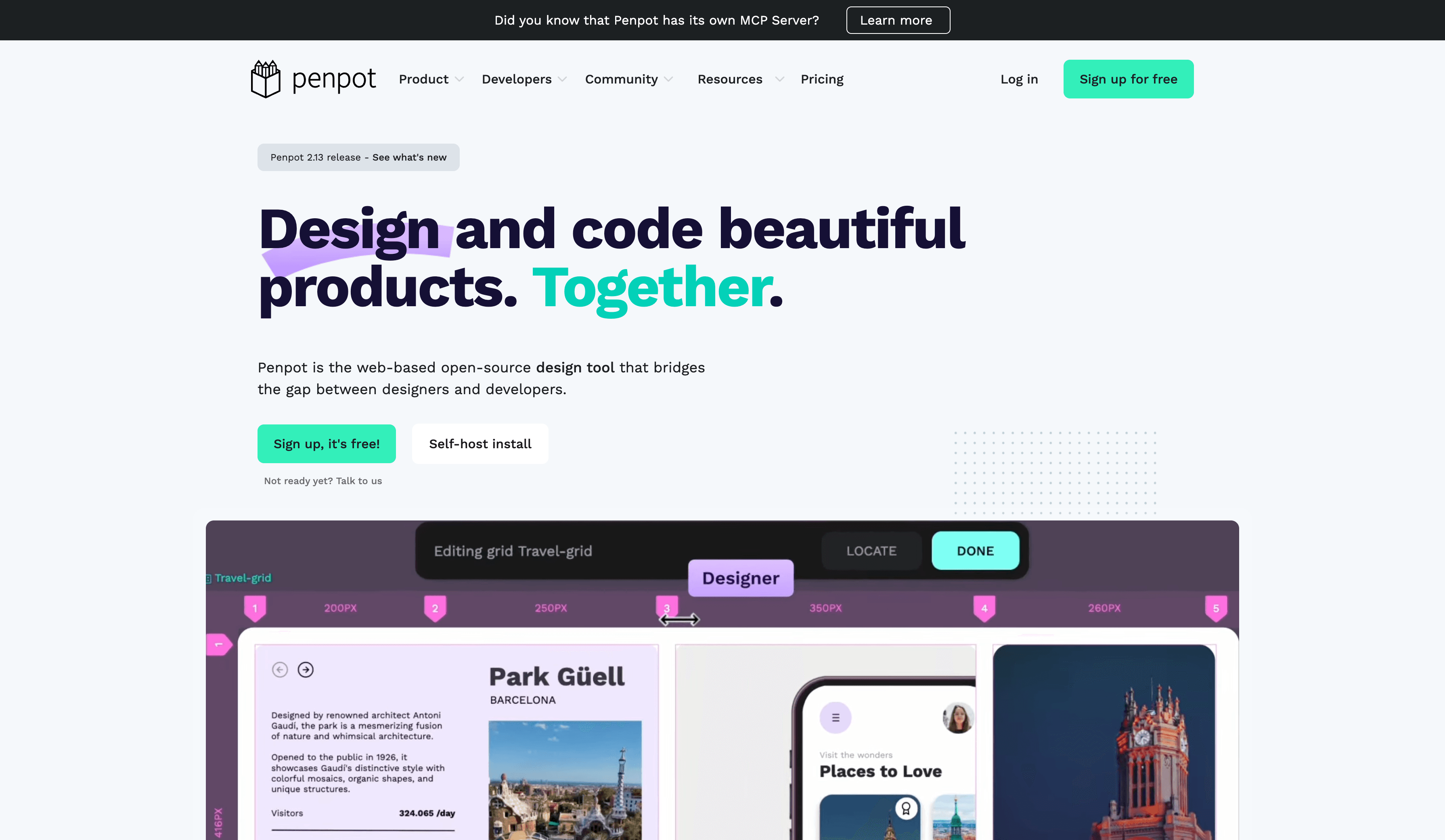
Best for: Open source and self-hosted teams Pricing: Free and open source Penpot avoids lock-in and uses standard web technologies. Its Flex Layout is closer to real CSS behavior than many commercial wireframe tools, making developer handoff smoother. One of the strongest balsamiq alternatives for teams that need open source and want to stay close to production code.
Highlights:
- Open source and self-hostable
- Flex Layout mirrors real CSS
- No vendor lock-in
Pros:
- Best free wireframing tool for developer-friendly handoff
- Strong balsamiq alternative for open source teams
Cons:
- Smaller ecosystem than commercial tools
- No AI generation
- Vercel v0
Best for: Code-first builders Pricing: Limited free tier, paid plans available
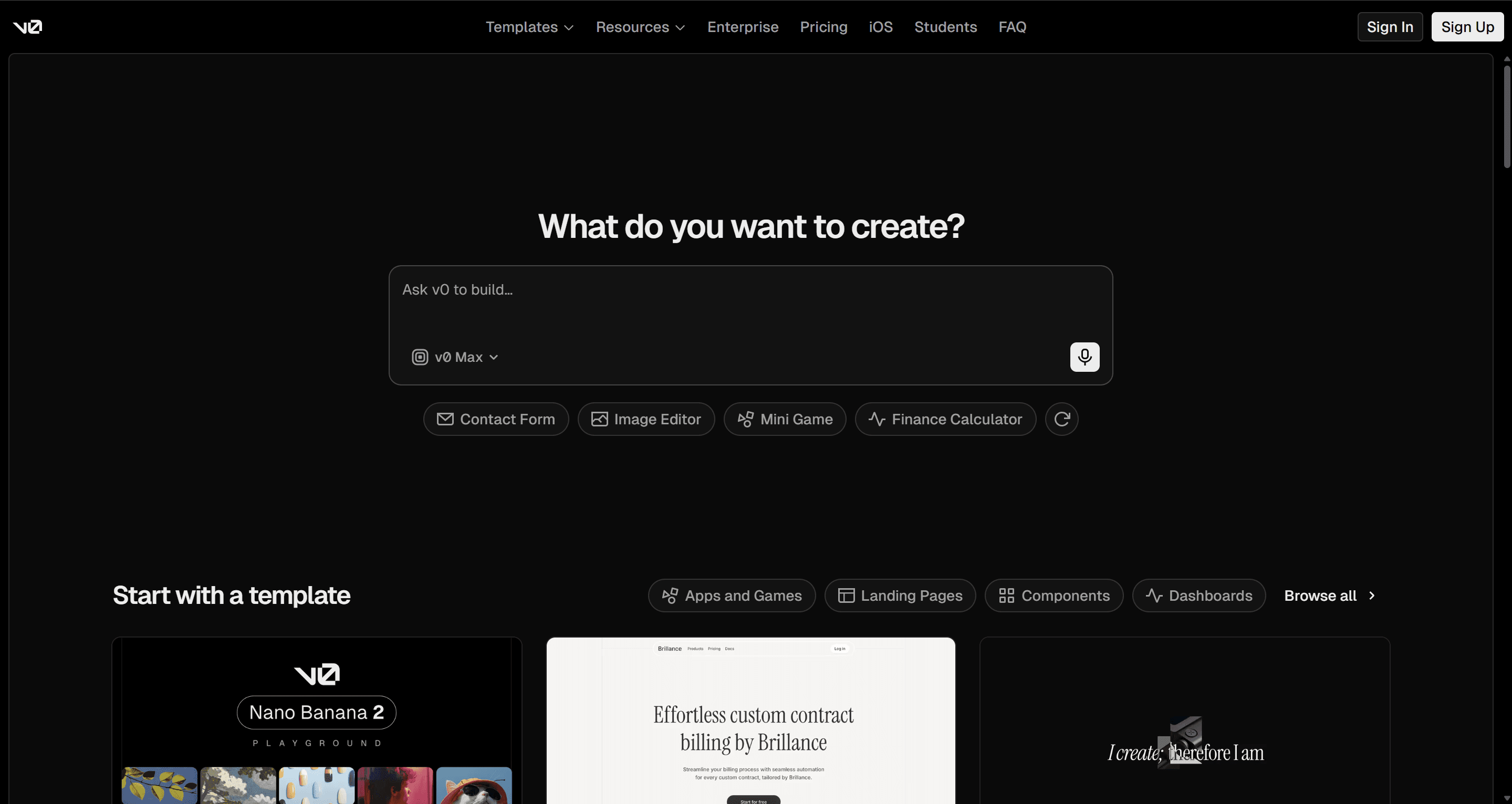
Vercel v0 bypasses the design export problem entirely. UI is generated directly in code using Tailwind and Shadcn. No translation layer. No illusion. One of the most honest wireframe tools for developers who want to skip the visual design phase completely.
Highlights:
- UI generated directly as code
- Tailwind and Shadcn native
- No design-to-code translation layer
Pros:
- Most accurate path from idea to production code
- No visual design skills required
Cons:
- Skips the visual wireframing phase entirely
- Not suitable for designers or non-technical stakeholders
Wireframing Tools Comparison Table (2026)
| Tool | Best For | AI Generation | Flow Logic | Design System | Code Output | Free Tier |
|---|---|---|---|---|---|---|
| UXMagic | Flow-first product teams | Strong, structured | Native flow-first | Enforced automatically | Structured, usable | Yes |
| Figma | Visual collaboration | Light assistive AI | Manual | Strong with discipline | Dev Mode, often bloated | Limited |
| Balsamiq | Lo-fi sketching | None | Manual | None | None | No |
| Axure RP | Logic-heavy enterprise | None | Advanced conditional | Moderate | Prototype-focused | No |
| UXPin | High fidelity accuracy | AI components | Moderate | Strong | Real HTML/CSS | Limited |
| Uizard | Solo founders, MVPs | Strong, fast | Weak | Weak | Demo-level | Yes |
| Visily | PMs and structured teams | Strong | Moderate | Good consistency | Clean Figma export | Yes |
| Motiff | Design system governance | AI for enforcement | Moderate | Very strong | N/A | Limited |
| Penpot | Open source teams | None | Manual | Moderate | Developer-friendly | Yes |
| Vercel v0 | Code-first builders | Strong | Generated in code | Stack-dependent | Native code output | Limited |
Choosing The Right Tool By Persona
- Solo founders: Uizard or Visily for speed. Add Vercel v0 when moving to code. Speed beats polish early.
- Enterprise teams: UXMagic or Axure with governance tools. Structure beats velocity at scale.
- Agencies: UXMagic for flows, Figma for collaboration, Webflow for production. Structure, polish, then ship.
- Developer-designers: Penpot or Eraser. Stay close to code throughout.
- PMs and non-designers: Visily or Uizard. Both are strong good wireframing tools that require zero design experience.
Other Wireframing Tools Worth Knowing
A few other tools show up often enough in team evaluations to mention, each solving a slightly different piece of the puzzle:
- UXPilot: In-Figma generation with a useful predictive-heatmap feature, but design system consistency across multi-screen output is a documented weak spot.
- Framer: Strong for turning a wireframe into a live, published site fast, though flow logic across connected screens isn't a first-class feature.
- Webflow: A production-grade build tool first, wireframing tool second; better once structure is already locked.
- Lovable / Bolt.new: Skip visual wireframing entirely and generate working app code from a prompt, similar to Vercel v0.
- Miro / FigJam: Not wireframing tools in the traditional sense, but often where early flow-mapping happens before any actual wireframing tool gets opened.
None of these change the top 10 - they're just adjacent options worth knowing about depending on your workflow.
Conclusion
In 2026, wireframing is no longer about drawing boxes faster. It is about choosing wireframe tools that respect logic, scale with AI, and do not create cleanup work later.
If your current wireframing software breaks when flows get complex, it is not a speed issue. It is a structure issue.
UXMagic solves it at the root. Start from a prompt and get structured, connected flows. Start from a sketch and get production-ready screens. Or paste any live URL and UXMagic's website cloner instantly transforms it into a fully editable design you can wireframe, iterate, and build on directly. No screenshots. No manual recreation. Just a clean starting point that already works.
The blank canvas problem is solved. The only question is where you want to start.
Start Wireframing Smarter with UXMagic
If your tools break when flows get complex, it is not a speed issue. It is a structure issue. Start with UXMagic and move from intent to consistent, connected flows without rebuilding later.