From Image to UI Design, Instantly
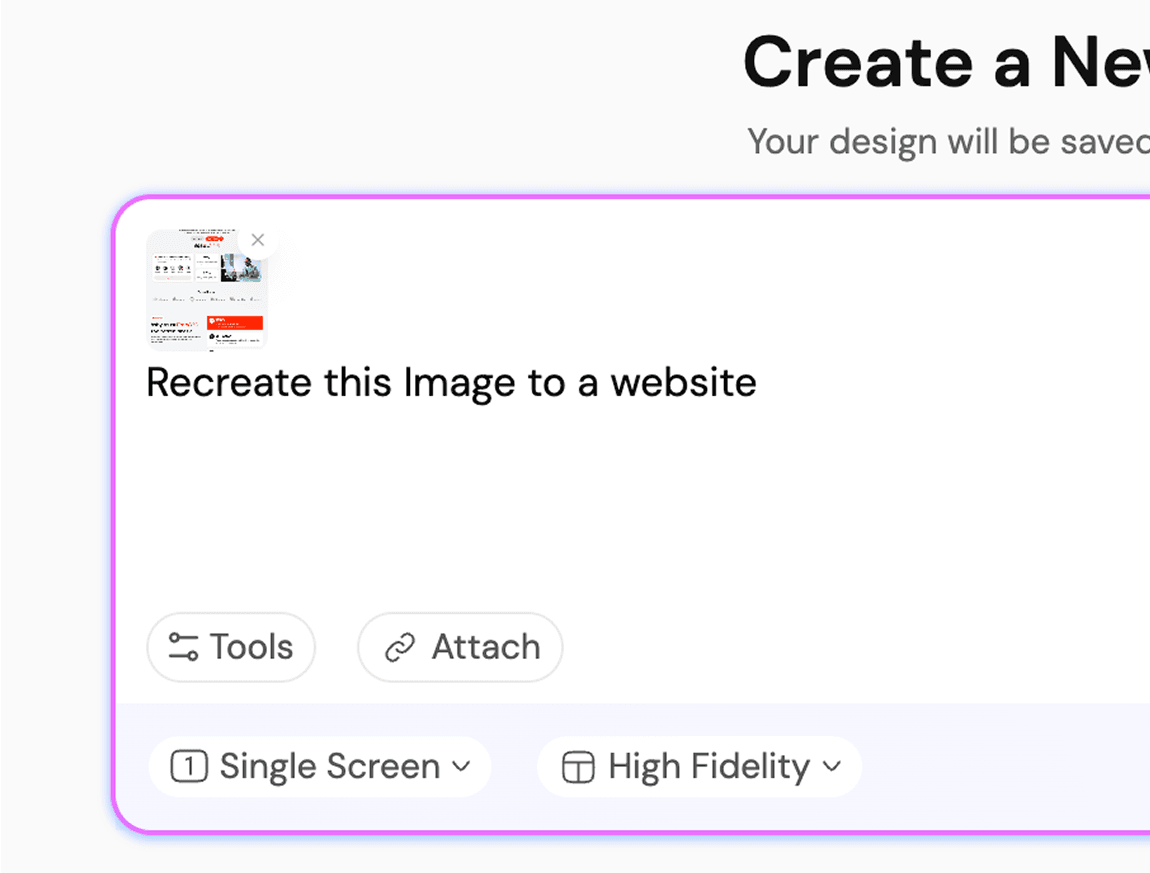
Upload your Sketch/Image
Turn any image into UI
Upload photos as a reference.Let AI handle the rest.


UXMagic vs Banani vs UXPilot vs Codia vs UizardBEST AI IMAGE TO FIGMA DESIGN GENERATORS FREE
| Feature | Banani | UXPilot | Uizard | Codia | UXMagic |
|---|---|---|---|---|---|
| Screenshot to Design Figma Plugin | |||||
| AI Screenshot Editor | |||||
| AI Design Style/System Generator | |||||
| Screenshot to Code | |||||
| Figma Responsive AutoLayout |
got questions?we have answers.
UXMagic Copilot is the fastest way to go from screenshot to code and design. Whether you call it screenshot-to-code, screenshot AI, codia ai screenshot editor, image-to-Figma plugin, or screenshot to UI tool, our AI powers it all.
You can upload screenshot of your working product to a screenshot of another app that you like or even rough mockups. Desktop apps, websites, mobile apps, dashboards and all UI design types are supported.
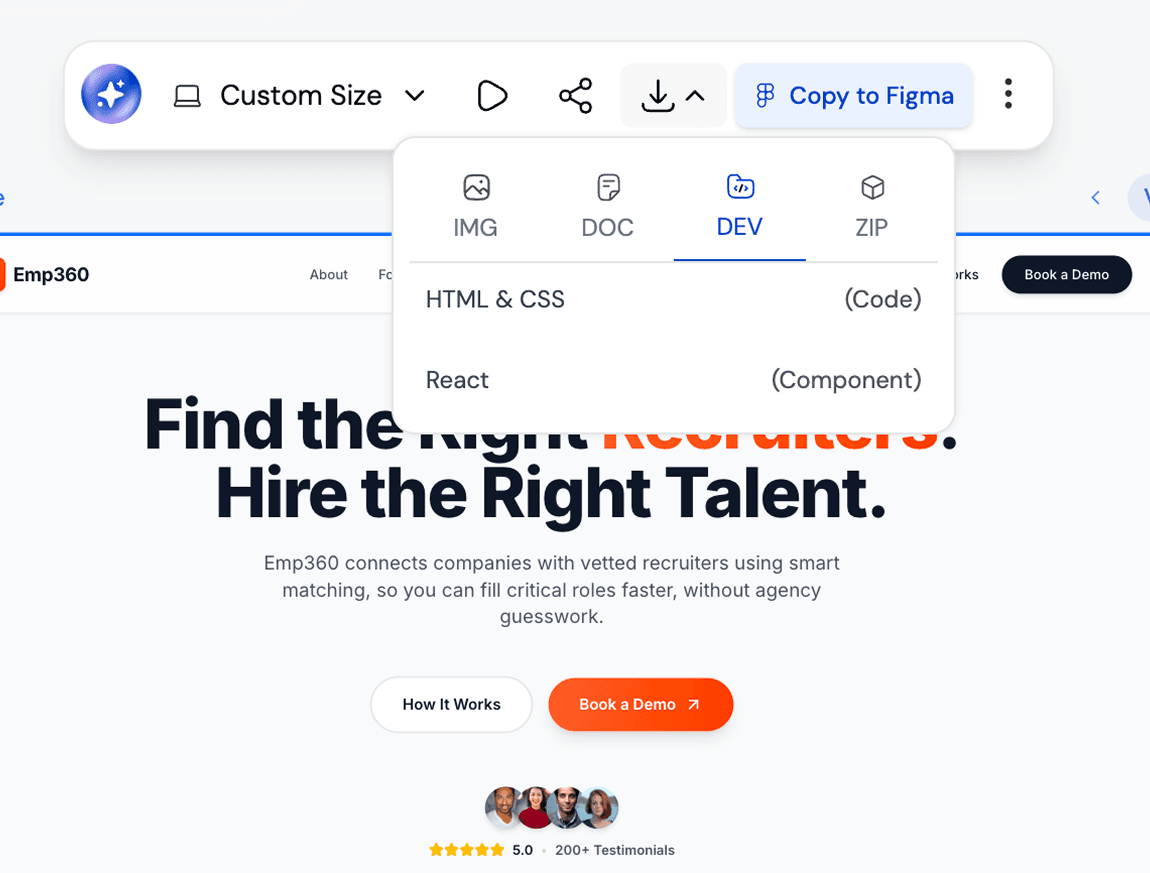
Yes. Every screenshot can be customised inside UXMagic using prompts and styles to generate UI flows and exported directly to Figma. You can also use our AI UI Generator Figma plugin to convert image to ui directly in Figma.
Unlike tools such as Uizard, Banani, UXPilot, or Codia, UXMagic goes beyond simple image tracing. Our AI Figma Plugin and AI Image to UI transforms sketches, screenshots, or references into responsive designs editable with prompt, creates UI Flows in same style, and exports developer ready UI directly in Figma or HTML code.
Every design generated in UXMagic can be exported directly into Figma. The output is fully editable, responsive, and follows Figma’s auto-layout.
built by real people.remixed endlessly.
Be the first to publish something here