Go from idea to production-ready UI without switching tools. UXMagic handles every step of the design process.
Describe your product concept. UXMagic generates a structured PRD and matching UI screens together ready to review or refine.
Describe your startup concept. UXMagic generates every screen in the journey ready to test, pitch, or hand off to developers.
Upload a screenshot, mockup, or Figma design. UXMagic generates clean, production-ready code - not a rough draft your team has to rebuild.
Describe the registration journey. UXMagic generates a complete, multi-screen signup flow - ready to test. Export to Figma or code.
Describe the interface. UXMagic generates a production-ready screen design and exports clean React code not HTML you have to adapt yourself.
Describe your product. UXMagic generates every screen - connected and consistent. No coding needed. Export to Figma or code.
Paste a URL or HTML. Get a fully editable design - no plugin needed. Refine with prompts, then export to Figma or code.
Describe your idea. UXMagic generates connected, multi-screen designs. Refine, then export to Figma or code.
Clone or upload a image, describe changes, and UXMagic delivers an editable redesign in seconds.
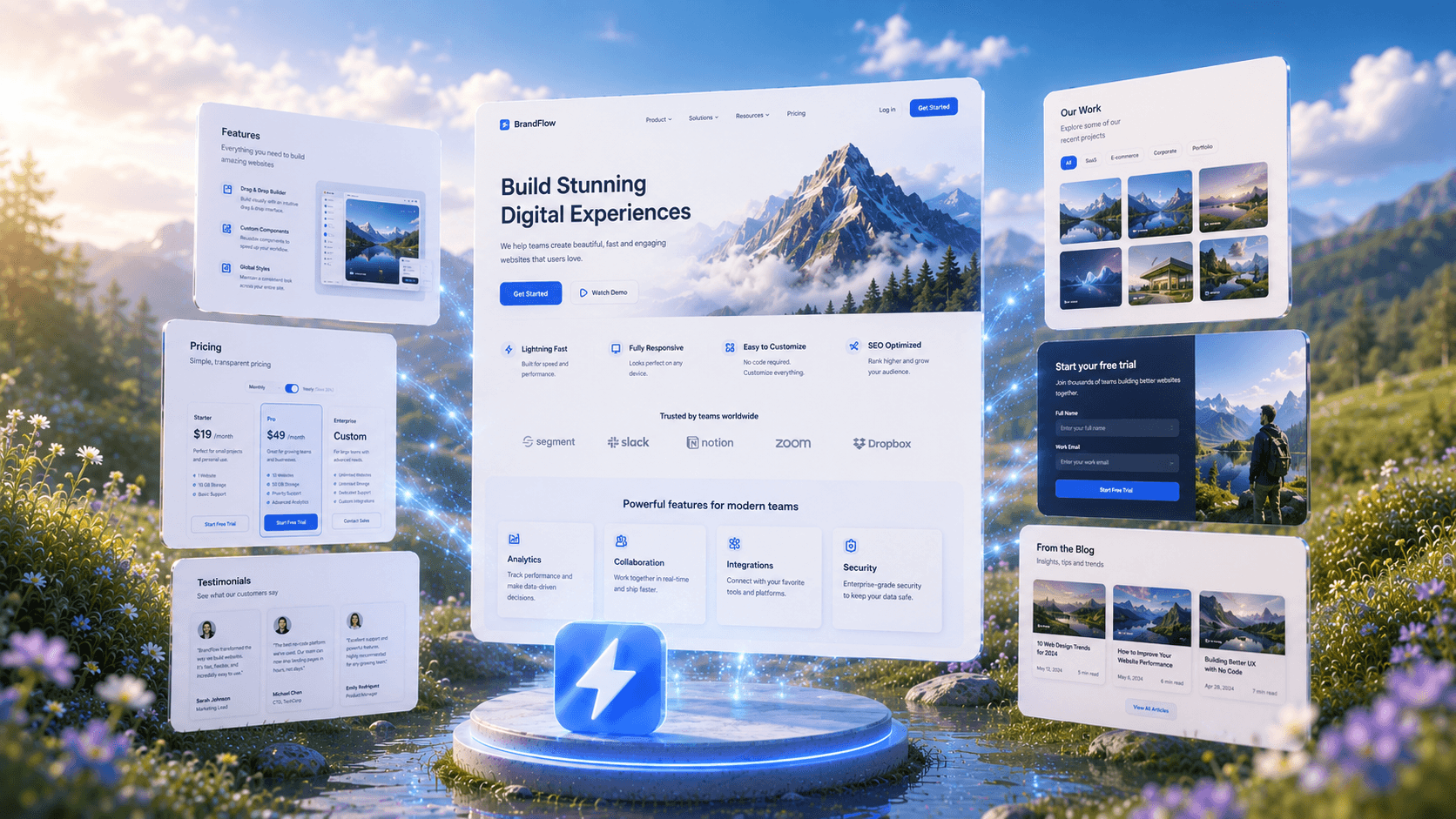
Describe your website and UXMagic generates the complete design, ready to refine or export.
Describe your product and UXMagic generates a complete, clickable prototype ready to test.
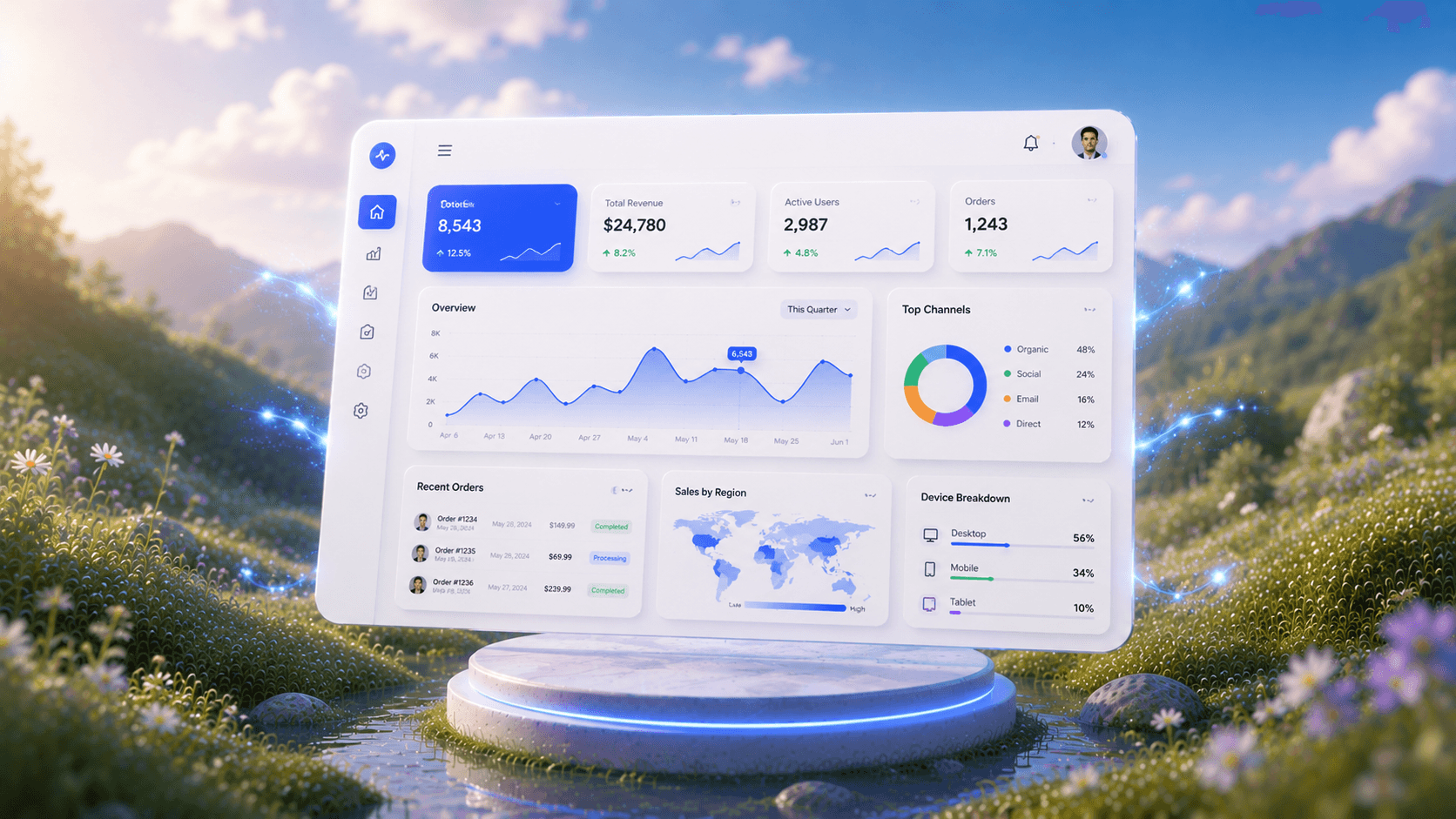
Describe your dashboard and UXMagic instantly generates a complete layout with charts, metrics, and navigation.
UXMagic's AI mockup generator turns any idea into a polished, ready-to-use mockup from a simple prompt. No design experience required.
Describe your idea and UXMagic instantly generates fully editable, high-fidelity screens ready for Figma—no designing from scratch required.
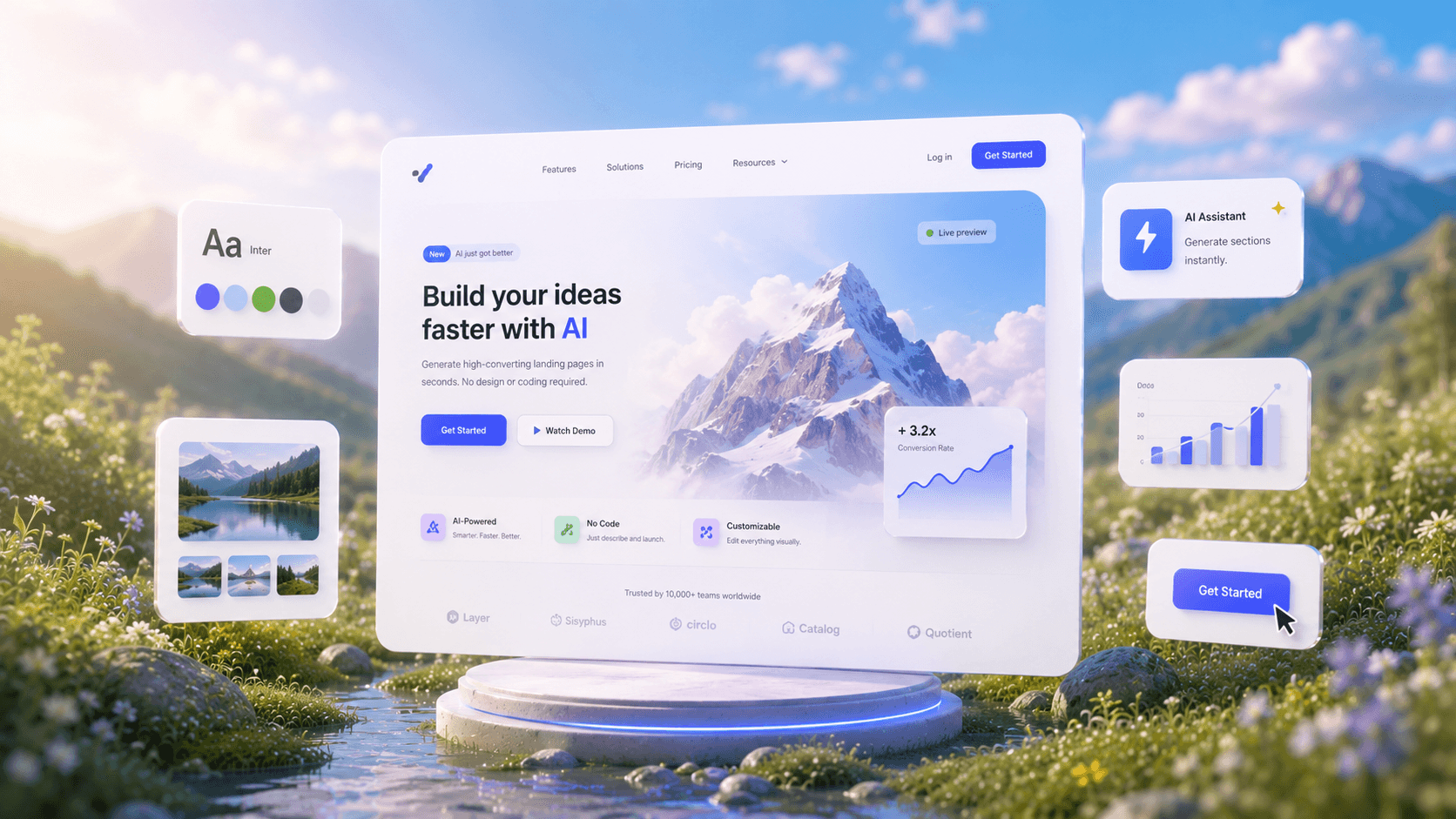
Describe your idea and get a high-converting landing page instantly—no design or coding required.
Seamlessly integrate with your existing Figma projects and workflows.
Recreate any website design by simply providing a URL.
Turn text prompts, screenshots, or URLs into structured.
Upload a design screenshot to get production-ready code.
Convert your sketches into polished digital interfaces.
Generate low-fidelity wireframes to plan your design structure.
Convert screenshots or UI images into clean, editable wireframes instantly with AI and start building real interfaces faster.
Stop designing screen by screen. Flow Mode generates your entire UI flow from one prompt.
Generate a brand style guide: colors, typography, spacing, and components, ready to export to Figma in seconds.
Share work, seek support, stay updated and network with other UXmagic.ai