UXMagic Home
  • Features
  • Libraries
  • Community
  • Pricing
  • Affiliate
  • Resources
UXMagic Home
UXMagic Home

Libraries

Community
Pricing
Affiliate

Resources

Follow us on:
  • Follow us on Slack
  • Follow us on Twitter
  • Follow us on Linkedin
  • Follow us on Youtube
  • Follow us on Instagram

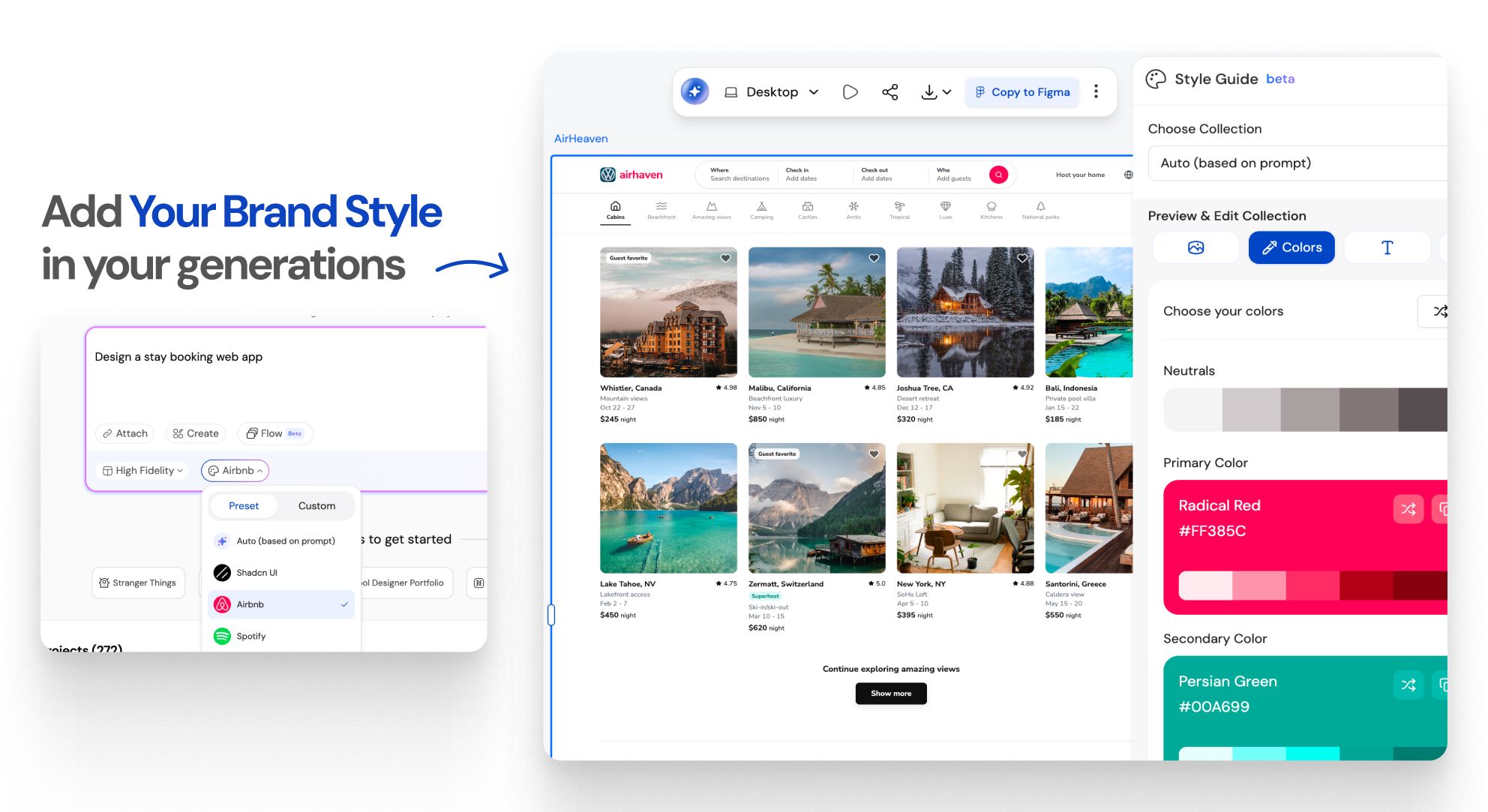
Create a Brand Style Guidethat Scales

Instant Result

Every great product starts with a style guide
Instant Result

How to Create a Style Guide for Consistent UI/UXWORKFLOW

1

Provide your input

Step 1
2

Get your design generated

Step 2
3

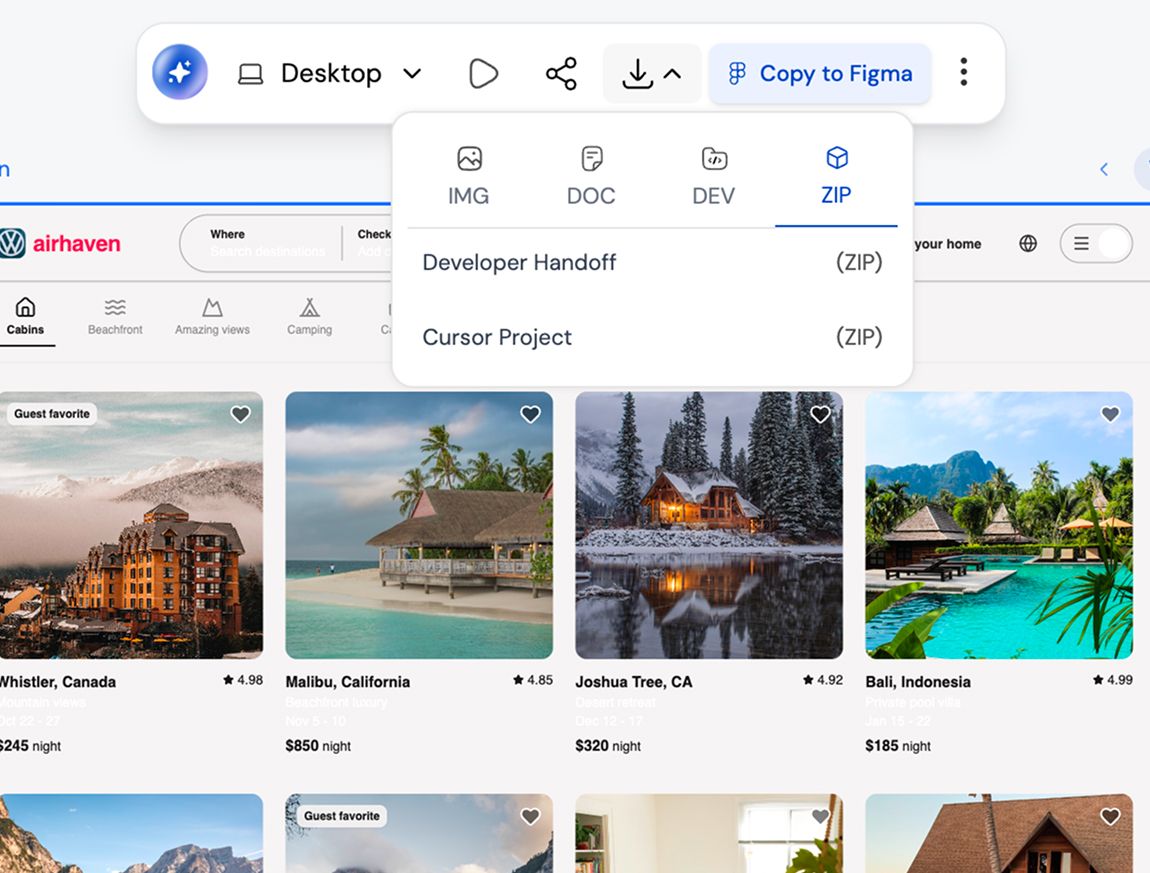
Export to Figma, HTML/React, or Cursor

Step 3
1

Provide your input

Step 1
2

Get your design generated

Step 2
3

Export to Figma, HTML/React, or Cursor

Step 3

UXMagic vs Banani vs UXPilot vs Visily vs Figma Make vs Framer AICOMPETITORS

Unlike other AI user interface design tools like Banani, UXPilot, Uizard, Visily, Figma Make (Figma AI) & Framer, UXMagic brings next-generation design AI integration and generative AI UI design features tailored for 2026 workflows. 👉 Want to see how we compare? Check out our in-depth comparison pages.

FeatureBananiUXPilotUizardVisilyFigma AIFramer AIUXMagic
Auto Style Guide Generation
Automatic Color System Creation
Spacing & Layout System Logic
Cross-Consistency Enforcement
Brand Kit → Structured System
Global Style Editing
Figma-Ready Structured Export
Faq

got questions?we have answers.

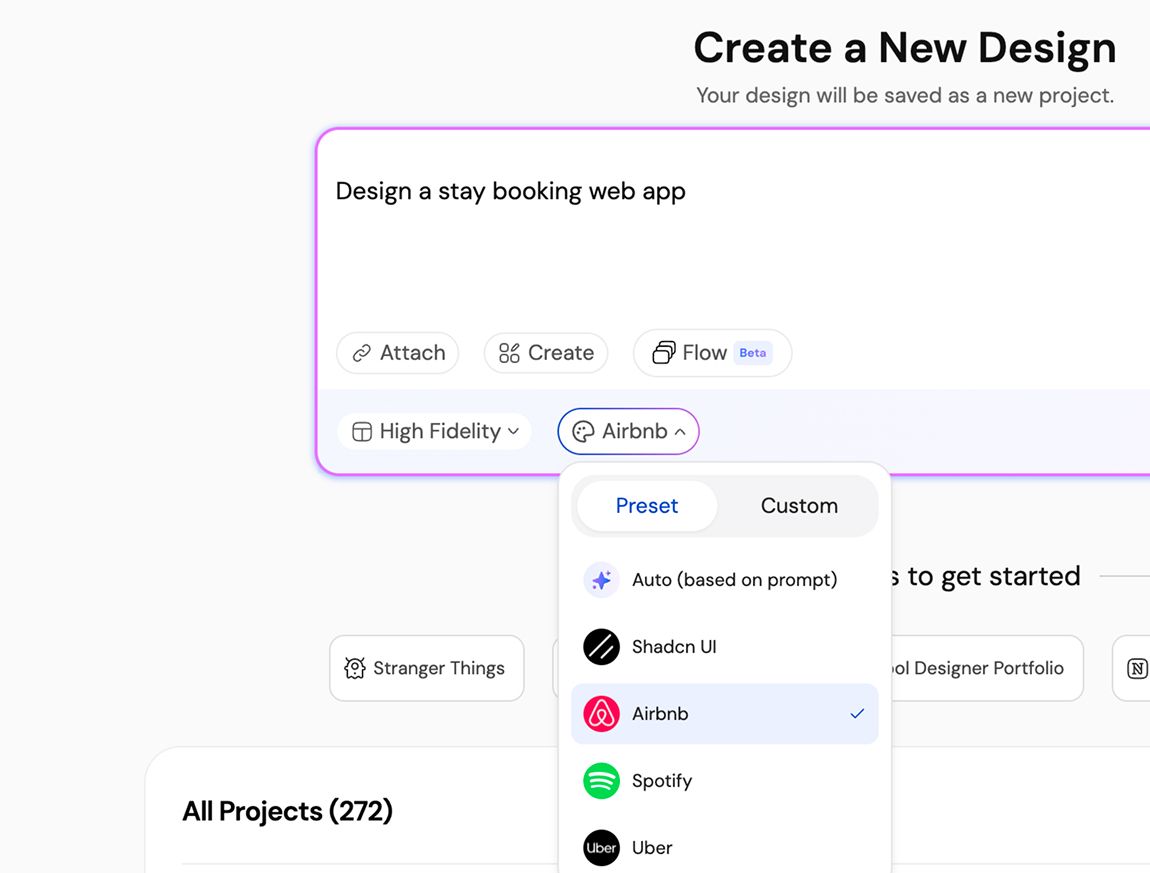
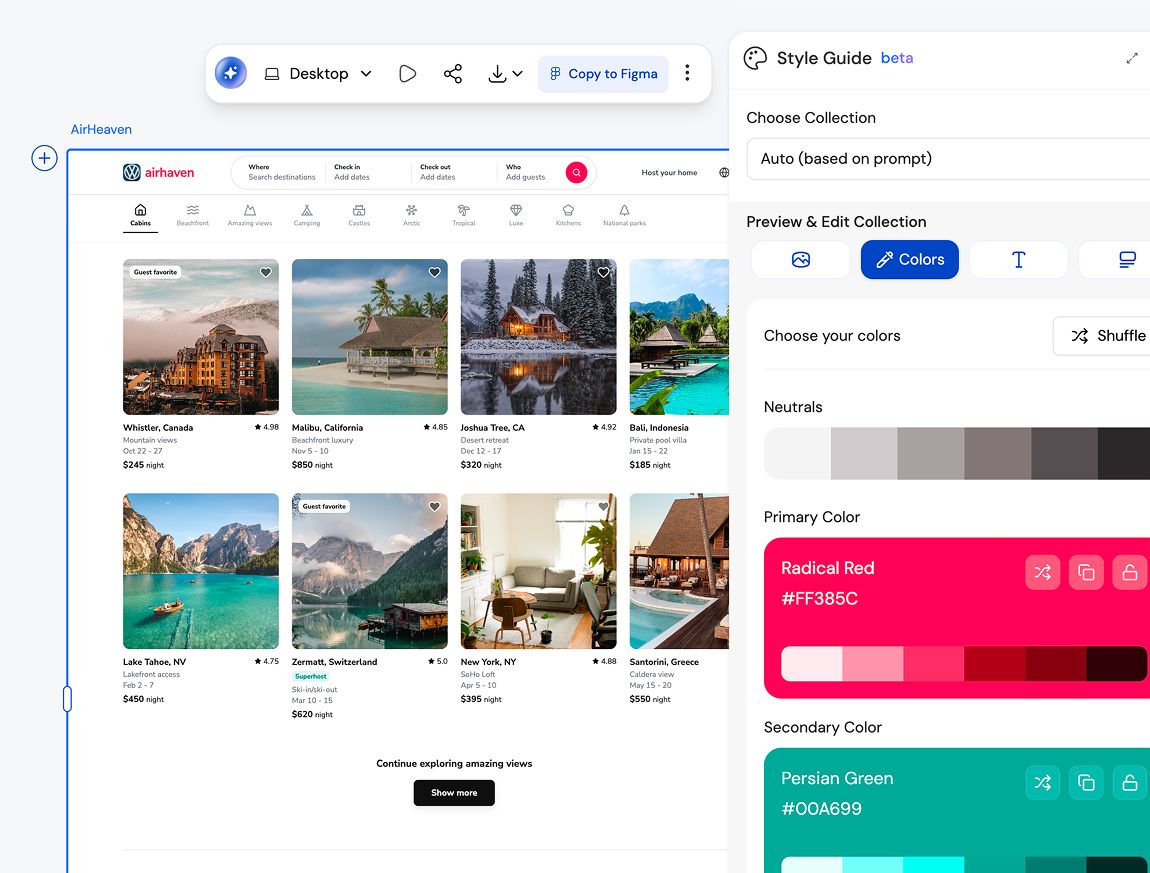
A style guide defines visual rules like colors, typography, spacing, and components. A design system builds on that foundation by adding reusable components, patterns, and usage guidelines. UXMagic helps you move from a style guide to a design system without starting from scratch.

Yes. UXMagic is built for both designers and non-designers. You can generate a complete, structured style guide using text input, screenshots, or URLs without knowing Figma or design theory.

Absolutely. Every style guide is fully editable in Figma, so your team can customize colors, typography, components, and spacing to match your brand perfectly.

Yes. You can import existing Figma styles and components into UXMagic to extend, refine, or regenerate your style guide while keeping brand consistency intact.

That’s exactly who it’s built for. Style guides reduce design rework, prevent visual drift, and help teams scale without slowing down.

Yes. Upload existing screens or URLs and generate a refreshed style guide that aligns with your new brand direction.

Community

built by real people.remixed endlessly.

No results found.

Be the first to publish something here

UXMAGIC FEATURES

Check out our Features

Prompt to UI

Prompt to UI

Instantly turn text descriptions into functional UI designs.

Flow Mode (Multiple Screens)

Flow Mode (Multiple Screens)

Stop designing screen by screen. Flow Mode generates your entire UI flow from one prompt.

testimonials

we don't want to brag.so here's what users say.

Designers, founders, and developers using UXMagic to move faster.

your next idea
deserves to exist

stop thinking about it. just type it out. Badly, half- formed, whatever. We'll turn it into something real.

Product

  • Community
  • Pricing Plans
  • Affiliate Program
  • UXMagic MCP
  • Claude MCP
  • AI info

Resources

  • Help Center
  • Figma Library
  • React Library
  • Mobile App Templates
  • Documentation
  • Tutorials

Features

  • Prompt to UI
  • Image to UI
  • Sketch to UI
  • Clone website
  • Import from Figma
  • AI Wireframe Generator
  • AI Mockup Generator
  • AI Prototype Generator
  • AI Dashboard Generator
  • All Features

Compare

  • vs UX Pilot
  • vs Relume
  • vs MagicPath
  • vs Magic Patterns
  • vs Banani
  • vs Galileo AI
  • vs v0
  • vs Lovable
  • vs Base44
  • All Competitors

Blogs

  • AI in UX Design Workflow: What Actually Works
  • Prompt Templates for SaaS Dashboards
  • Real Prompts We Use to Generate Product Flows
  • Prompt Engineering for UX Designers
  • Best Wireframing Tools in 2026: 10 Free & Pro Options Compared
  • All Blogs

Company & Support

  • Careers
  • Contact Us
  • Privacy Policy
  • Terms of Use
  • Cookie Settings
  • Follow us on Slack
  • Follow us on Twitter
  • Follow us on Linkedin
  • Follow us on Youtube
  • Follow us on Instagram

© 2026 UXMagic AI Technologies Inc.