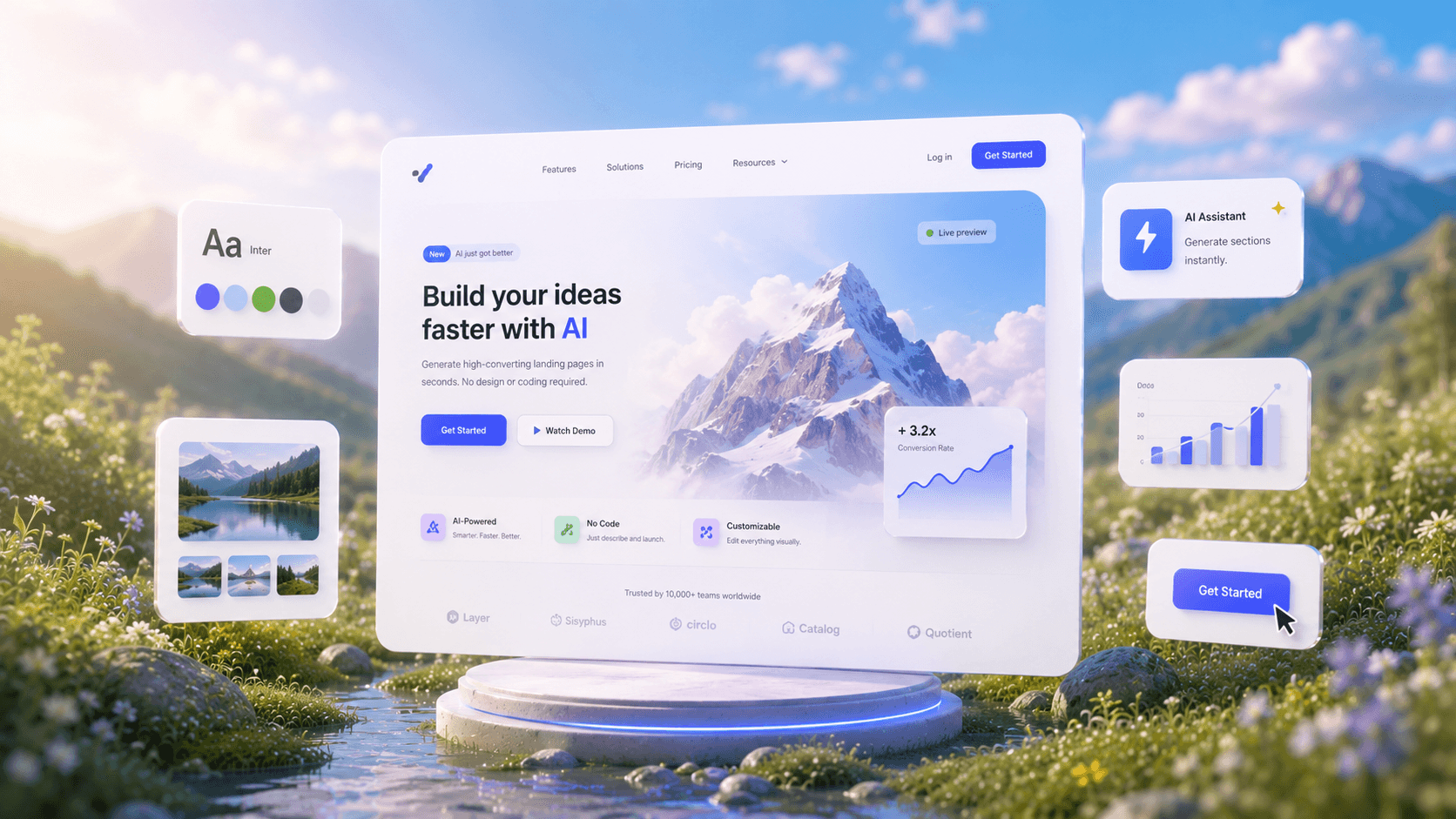
AI Website GeneratorFrom Prompt to Pixel-Perfect.
See How AI GeneratesWebsites Instantly
Trusted by Designers and Developers
Faster than manual design
Responsive by default
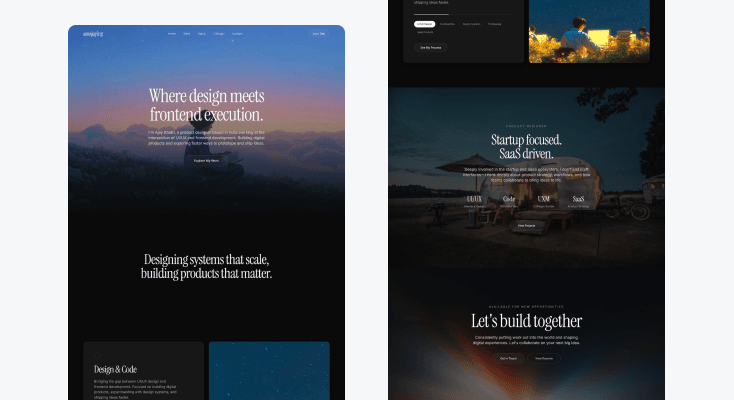
PortfolioWebsite
Design a premium portfolio website for a designer and developer featuring cinematic imagery, elegant serif typography, dark luxury aesthetics, and editorial-style layouts. Include a bold hero section, expertise showcase, project highlights, startup-focused content, refined call-to-actions, and a sophisticated footer. Inspired by Framer, and high-end creative portfolios. Ultra-detailed, modern, production-ready, Pinterest-worthy website design.
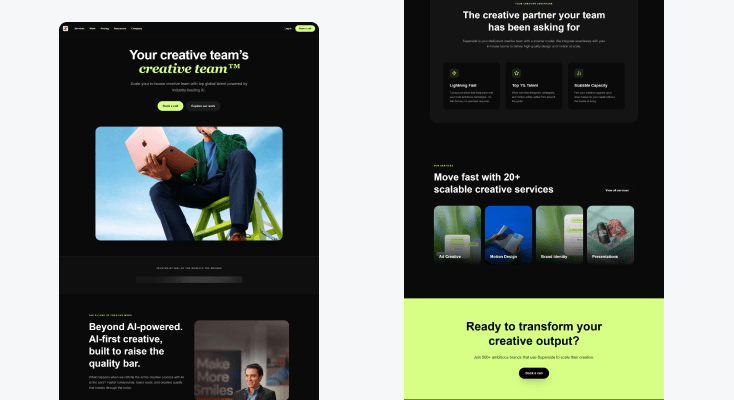
AI CreativeAgency Website
Design a premium AI creative agency website with a bold dark-mode aesthetic, oversized typography, lime-green accents, and modern SaaS layouts. Include a high-impact hero, brand logos, AI workflow showcase, feature cards, service offerings, and strong call-to-action sections. Use clean grids, spacious layouts, rounded containers, and premium visual hierarchy inspired by Superside and Linear. Ultra-detailed, production-ready, Pinterest-worthy website design.
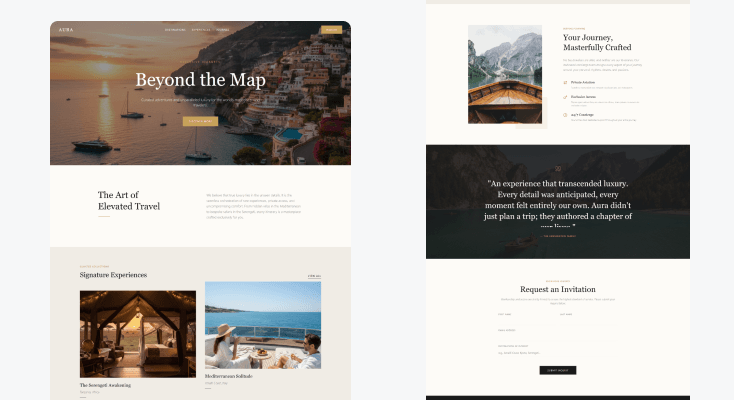
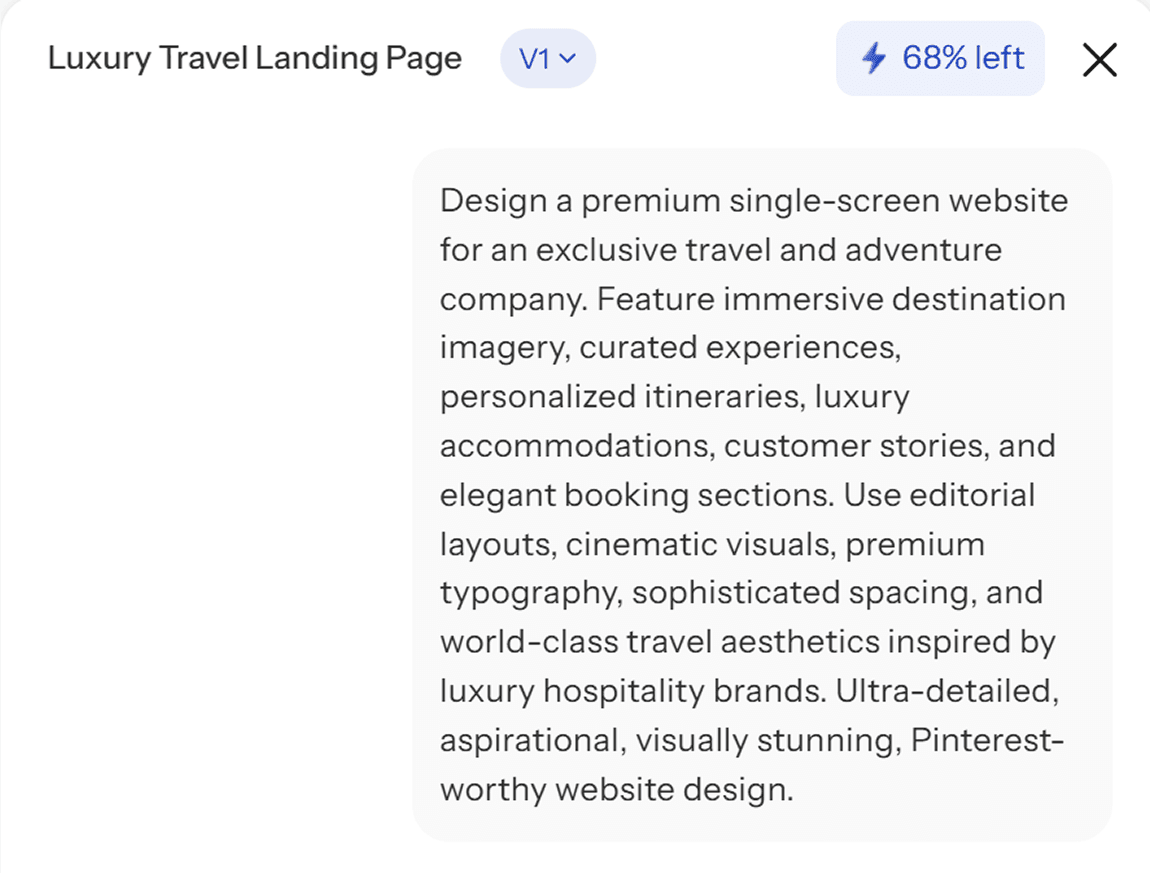
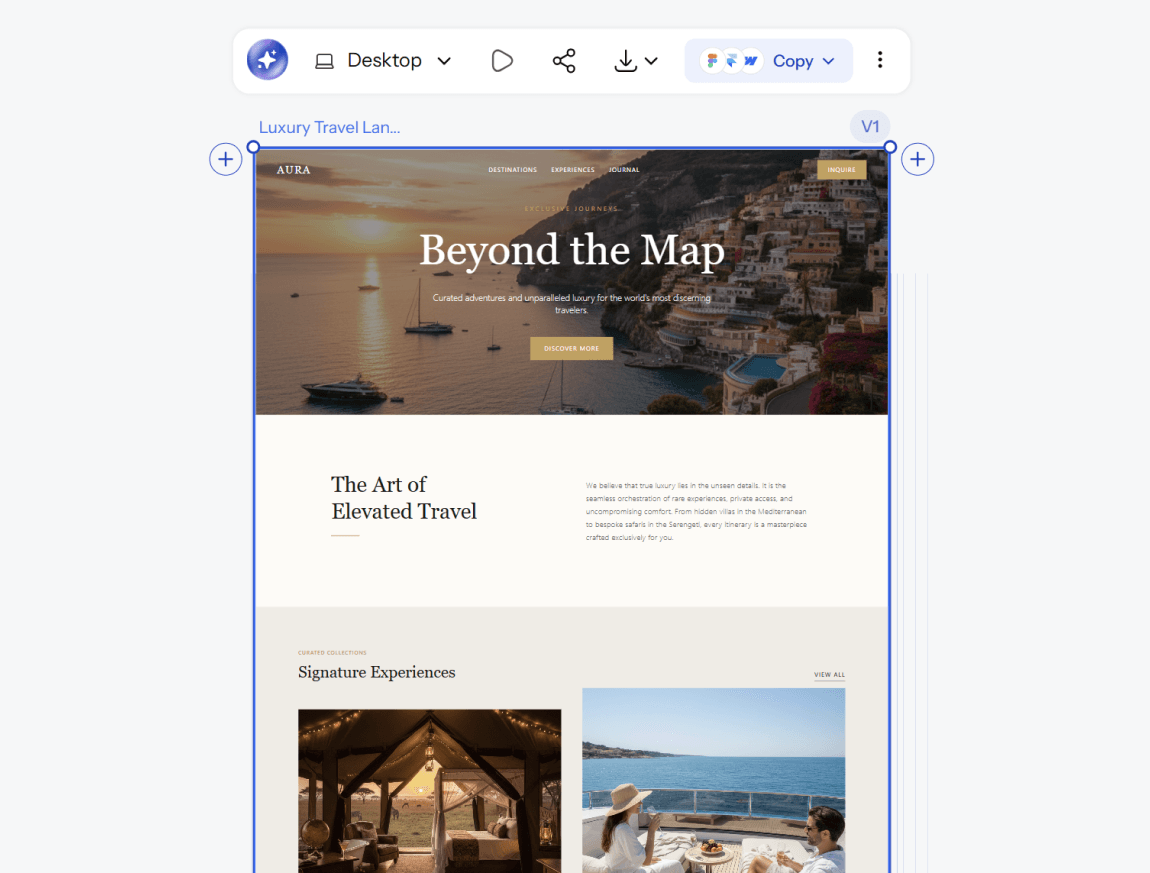
LuxuryTravel Website
Design a premium single-screen website for an exclusive travel and adventure company. Feature immersive destination imagery, curated experiences, personalized itineraries, luxury accommodations, customer stories, and elegant booking sections. Use editorial layouts, cinematic visuals, premium typography, sophisticated spacing, and world-class travel aesthetics inspired by luxury hospitality brands. Ultra-detailed, aspirational, visually stunning, Pinterest-worthy website design.
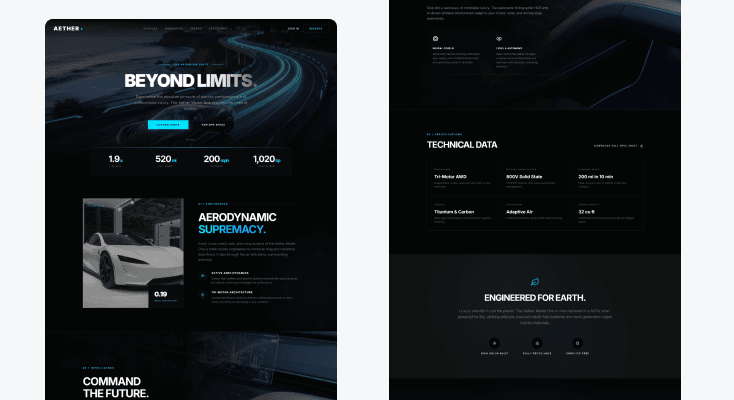
AutomotiveProduct Website
Design a premium single-screen website for a futuristic electric vehicle company. Showcase the flagship vehicle with immersive hero visuals, performance highlights, technology features, sustainability messaging, interactive specifications, and reservation call-to-actions. Use sleek layouts, cinematic renders, premium animations, modern typography, and world-class product presentation inspired by Tesla, Rivian, and luxury automotive brands. Ultra-detailed, futuristic, production-ready, Pinterest-worthy website design.
What you walk away with
A complete website, not just a homepage
Every core page generated together, connected and consistent, so you are not stitching together five separately designed screens that do not quite match.
A design that holds up at every size
Mobile and desktop versions generated from the same source, so your website looks intentional everywhere it is viewed, not just on the screen size you happened to design for first.
Code and design both ready to use
Export to Figma for further refinement, or export clean code and start building immediately. The distance between your design and your live website is shorter here than with a typical mockup tool.
UXMagic vs Figma vs UXPilot vs Banani vs Uizard vs Google Stitch vs Replit
A lot of tools call themselves an AI website generator. Here is what separates them when you look at what teams actually need:
| Feature | Figma (native AI) | UXPilot | Banani | Uizard | Google Stitch | Replit | UXMagic |
|---|---|---|---|---|---|---|---|
| AI prompt to website design | |||||||
| Multi-page site generation in one flow | |||||||
| Works without a Figma account | |||||||
| Pixel-perfect, editable design output | |||||||
| Design-first output, not code-only | |||||||
| Export to Figma | |||||||
| Production-ready code export |
got questions?we have answers.
An AI website generator is a tool that turns a text description into a complete website design, including layout, navigation, and individual pages, without requiring manual setup for each screen. Instead of building every page separately, you describe what you need and the AI structures the full site around it. UXMagic's AI website generator focuses on producing connected, multi-page designs rather than a single isolated homepage.
Describe the type of website you need, including the pages, tone, and purpose. UXMagic generates a complete, multi-page design in seconds. From there, refine specific sections with AI chat, adjust manually, or export the finished design once you are happy with it.
Yes. UXMagic generates connected page flows, home, about, pricing, contact, and more, from a single prompt, with consistent navigation and layout logic across every page rather than one strong homepage and nothing else.
No. UXMagic is built so that founders, marketers, and product teams without design or development backgrounds can produce a complete website design as easily as a trained designer. The AI handles layout, spacing, and page structure.
UXMagic has a free tier that lets you generate and edit website designs without a credit card. Paid plans unlock more generations, additional pages per project, and advanced export options for teams building websites regularly.
Yes. UXMagic exports your generated website directly into Figma as editable layers, so you can continue refining the design there or hand it off to a developer using Figma's Dev Mode.
Both. UXMagic produces a complete, pixel-perfect design you can export to Figma, and it also exports clean, production-ready code so your website can move directly into development without being rebuilt from scratch.
A drag-and-drop builder still requires you to manually place every section, choose every layout, and configure every page yourself. UXMagic's AI website generator builds the structure for you from a text description, so you start from a complete design rather than an empty canvas with a toolbar.
Figma's AI website features live inside Figma Make, which requires a Figma account and is positioned as a prompt-to-code tool for building live, functional sites rather than a dedicated website design generator. UXMagic works independently of the Figma ecosystem, generating multi-page, pixel-perfect designs before exporting into Figma, with both design and code output available from the same generation.
Yes. UXMagic generates mobile and desktop versions of your website from the same prompt, adapting the layout for each screen size automatically rather than requiring you to design each version separately.
built by real people.remixed endlessly.
Be the first to publish something here