Your AI coding assistant just generated 400 lines of flawless TypeScript, your linters passed, and the build succeeded without a single warning. Then you open the local preview and realize the modal is offset by 40 pixels, the submit button is an unclickable inline div, and the responsive layout collapses on tablet viewports. The reality of frontend development in 2026 is that file-first coding agents lack direct runtime visual understanding, leaving developers to spend real sprint time fixing basic UI defects these tools structurally can't see coming.
You already understand component-driven architecture, version control, and utility-first CSS. This isn't a primer on what an LLM is. It's a direct evaluation of whether Cursor, Blackbox AI, GitHub Copilot, Claude Code, and v0 actually eliminate frontend bottlenecks, or just relocate them into a different, harder-to-spot form.
Quick Comparison
| Tool | Best For | Frontend Strength | Visual Awareness | Best Use Case |
|---|---|---|---|---|
| Cursor | Repo-wide refactoring | Strong code editing, no render check | None - code-only | Large codebase refactors |
| GitHub Copilot | Enterprise workflow integration | Reliable, seamless PR integration | None - code-only | Teams already on GitHub workflows |
| Claude Code | Complex repository reasoning | Strong multi-file logic | None - terminal-native | Deep codebase understanding, autonomous multi-file work |
| Blackbox AI | Multi-model search | Inconsistent CSS output | None - code-only | Fast code search, not layout-critical work |
| v0 | Single component generation | High-fidelity individual components | Preview-based, single-screen | One well-built component, fast |
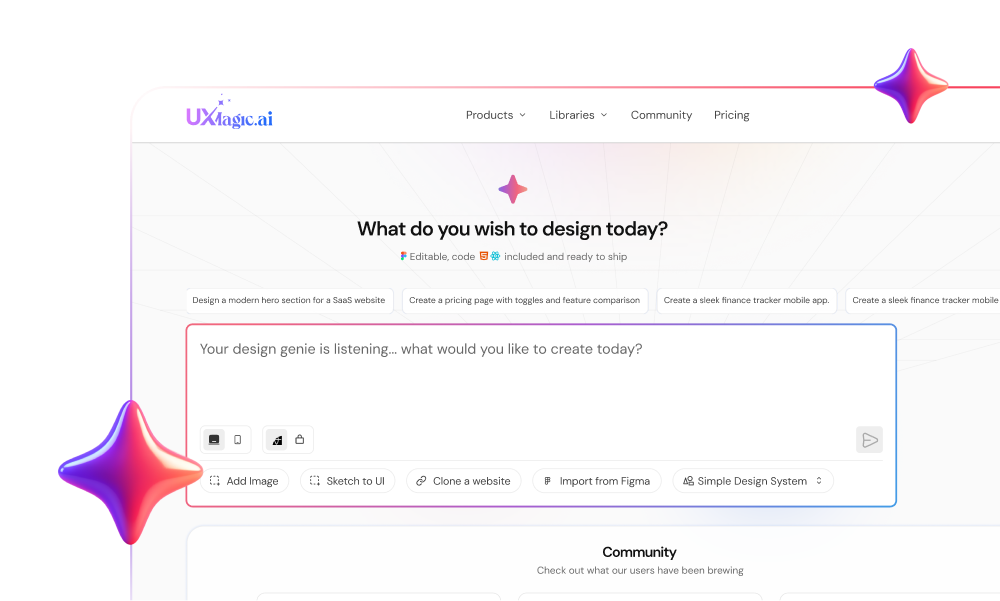
| UXMagic | Multi-screen product flows | Visual-first, token-enforced | Native - generates in a visual canvas | Connected flows before code exists |
The State of AI Frontend Engineering in 2026
Beyond Autocomplete: The Rise of Agentic Coding Tools
The category has moved well past inline autocomplete. Editor-native forks like Cursor, terminal-native agents like Claude Code, and multi-model orchestration platforms like Blackbox AI now write entire files and reason across a repository. That's a real capability jump for backend logic and algorithmic code - it doesn't automatically translate to frontend UI work, which depends on something none of these tools can directly observe.
The Visual Runtime Context Gap in File-First AI Tools
File-first and terminal-native tools inspect code syntax, not runtime visual context. A tool operating strictly on syntax can't evaluate whether a component renders correctly across dynamic viewports, because it never actually sees the rendered DOM, computed breakpoints, or z-index stacking. That's a structural limitation of the category, not a bug any individual vendor has simply failed to fix yet.
Comprehensive Tool Analysis: Top AI Frontend Tools Evaluated
Cursor: Superior Multi-File Refactoring with Editor-Native Context
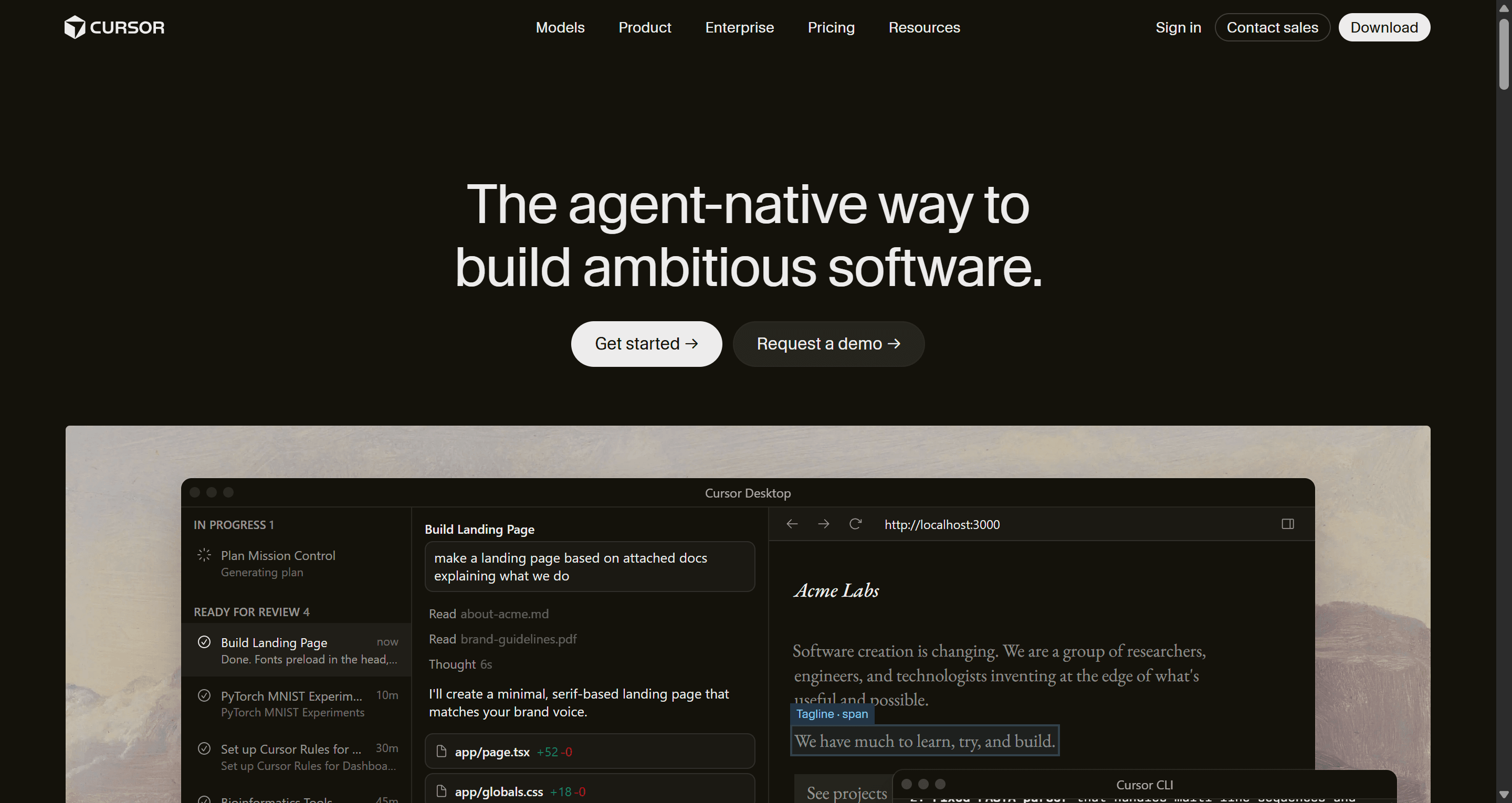
Cursor's real strength is repository-wide code editing - refactoring across many files with strong contextual awareness of the existing codebase, and it's genuinely become one of the most-used AI IDEs in 2026. That strength stops at the file boundary: Cursor can reason about what your code says, not about what it renders as once a browser actually paints it.
Blackbox AI: Multi-Agent Execution vs. Frontend Output Quality
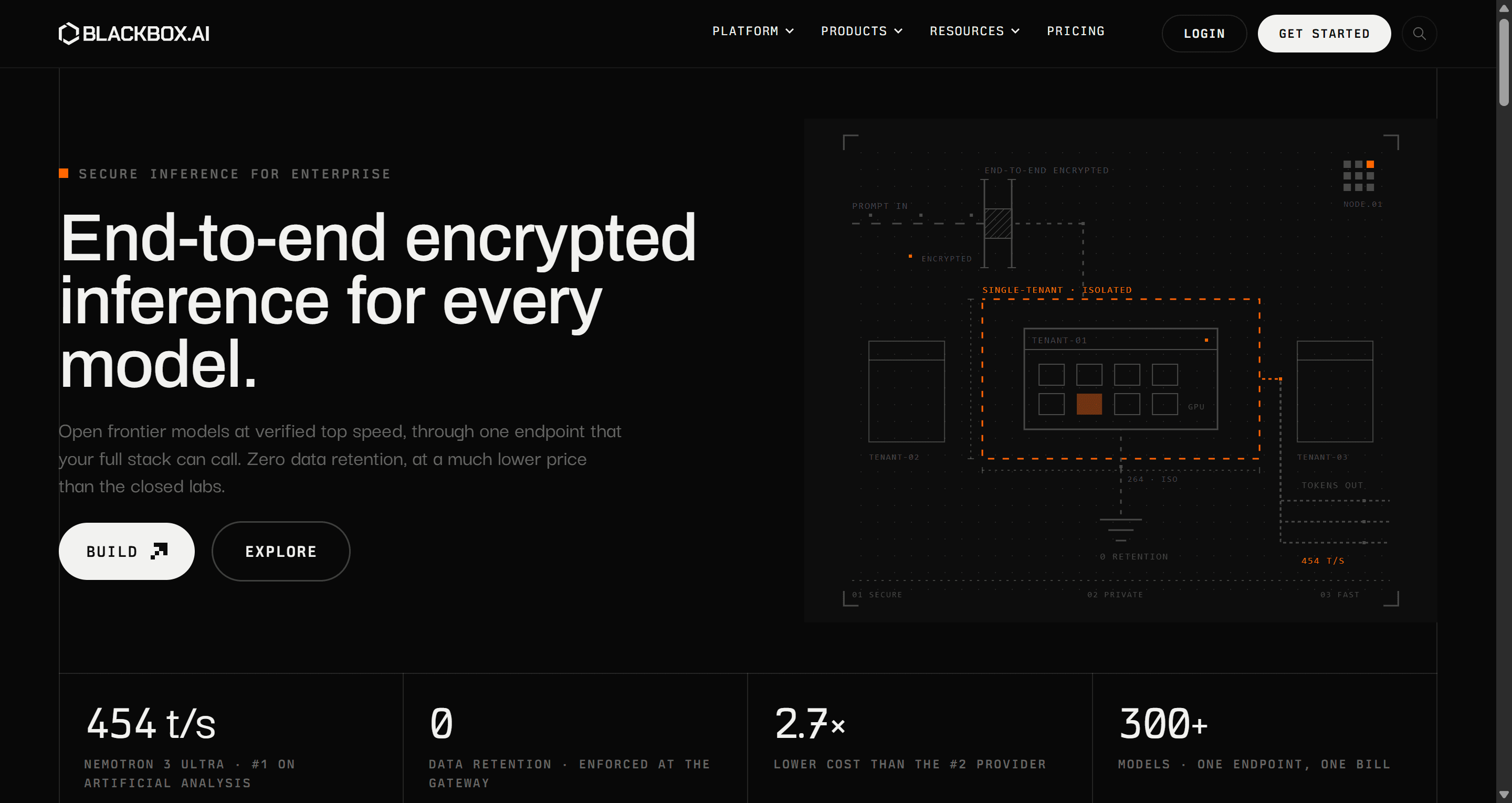
Multi-model parallel execution ("Chairman LLMs") can introduce architectural inconsistency into frontend codebases specifically. Blackbox AI markets running models like Claude, GPT, and proprietary LLMs in parallel to return an aggregated result. That approach can work reasonably well for isolated backend algorithms - running multiple models on frontend code more often causes structural conflicts, since one model defaults to inline utility classes, another attempts custom CSS modules, and a third references an entirely different design library, leaving an inconsistent codebase behind.
GitHub Copilot: Reliable Workflow Integration for Enterprise Teams
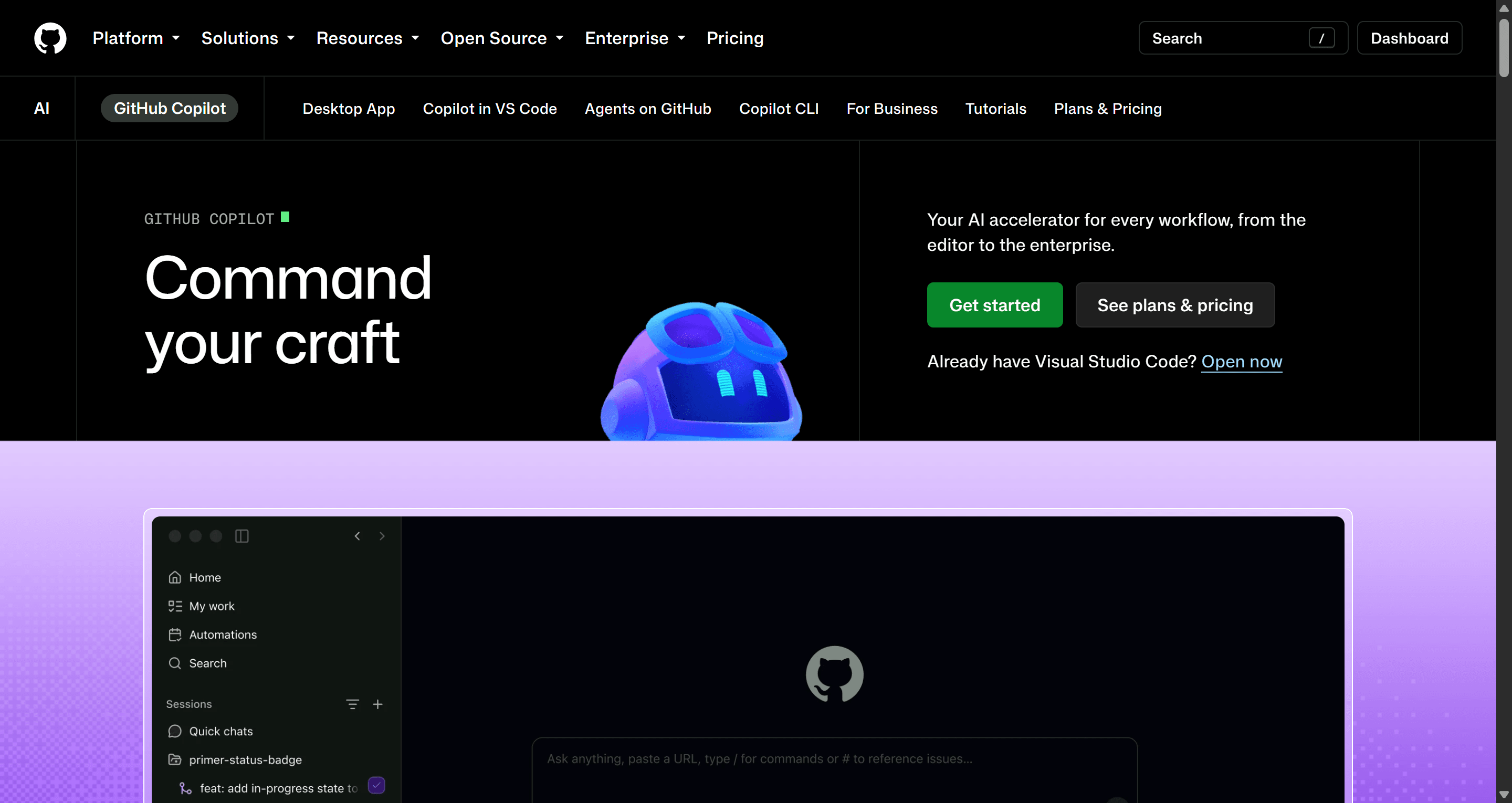
Copilot's advantage is integration depth - seamless PR workflows, broad enterprise adoption, and reliable suggestions inside an existing team's established process. It shares the same fundamental limitation as Cursor: strong at code, no direct rendering awareness.
Claude Code: Terminal-Native Context for Complex Repository Logic
Claude Code genuinely excels at complex code reasoning across a large repository from the terminal - independent 2026 benchmarking (SWE-bench Verified) puts it well ahead of comparable scores from Cursor and Copilot on multi-file repository tasks. It doesn't evaluate visual rendering or layout correctness, because it was never architected to - that's a category-wide limitation of terminal and file-native tools generally, not a Claude Code-specific gap.
v0 by Vercel: High-Fidelity Single Component Generation
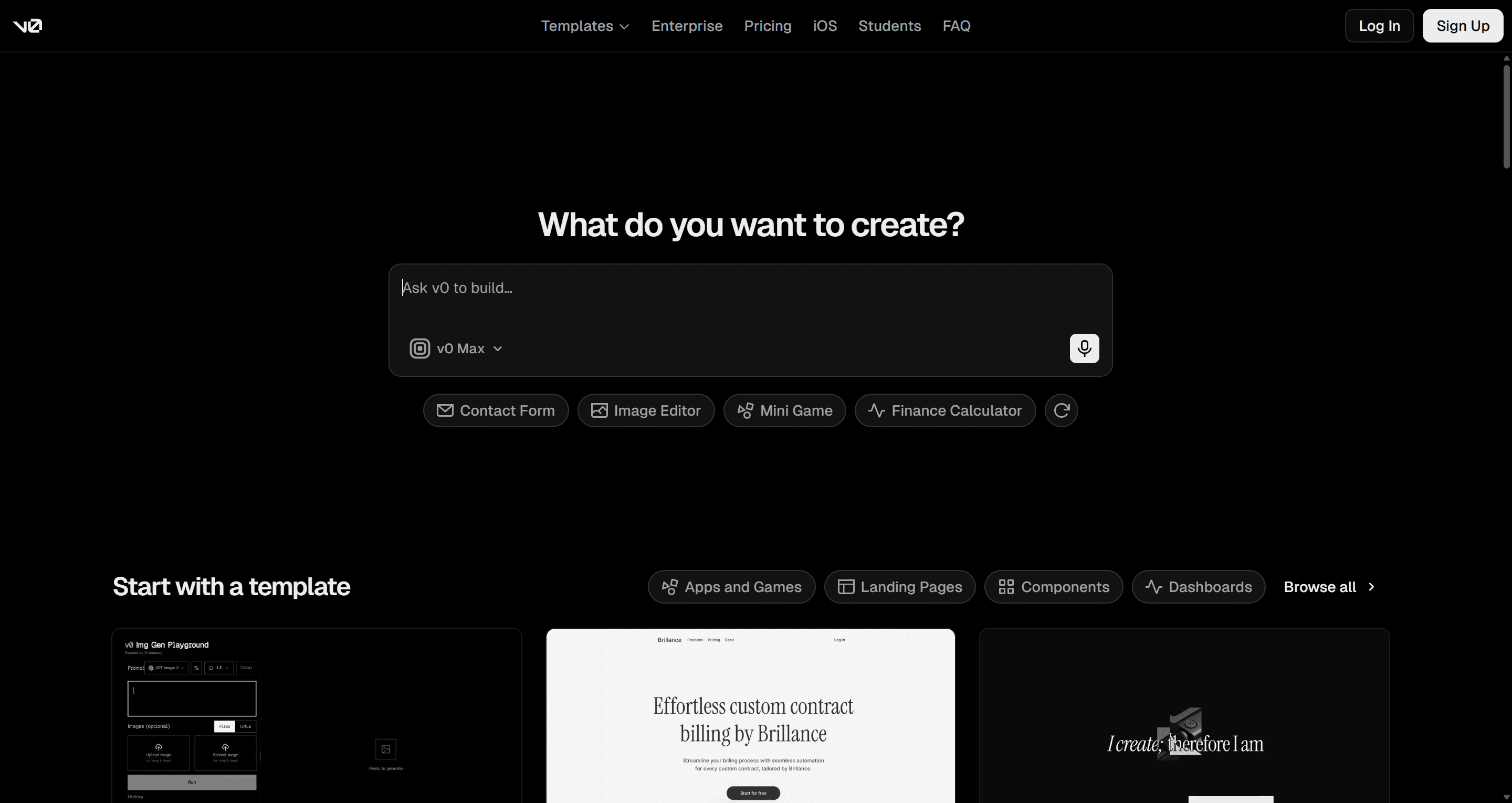
v0 sits in an interesting middle ground between a coding assistant and a design tool - it generates individual React components with genuine visual fidelity and a live preview, closer to a design tool's feedback loop than Cursor or Copilot's pure-code workflow. Where it stays firmly on the "coding assistant" side of that line is scope: it's built around one component or one screen at a time, not a connected multi-screen product flow. That's the limitation covered in more depth below.
Pricing Comparison
| Tool | Entry Tier | Mid Tier | Heavy-Use Tier |
|---|---|---|---|
| GitHub Copilot | Free / $10/mo Pro | Usage-based credits ($0.01/credit) | $100/mo Max |
| Cursor | $20/mo Pro | $60/mo Pro+ | $200/mo Ultra (real agent-heavy usage often lands $60–100/mo) |
| Claude Code | $20/mo (via Claude Pro) | $100/mo Max (5x usage) | $200/mo Max (20x usage) |
| Blackbox AI | Tiered credits | Varies | Confirm current terms directly - credit mechanics shift |
| v0 | Free tier available | Usage-based | Scales with Vercel usage |
| UXMagic | Free ($0, 30 credits, up to 5 screens) | $17.5/mo (1,200 credits, up to 200 screens) | Custom enterprise |
How to Evaluate These Tools Yourself
Rather than taking any comparison's word for it, test each tool on the same brief and score it against:
- Responsive layout accuracy - does the output actually hold up across mobile, tablet, and desktop, or only in the tool's own preview?
- Design token consistency - does it reference your existing color and spacing tokens, or invent its own?
- Component reuse - does it reuse an existing button or input component, or generate a new one every time?
- Code cleanliness - is the output something a senior engineer would merge as-is, or does it need a real rewrite pass?
- Time saved - measure the full cycle, including cleanup time, not just time-to-first-output.
That last metric is the one most comparisons skip, and it's usually the one that matters most.
The Hidden Bottlenecks of Code-First UI Generation
Parallel Component Library Creep and Token Drift
Code-focused assistants can hallucinate custom spacing values, inline colors, and redundant CSS classes rather than referencing global design system tokens. This creates a parallel component library within the same codebase - a second, competing set of buttons and inputs slowly forming alongside the "real" one, adding technical debt with every new prompt that isn't tightly scoped to existing tokens. UXMagic's Style Guide Generator is built specifically to prevent this at the source defining colors, typography, and spacing as a real token system once, so nothing downstream has room to invent its own.
Filling a large context window with backend routes, database schemas, and build configurations can also degrade a model's focus on frontend visual structure specifically. The assistant loses track of component hierarchies across a long session and proposes outdated or mismatched component signatures - a large context window helps less than it sounds like it should, once most of that context is unrelated to the UI work at hand.
Why Screen-by-Screen Prompting Breaks Journey Continuity
Prompting UI components screen-by-screen is an increasingly outdated paradigm that reliably produces design drift. Most AI component generators encourage describing interfaces one screen or one component at a time. This isolated approach breaks functional and visual continuity across real user journeys - production SaaS applications operate on interconnected flows where state management, navigation hierarchy, and visual design rules need to stay identical across every view, not just internally consistent within one screen.
Screenshot-to-code features compound the same problem from a different angle. Converting flat pixels directly into raw frontend code skips the essential design abstraction layer entirely. Without an intermediate visual editing phase where layout structures and design tokens get validated, screenshot generators tend to produce absolute-positioned, unsemantic code that breaks the moment dynamic API data replaces the placeholder content it was built around. UXMagic's Image to UI handles this input type differently - feeding a screenshot into the same structured, token-aware Flow Mode pipeline rather than a separate, lower-fidelity conversion path that skips the abstraction layer entirely.
Here's what that looked like on two real projects, with measured outcomes. A SaaS startup needed a multi-step conversion flow - plan selection, addon selection, authentication, payment confirmation. Prompting an IDE-first tool screen-by-screen generated four separate React files over roughly two workdays: step one used custom flexbox containers, step two switched to CSS grid with hardcoded padding, step three introduced a secondary button variant that violated the brand palette, and step four broke completely on mobile. Total cleanup and unification time: two full workdays before the flow was mergeable.
An enterprise product team modernizing a legacy admin dashboard hit a related wall. Uploading screenshots of the legacy dashboard into a generic vision-to-code engine yielded absolute-positioned HTML and unsemantic divs - the static preview looked fine, but the layout collapsed the moment real API data populated the DOM or the browser window resized, requiring a near-complete manual rebuild rather than incremental cleanup.
The Modern 2026 Stack: From Visual UI Flow to Production React
Step 1: Architect Connected Flows in UXMagic Flow Mode
Inserting a visual flow structure step before code export is what keeps an AI agent operating within real layout and token boundaries, instead of guessing at structure from a vague prompt or a flat screenshot. UXMagic's Flow Mode generates complete, multi-screen UI journeys in a single operation while enforcing visual design guides across every screen - the direct fix for the checkout scenario above, where four separately prompted screens drifted visually because nothing tied them together at generation time. For teams already working from an existing wireframe or hand-drawn sketch rather than starting fresh, Sketch to UI carries that same discipline back to the earliest stage of the process.
Step 2: Enforce Brand Rules and Locked Style Guides
Teams governing design consistency benefit from enforcing locked style guides and design tokens visually before code ever gets generated, not after. Applying a consistent brand style guide across a generated flow means every screen shares identical navigation, input styling, and layout tokens by construction - closing the exact "parallel component library" gap covered above, since there's nothing left for a code agent to invent on its own.
Step 3: Export Clean React Code into Your AI IDE
UXMagic delivers production-ready React code and editable Figma assets directly from a structured visual flow - closing the gap most of this landscape leaves open between "generated something visually plausible" and "generated something an engineer will actually merge." UXMagic's React Component Library is what that export actually produces on the code side - real, structured components with props and hierarchy, not markup that merely resembles a React layout. Applied to the checkout scenario: the entire conversion journey generates in one visual canvas with an applied brand style guide, all four screens sharing identical tokens, and the resulting React and Tailwind code exports directly into the repository - a workflow measured in tens of minutes rather than two workdays of cleanup.
None of this replaces Cursor, Copilot, or Claude Code - it changes what they're handed. A code agent working from a validated, token-consistent React export has a fixed target to build against, rather than a vague prompt it has to guess a layout structure for. For teams whose developer handoff runs through an AI coding assistant specifically, UXMagic's MCP integration connects generated flows directly into Cursor, Claude Code, or VS Code, so the structured output from Step 3 lands right inside the IDE these teams are already using closing the loop between the visual flow and the code agent, rather than a manual copy-paste between two disconnected tools. For teams thinking through where this fits earlier in the product process, how AI is actually changing UX design workflows covers the pre-code ideation stage this stack sits downstream of.
Build Connected UI Flows Before Code
Generate and validate a connected, token-consistent UI flow before handing it to your code agent, reducing rework and multi-day cleanup.