
Paying $40 per month for Relume on top of your Webflow and Figma subscriptions, only to spend three hours refactoring unlinked Client-First utility classes, isn't workflow automation. It's paying a premium to clean up technical debt. For agencies trying to scale production, unstyled component aggregators are quickly becoming a bottleneck rather than an efficiency driver.
You already know what a sitemap is and how Client-First class structures work. This isn't an explainer on wireframing basics. It's an honest look at whether Relume's pricing actually earns its place stacked on top of Webflow and Figma, or whether it just relocates the labor into a cleanup phase nobody accounts for upfront.
Relume does not design custom websites. It matches a text prompt against a static database of roughly 1,000 pre-designed components. That single distinction matters more than any feature list below.
What Is Relume AI and How Does It Fit Into Modern Design Workflows?
Relume is an unstyled component indexing engine, not generative AI. That distinction should shape every expectation you bring to it. It doesn't generate a custom, context-aware UI. It executes a database query that matches your prompt against pre-indexed layouts.
That's genuinely useful for one specific job: fast sitemap scoping and structural wireframing for marketing sites.
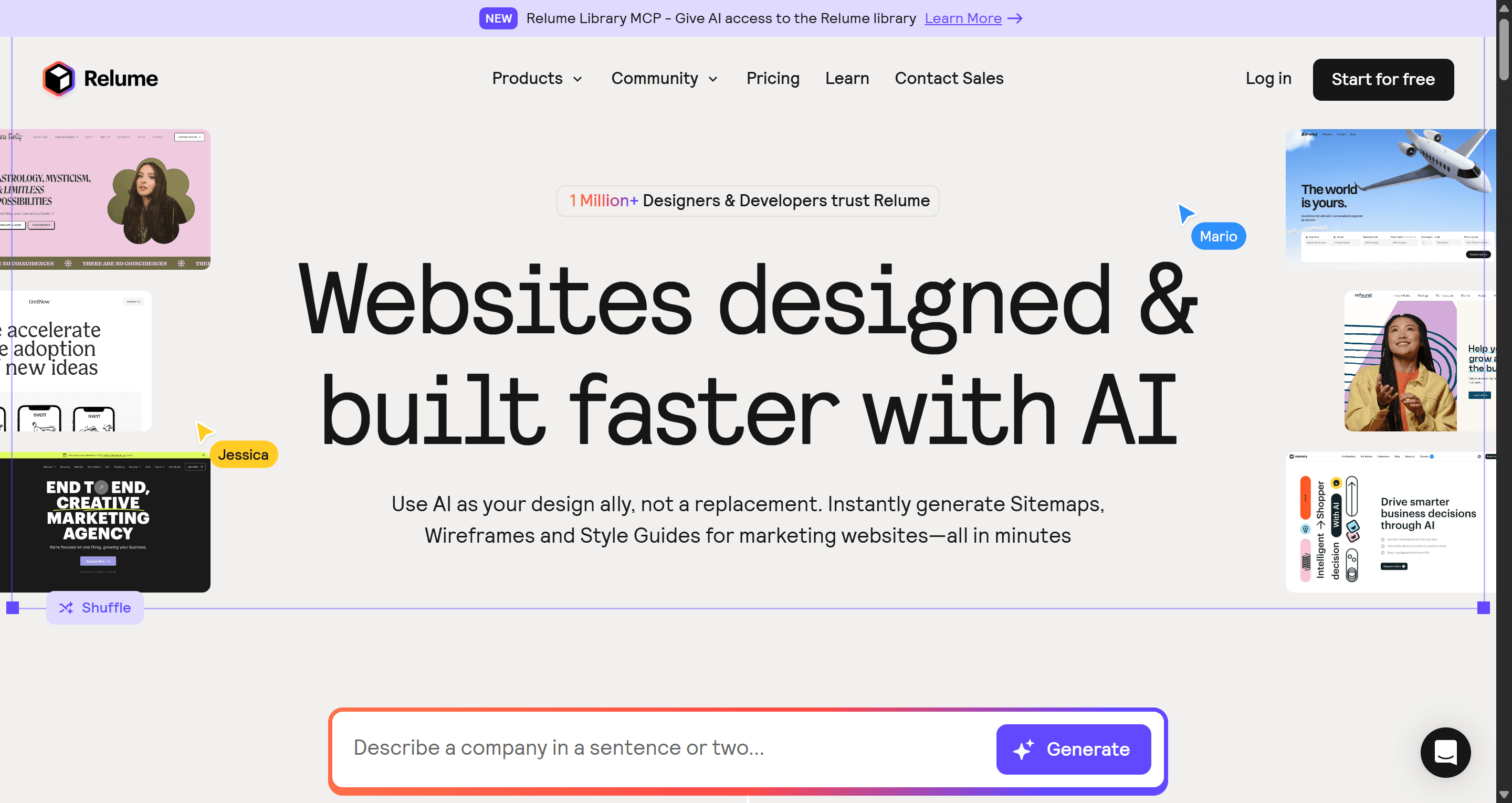
How it works, step by step:
- Prompt Relume with a business description.
- It outputs an AI-generated visual sitemap in 1-2 minutes.
- Approving that sitemap converts each page node into low-fidelity wireframe blocks.
- You swap individual component variants from Relume's library of ~1,000 pre-built options.
- You sync the layout into Figma via the Relume Figma Kit, or copy it directly into Webflow.
That last step is where the honest limitations start showing up. Components arrive using the Client-First style guide framework (developed by Finsweet), or Relume's own managed style guide - standardized class naming and spacing utilities meant to make copy-pasting predictable. In practice, pasting directly into Webflow without pre-configuring your project's global Client-First setup imports hundreds of unlinked utility classes. Cleaning that up takes hours.
Relume Pricing and Total Cost of Ownership
Relume runs four tiers, each billed per person, with a 7-day free trial on paid plans:
| Plan | Price | What You Get |
|---|---|---|
| Free | $0/month | Conceptualize ideas, 1 project, hard limits |
| Relume Starter | $18/month per person | Extended functionality for small websites |
| Relume Pro | $40/month per person | Unlimited projects, freedom for sites of any size |
| Relume Team | $36/month per person (min. 3 people) | All Pro access plus collaboration features |
None of those numbers represent your real cost. Treating them as if they do is the single biggest mistake in evaluating this tool.
The real total cost of ownership stacks Relume on top of software you almost certainly already need to publish anything at all:
- Relume (Starter or Pro): $18-$40/month
- Figma Pro: ~$16/month
- Webflow: ~$16-$35+/month
One documented freelancer's actual monthly stack: $77/month ($924/year). And that's before counting the hours still spent styling components and fixing broken responsive breakpoints once everything lands in Webflow.
The subscription cost doesn't eliminate the core development bottleneck. It just adds a line item on top of it.
The free tier doesn't help you evaluate this honestly either. It's capped at 1 project and 1 page - not enough to test a full client workflow before committing to a paid annual plan.
Evaluated Pros and Cons: Where Relume Delivers and Where It Fails
Relume genuinely delivers on speed for the specific tasks it’s built for. For instance, a senior designer manually drafting a sitemap in FigJam and building wireframes in Figma for a seven-page corporate site typically consumes 15–20 hours of billable time. In contrast, Relume’s prompt engine can generate a structured sitemap and initial wireframes in under 45 minutes, providing a meaningful and substantial time savings for that exact deliverable.
Where it fails, consistently and predictably:
- Structural monotony. Every generated site tends to share the same 3-column feature grid, the same hero section, the same accordion FAQ layout - because you're querying the same ~1,000-component database as everyone else using the tool.
- Generic placeholder copy. Default AI text generation outputs generic corporate fluff. Presenting a client with wireframes full of that copy pulls attention toward correcting sentences instead of evaluating spatial hierarchy.
- Buggy component variants. Roughly a third of pre-built variants exhibit buggy behavior or break responsive breakpoints once pasted into Webflow.
- Zero utility past marketing pages. Relume handles a simple 5-page brochure site fine. It offers nothing for dynamic SaaS application flows, interactive dashboards, or multi-step onboarding.
Marketing page wireframing is a solved problem. Product UI flows remain broken - and Relume doesn't pretend otherwise once you push past a brochure site. A non-technical founder scaffolding both a marketing page and a product onboarding dashboard hits this wall directly: Relume handles the marketing page, then offers nothing for the actual product interface.
Relume vs. UXMagic
This is the comparison most Relume reviews skip entirely, because the two tools aren't built for the same job - which is exactly why it's worth spelling out clearly.
| Feature | Relume | UXMagic |
|---|---|---|
| Core mechanism | Matches prompts against ~1,000 pre-indexed static components | Generates context-aware UI directly from prompts |
| Output type | Unstyled marketing wireframes, needs manual styling | Production-ready, styled UI flows |
| Product/app UI support | None - marketing-only architecture | Full support - dashboards, onboarding, settings panels |
| Platform requirement | Needs Figma and/or Webflow to finish the build | Exports directly to Figma or clean code |
| Design system consistency | Depends on manual Client-First class setup | Maintained automatically, across web and mobile |
| Total stack cost | Relume + Figma + Webflow, stacked | Single subscription, no required companion tools |
Relume optimizes for fast marketing-site scoping, with styling and product logic treated as someone else's problem downstream. That's a reasonable trade for what it's built to do. But every project outputs raw structure that still needs a full styling pass - and it has no answer at all once a project needs an actual application screen.
UXMagic is built around a different assumption: generate the actual production UI directly, styled and structured, rather than a static block that still needs assembling.
- Maintains design system consistency across both web and mobile flows.
- No dependency on a rigid CSS class framework like Client-First.
- Exports directly into Figma or clean code.
- No separate Webflow subscription required just to finish the build.
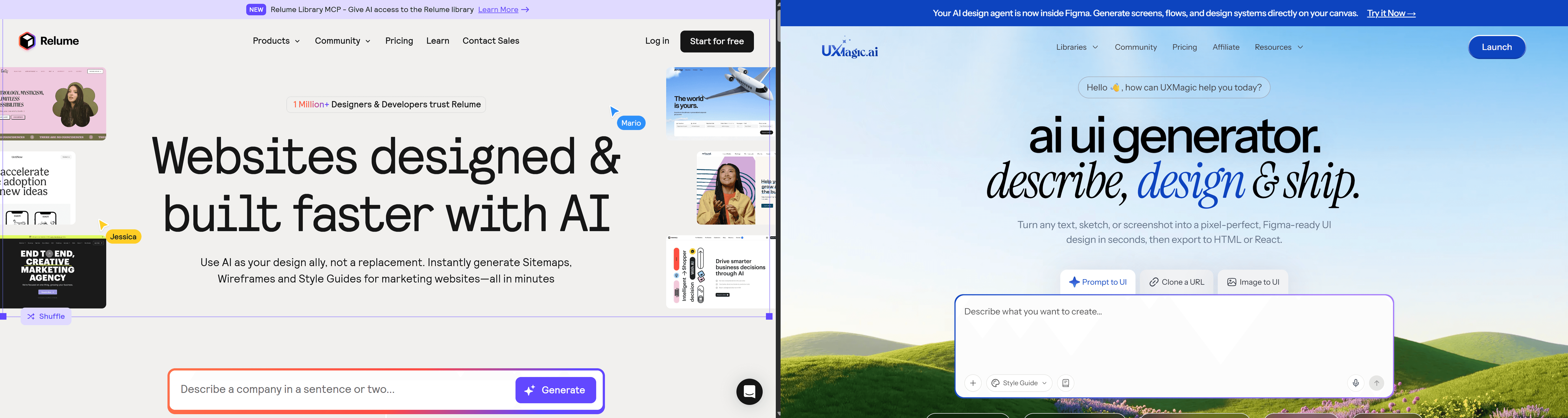
Key takeaway: the moment a project needs anything past a marketing site - a SaaS dashboard, a multi-step onboarding flow, real interaction logic - Relume has nothing left to offer. That's precisely where a tool built for application UI picks up the work.
Relume vs. Other Alternatives
| Tool | Core Positioning | Key Limitation |
|---|---|---|
| Relume | Sitemap and wireframe library for Webflow/Figma | Marketing sites only, needs manual styling |
| Webflow AI | Native page generation inside Webflow | Locked to Webflow, no cross-platform app UI |
| Durable | Instant AI website generator for small businesses | Rigid templates, no professional-grade customization |
| Framer AI | Prompt-to-design generator for Framer | Limited multi-page flow depth, locked to Framer |
The strategic gap across this entire competitive set: none of them touch complex, multi-screen SaaS product application flows, onboarding sequences, or interactive dashboards. Every tool in this category has over-indexed on marketing landing pages - a solved problem at this point.
Stacking separate subscriptions for wireframing, UI design, and development creates financial drag as much as workflow fragmentation. Every tool added to a stack is another monthly line item and another handoff point where something breaks - the freelancer's $77/month reality above is exactly that math playing out. Consolidating the design-generation layer into one tool that outputs directly to Figma and clean code is a genuine reduction in both cost and fragmentation, covered in more depth in how designers are actually using AI in production workflows.
Final Verdict: Is Relume Worth It in 2026?
Treat Relume strictly as a wireframe acceleration tool for marketing websites - not an all-in-one publisher, and not a tool for anything past a brochure site.
- For marketing-site scoping specifically: fast and genuinely useful.
- The moment a project needs custom interactions, application logic, or anything beyond a standard marketing layout: Relume's static component library has nothing left to offer.
Factor the full stack cost - Relume plus Webflow plus Figma into the decision before subscribing. Audit every Client-First class the moment components land in Webflow, rather than after the DOM is already bloated. For anything involving a real product interface rather than a marketing page, a dedicated application UI tool is doing a fundamentally different job than Relume was ever built for.
Stop Stacking Wireframes on Webflow
Stop paying to stack a wireframe tool on top of Webflow and Figma just to hit a wall at the product screen. Try UXMagic free and generate the actual application flow Relume was never built to touch.