Generate Multiple Screenswith AI-Instantly
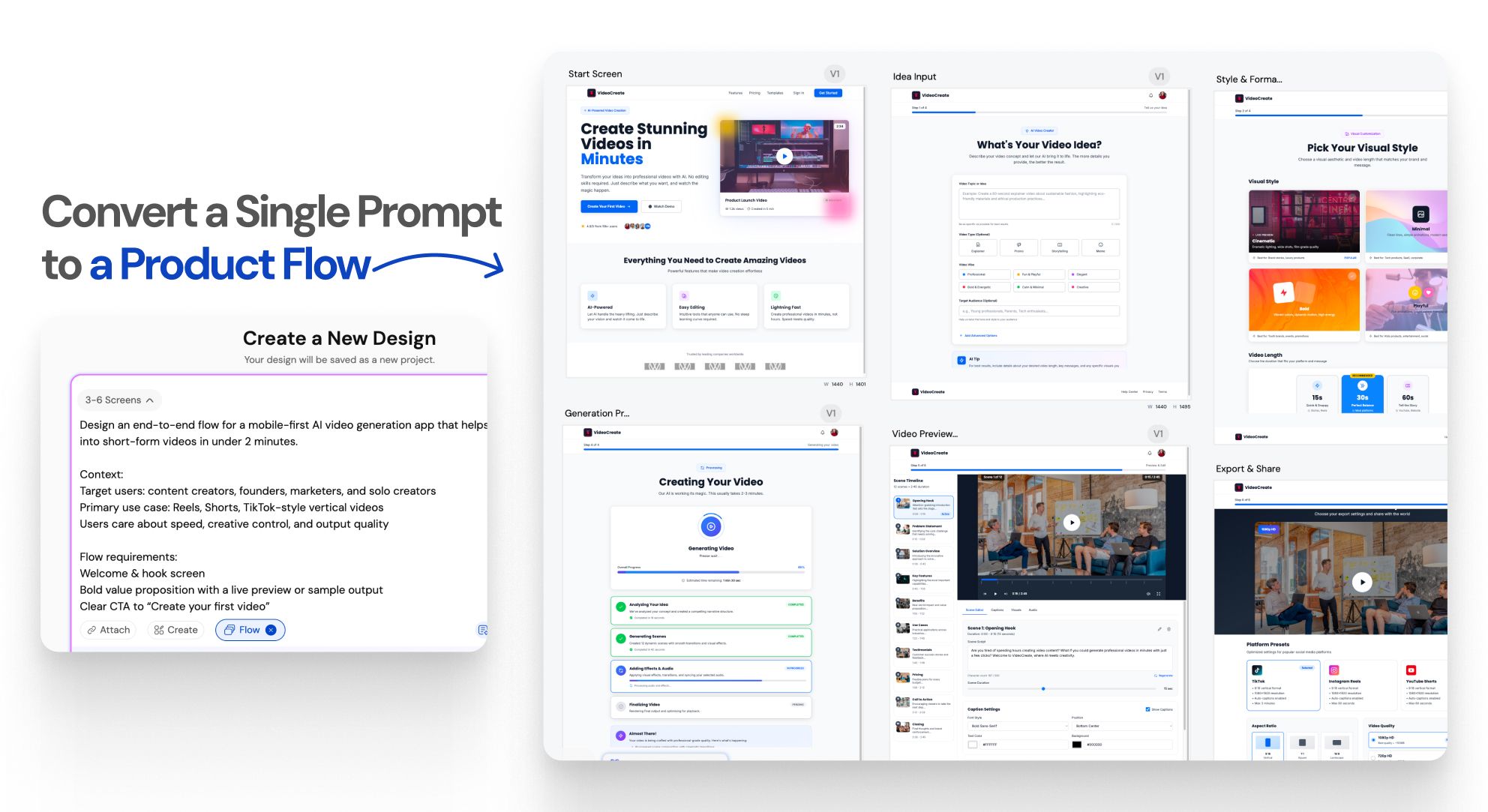
One prompt.An entire UI flow.
UXMagic vs Banani vs UXPilot vs Uizard vs Visily vs Figma Make vs Framer AICOMPETITORS
| Feature | Banani | UXPilot | Uizard | Visily | Figma AI | Framer AI | UXMagic |
|---|---|---|---|---|---|---|---|
| Multi-Screen Generation | |||||||
| Structured App Flow Creation | |||||||
| Consistency Across Entire Flow | |||||||
| Idea to Full App Flow in One Prompt |
got questions?we have answers.
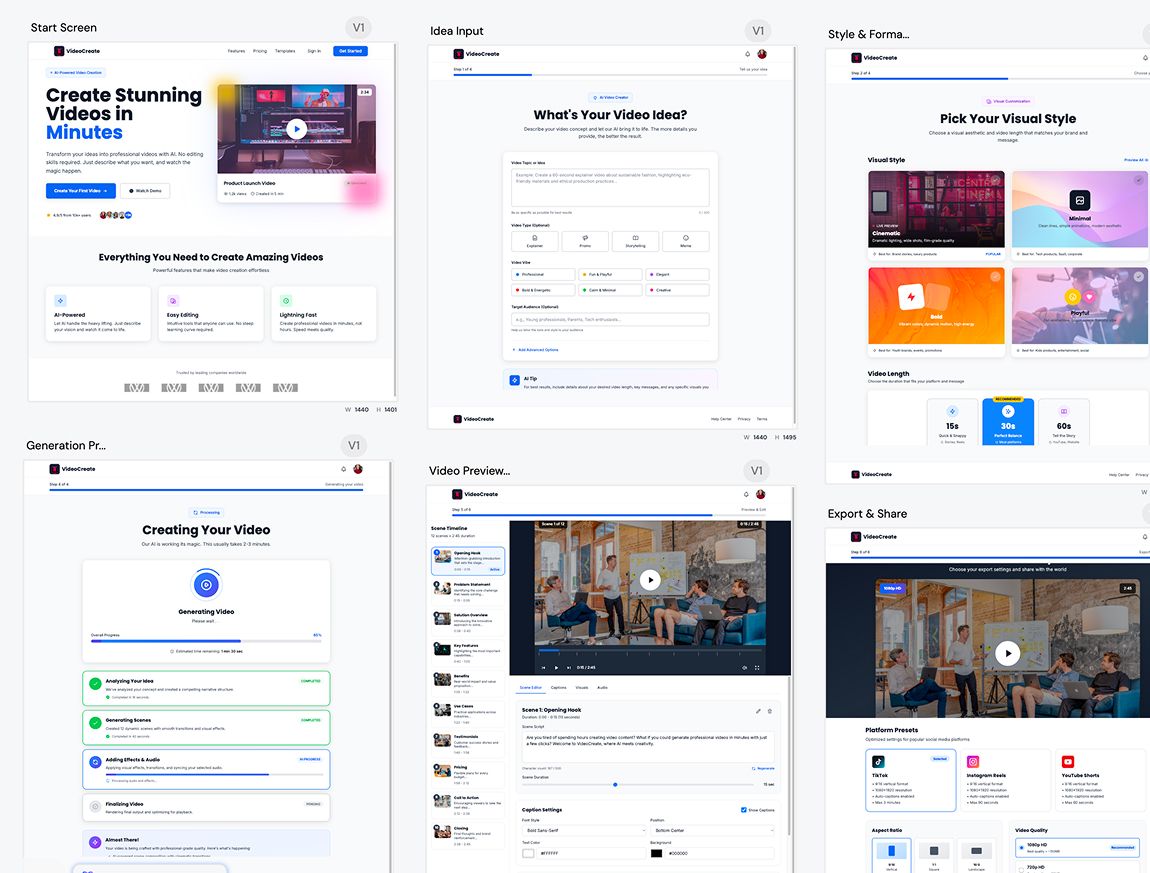
Flow Mode is an AI UI flow generator that creates multiple connected screens from a single prompt. It helps teams design complete user journeys instead of isolated screens, keeping context and consistency across the entire flow.
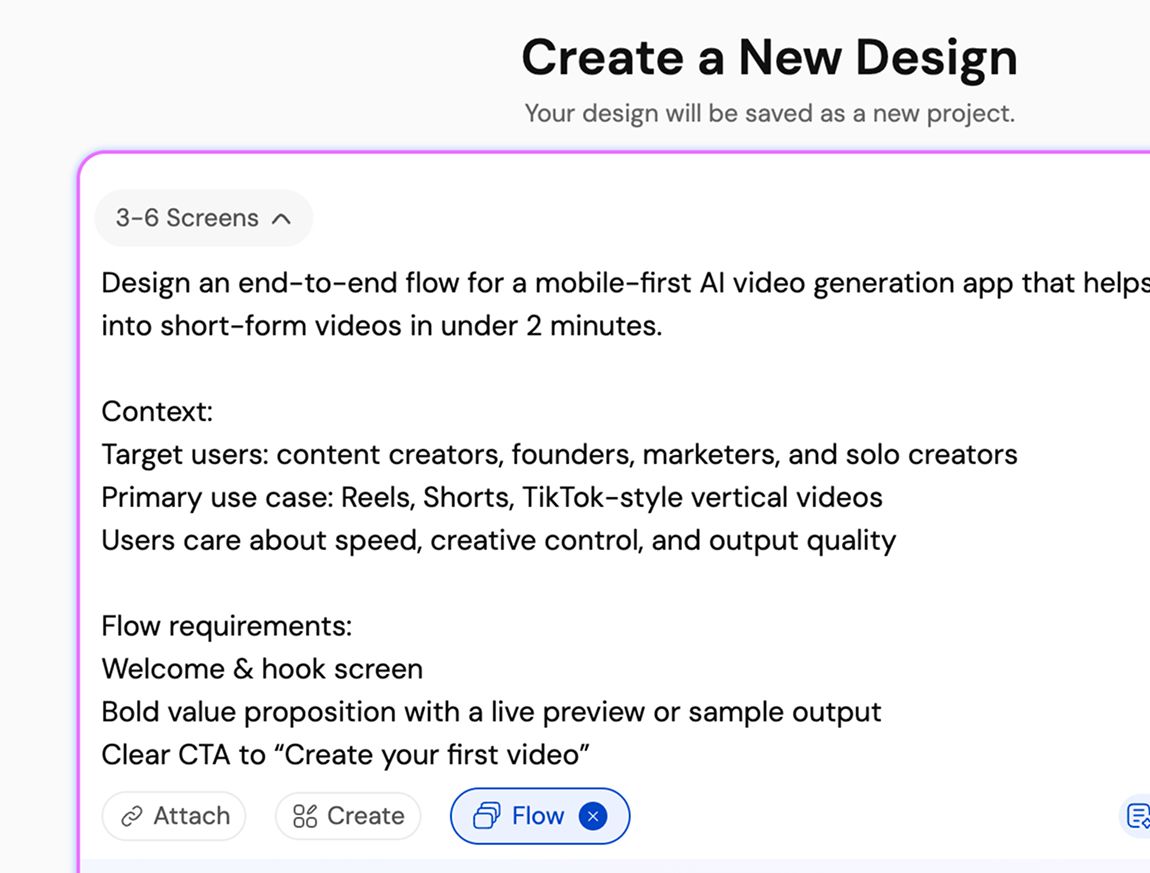
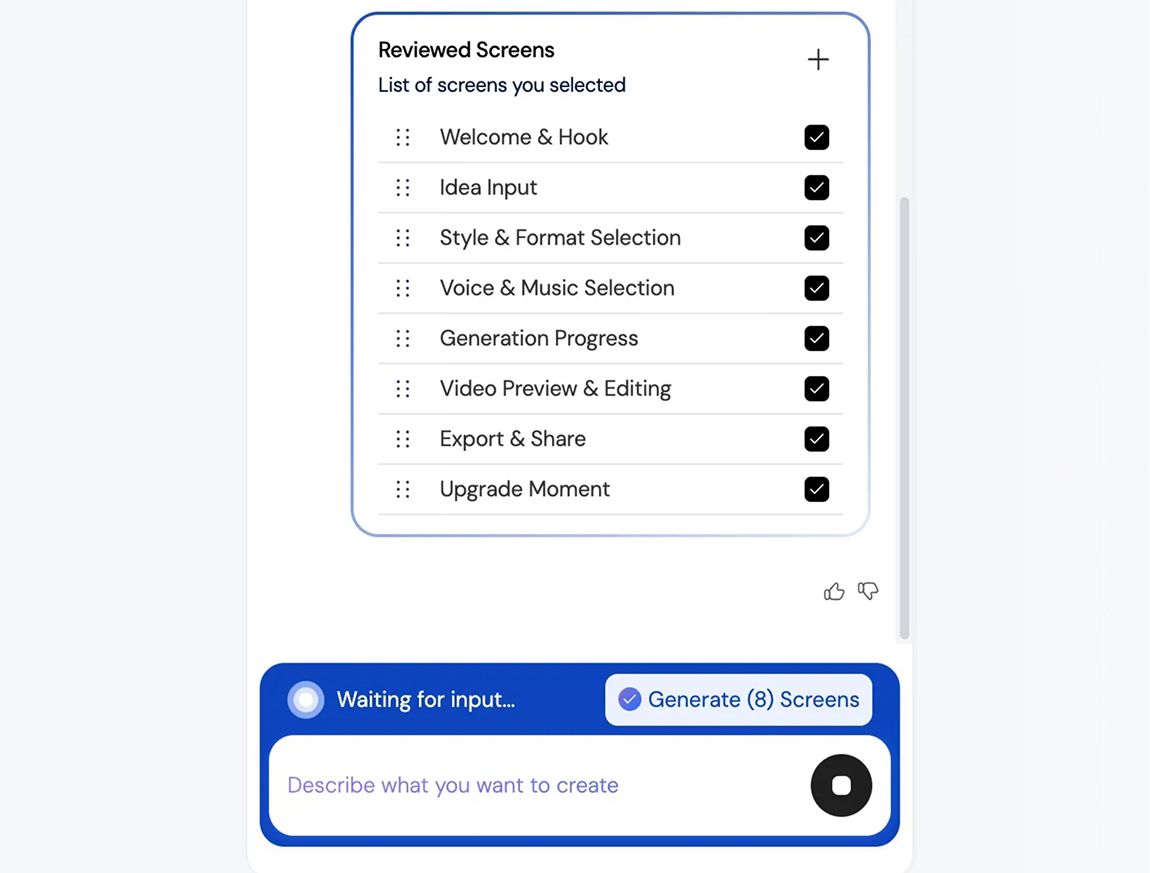
You describe your product idea or user flow in text. Flow Mode analyzes screens, states, and transitions, then generates a connected UI flow automatically, instantly, so it doesn’t delay your productivity.
Most AI UI tools generate single, disconnected screens. Flow Mode focuses on multi-screen experiences, maintaining continuity, layout structure, and design consistency across the entire user journey.
You can generate onboarding flows, authentication flows, dashboards, settings, SaaS workflows, mobile app journeys, and multi-step user experiences.
Yes. All generated screens are fully editable. Either you can iterate on them on UXMagic or edit them in Figma, allowing you to customize layouts, components, spacing, and visuals without limitations.
100% Yes. Flow Mode applies consistent typography, spacing, components, and layout patterns across every screen in the flow to ensure a cohesive UI.
Yes. You can use your existing style guide or imported design system to generate UI flows that follow your brand rules and visual standards.
Yes. Flow Mode is built for designers, founders, and product teams. No design experience is required to generate structured, high-quality UI flows.
Flow Mode reduces screen-by-screen design work, speeds up iteration, preserves context across flows, and helps teams move faster from idea to validated UI.
built by real people.remixed endlessly.
Be the first to publish something here