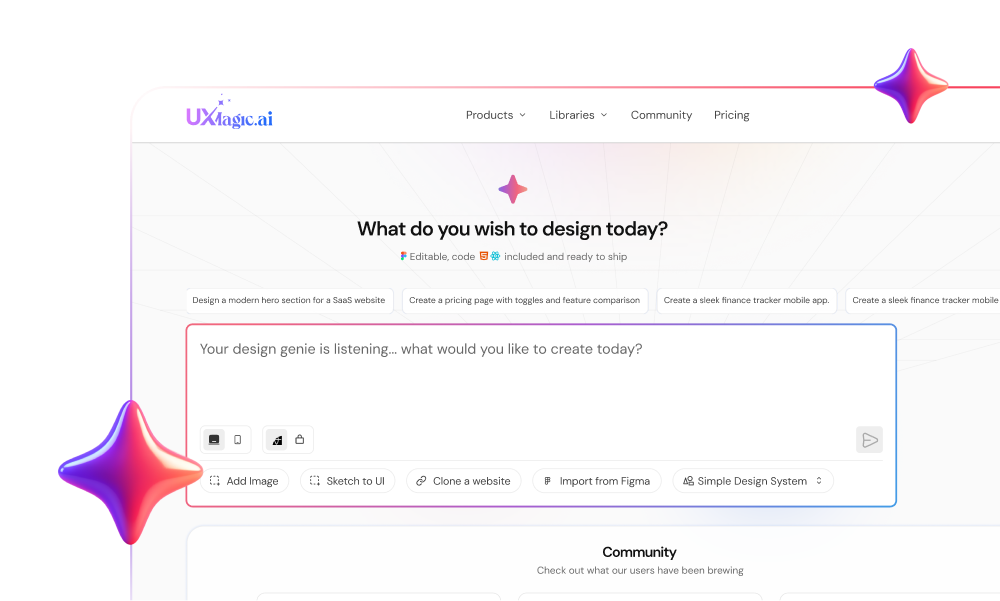
Burning through a monthly credit allotment while trying to fix a misaligned flexbox container is the fastest way to lose faith in a prompt-based app builder. Base44 promises full-stack delivery from a simple text prompt, but its dual-credit model means you pay for every iteration including the prompts spent fixing the AI's own layout bugs.
You already know what a no-code builder is and how basic prompting works. This isn't a feature-list recap of Base44's marketing page. It's an honest look at where the dual-credit model actually costs you, where the design drifts apart across screens, and the exact point a prompt-driven interface breaks down under a real layout requirement.
Shipping an MVP in an afternoon sounds like a win until that same prototype generates design debt you're still paying off by sunset.
What Is Base44 and How Does It Work in 2026?
Base44, backed by Wix, positions itself as an all-in-one full-stack AI app builder - hosting, databases, authentication, and autonomous "Superagents" bundled into one platform. Write a comprehensive natural-language prompt describing pages, data inputs, and required integrations, and Base44 infers the database schema, provisions authentication, and constructs page layouts using Tailwind CSS, all in one pass.
That first-generation speed is real. It routinely delivers a functional CRUD application in under fifteen minutes - genuinely faster than the 2-4 weeks manual wireframing and API-spec writing usually takes. The platform also supports importing existing Figma frames to seed a layout, plus predefined style presets for teams without an established design system yet.
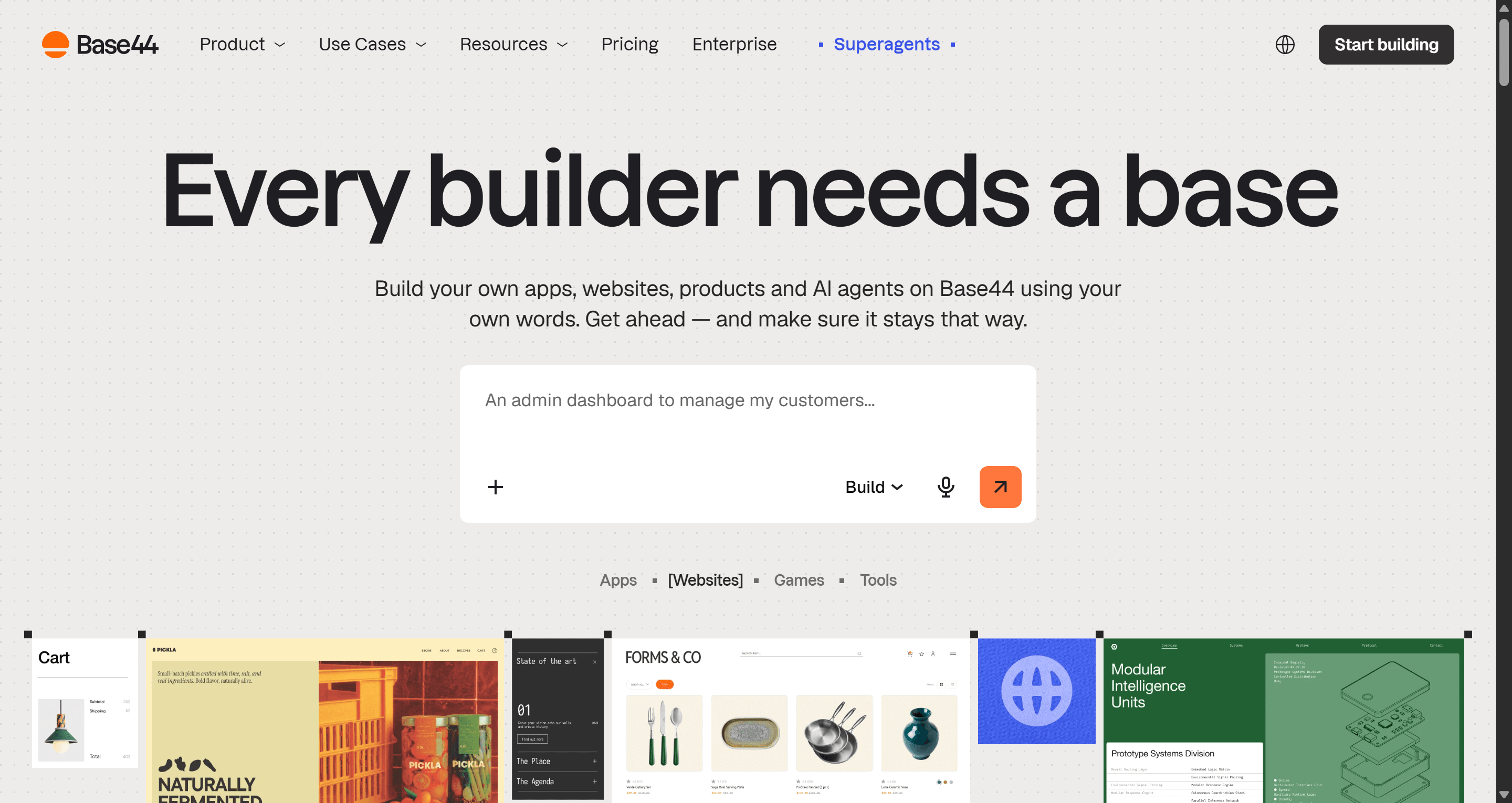
Unconstrained vibe coding accelerates design debt, and this is where it shows up first. Generating a full-stack app directly from natural language without enforcing a standardized component library produces non-standard UI components, arbitrary spacing, and brittle responsiveness. The initial build is fast precisely because nothing is checking it against a real design system yet.
Base44 Pricing Breakdown: The Dual-Credit Model
Base44 pricing at a glance (billed annually):
| Plan | Price/month | Credits included |
|---|---|---|
| Free | $0 | 25 messages + 100 integrations |
| Starter | $16 | Entry tier, personal projects |
| Builder | $40 | Unlocks GitHub export |
| Pro | $80 | Higher integration headroom |
| Elite | $160 | Highest tier |
The sticker price isn't the problem. The dual-bucket credit system is where the real cost hides:
- Message credits - deducted every time you send an instruction to the AI chat, including tiny fixes like a button alignment or container padding tweak.
- Integration credits - consumed by live end-user activity: file uploads, database queries, API calls, background automations. Your cost scales with real product usage, not just your own building.
The part that actually stings: Base44 does not refund message credits spent fixing its own broken code. One documented case: a broken database query took 4 prompts to fix - and all 4 were billed. Debugging becomes a cash sink where the user subsidizes the model's own mistakes.
Monetizing debugging prompts penalizes the user by design. A platform that respects your time would offer zero-penalty visual fixes - not meter a bug correction the same as a brand-new feature request.
Real-World Limitations: Where Base44 Hits a Wall
The AI Debugging Cash Sink
Prompt-driven visual tweaks often take multiple attempts to nail a precise flexbox or grid alignment. One real example: 15 message credits burned just aligning a button and fixing container padding - and the layout still broke on the tablet afterward.
Design System Drift Across Sessions
Base44 evaluates prompts per chat session, so style drift compounds fast:
- A homepage generated in session one can look polished.
- Sub-pages generated in session two can look like a different product - inconsistent type, conflicting padding, altered button states.
- Nobody decided this should happen. It's just what unconstrained per-session generation defaults to.
Text prompts are the wrong tool for this kind of precision work. Prose is genuinely good for initial scaffolding and schema definition. It's a poor tool for adjusting a card's micro-spacing for the sixth time in a row.
Backend Lock-In
GitHub sync unlocks on the $40/month Builder plan and up - but it only exports React frontend files. Database schemas, backend logic, and authentication stay locked inside Base44's hosted environment, with no path to independent deployment.
Partial code export is an illusion of portability. If your auth logic and database schema can't be independently deployed elsewhere, "you own your code" is a technicality, not a real exit.
Base44 vs UXMagic: App Builder vs. Design Copilot
Here's the architectural distinction most Base44 comparisons skip entirely.
Base44 optimizes for one thing: compiling a full-stack app from a prompt as fast as possible, with the design layer treated as a byproduct of that compilation. Every visual adjustment routes through the same message-credit meter as a backend logic change - because the platform draws no real distinction between "fix a database query" and "nudge a button two pixels left." That's the direct cause of the drift and debugging-cost problems covered above.
UXMagic is built around the opposite assumption: design and code are separate concerns, and the design layer deserves its own dedicated, unmetered iteration loop. UXMagic exports production-ready UI components directly to editable Figma files and clean React/HTML codebases - zero vendor lock-in, complete design system compatibility on export. It also charges one flat fee for design generation, with no integration fees metering a deployed product's actual traffic - the exact cost structure that blindsided the founder in the client-portal scenario below.
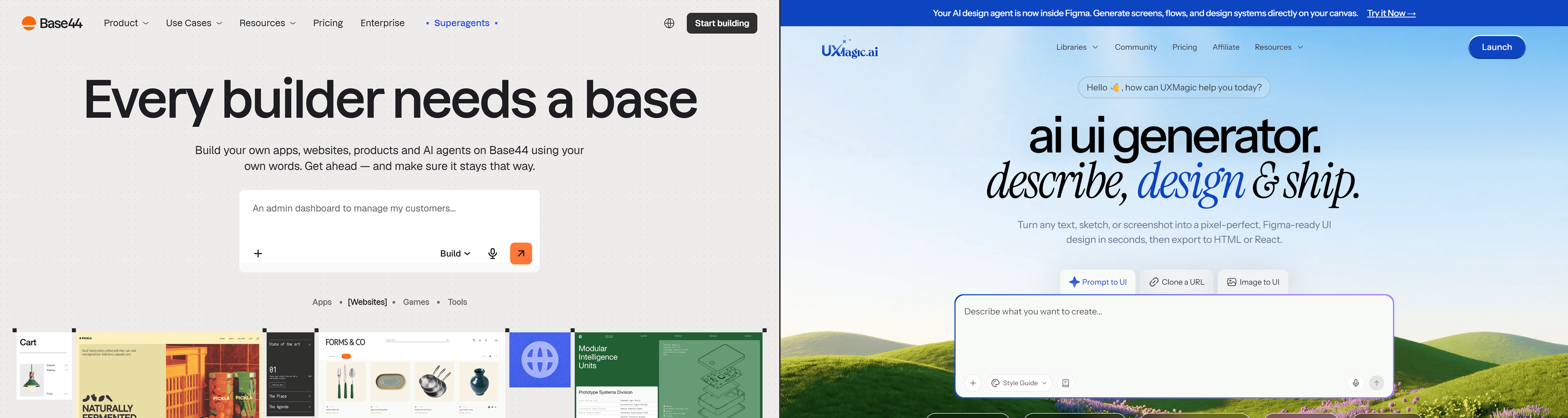
The pricing philosophy reflects the same gap. Base44's credits penalize iteration on purpose, since every visual refinement competes with the same budget as core app logic. A tool built around unlimited design iteration doesn't need to meter every micro-edit that way, because refining a visual layer isn't regenerating backend logic each time.
Tool Showdown: Other Base44 Alternatives
Beyond UXMagic, the field splits into a few more categories, each with a real, specific tradeoff.
| Platform | Core Positioning | Entry Price (Annual) | Code Export | Design System |
|---|---|---|---|---|
| Lovable | React + Supabase web app generator | ~$20/month | Full code export to GitHub | Standard UI components |
| Bolt.new | In-browser stack sandbox | $18-20/month | Full source code download | Code-based styling |
| Softr | No-code client portals | $49/month | No direct export (hosted) | Modular block templates |
Lovable genuinely exports full code to GitHub, not just frontend markup - a real edge over Base44 on portability, at the cost of a slightly higher entry price and usage-based credit grants that scale similarly.
Bolt.new hands you full source code download and a real terminal, built for developers who want to touch the actual stack directly - strong for code-literate builders, weaker for anyone who wants pure visual control without editing code.
Softr connects structured data sources like Airtable to a frontend portal at a flat monthly rate - no credit anxiety at all, but no direct code export either, since the whole product stays hosted inside Softr's environment.
The pattern across all three, Base44 included: none of them treat the design layer as something worth exporting cleanly and iterating on without a meter running.
Workflow Analysis: Is Base44 Right for Your Project?
Scenario 1: Founder building a client portal. Prompted in 30 minutes: document upload, project tracking, Stripe invoicing, all working. Then 20 clients start uploading heavy PDFs daily. Mid-cycle, integration credits run out and the portal locks. Forced upgrade: $40/month → $100/month, solely for credit headroom.
**
Scenario 2: PM building an analytics dashboard.** The initial layout looks decent. PM asks for one specific change - filters in a collapsible bar, fixed-header scrolling tables. The visual editor can't do granular layout control. Text prompts keep breaking padding and chart colors as side effects. Result: 40 message credits burned across 8 prompts, spec still not met.
Scenario 3: Agency handing off to engineers. Agency drafts concepts fast using Base44's Design Pack. Client approves. Their engineers need raw Figma files and modular React - Base44 can't export back to Figma, and GitHub sync only gives monolithic frontend files. The agency ends up manually rebuilding the entire interface in Figma from scratch - the exact Figma-to-code handoff gap a design-first tool exists to close.
The pattern in all three: Base44's speed is real for the first 15 minutes. The cost shows up later, in exactly the places a standard feature-bullet review never checks.
Final Verdict: Is Base44 Worth It in 2026?
Worth it if: you're a non-technical founder validating a CRUD prototype in an afternoon, and you don't yet care about design system rigor or infrastructure portability.
Not worth it once: your product has real users, needs a design team's sign-off, or needs to leave Base44's hosted environment - because that's exactly where integration credits, visual drift, and backend lock-in all hit at the same time.
The smarter move for most teams: separate design scaffolding from application logic entirely. Lock your UI flows and design tokens in a dedicated design copilot before committing any logic to a no-code builder - so the visual system is portable before Base44 (or anything like it) ever touches the backend.
Stop Paying for AI Layout Mistakes
Stop paying credits to fix the AI's own layout mistakes. Try UXMagic free and generate a brand-consistent flow with a flat monthly cost - not a per-edit penalty. Base44's real cost was never the $16 sticker price; it's every credit spent making the AI's first draft match what you actually asked for.