Most Readdy AI reviews gloss over a critical detail: every layout edit consumes 25 credits confirmed directly on Readdy's own pricing documentation while its Figma plugin exports flat, static vectors stripped of auto-layout. Designers end up spending real time fighting a conversational chat terminal just to fix basic spatial alignment. This review examines what actually happens when production websites get built using Readdy AI in 2026.
You already understand responsive layouts, form schemas, and what a clean code export should look like. This isn't a beginner's guide to AI website builders. It's the credit math, the Figma export reality, and the specific point where a marketing site generator stops being the right tool for the job.
Pros & Cons
Pros:
- Genuinely fast - a complete multi-page site with working backend logic in about 10 minutes
- Built-in database, form schemas, and an AI Receptionist chat widget included by default
- Exports to React, Vue, HTML/CSS, or Figma, with real code ownership
- Free tier usable enough for a genuine evaluation (250 credits, ~10 generations/edits)
Cons:
- Every generation or edit costs 25 credits, confirmed on Readdy's own docs - iteration gets expensive fast
- Figma exports arrive as flat, unconstrained vectors with no auto-layout or design tokens
- Layout engine optimized for marketing pages, not multi-screen application UI
- Output can lean generic - the same hero, three-card feature block, and pricing table pattern recurs across sites
What Is Readdy AI? Core Architecture and Capabilities
Prompt-to-Site Mechanics: Text, URL, and Screenshot Inputs
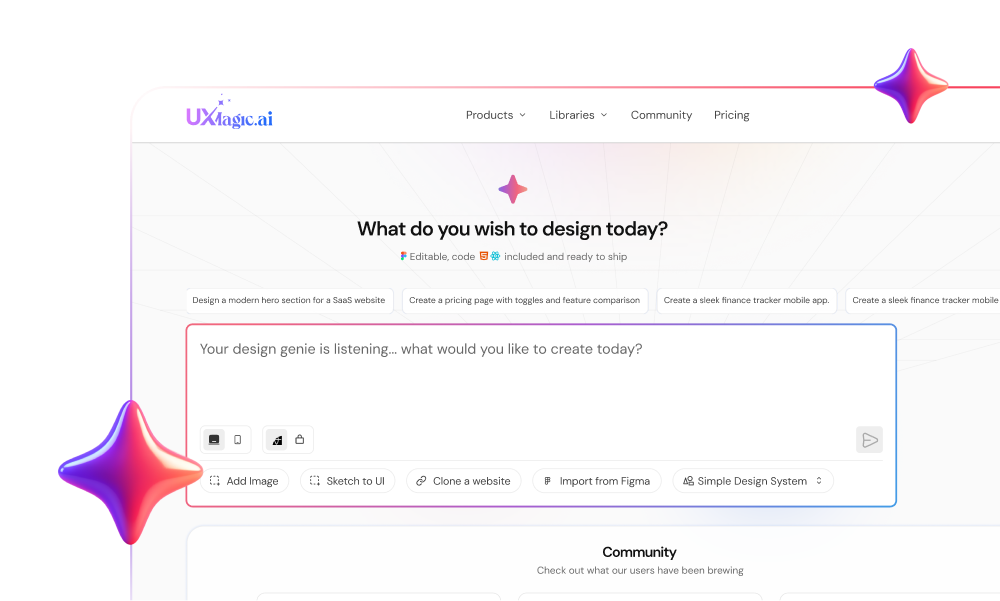
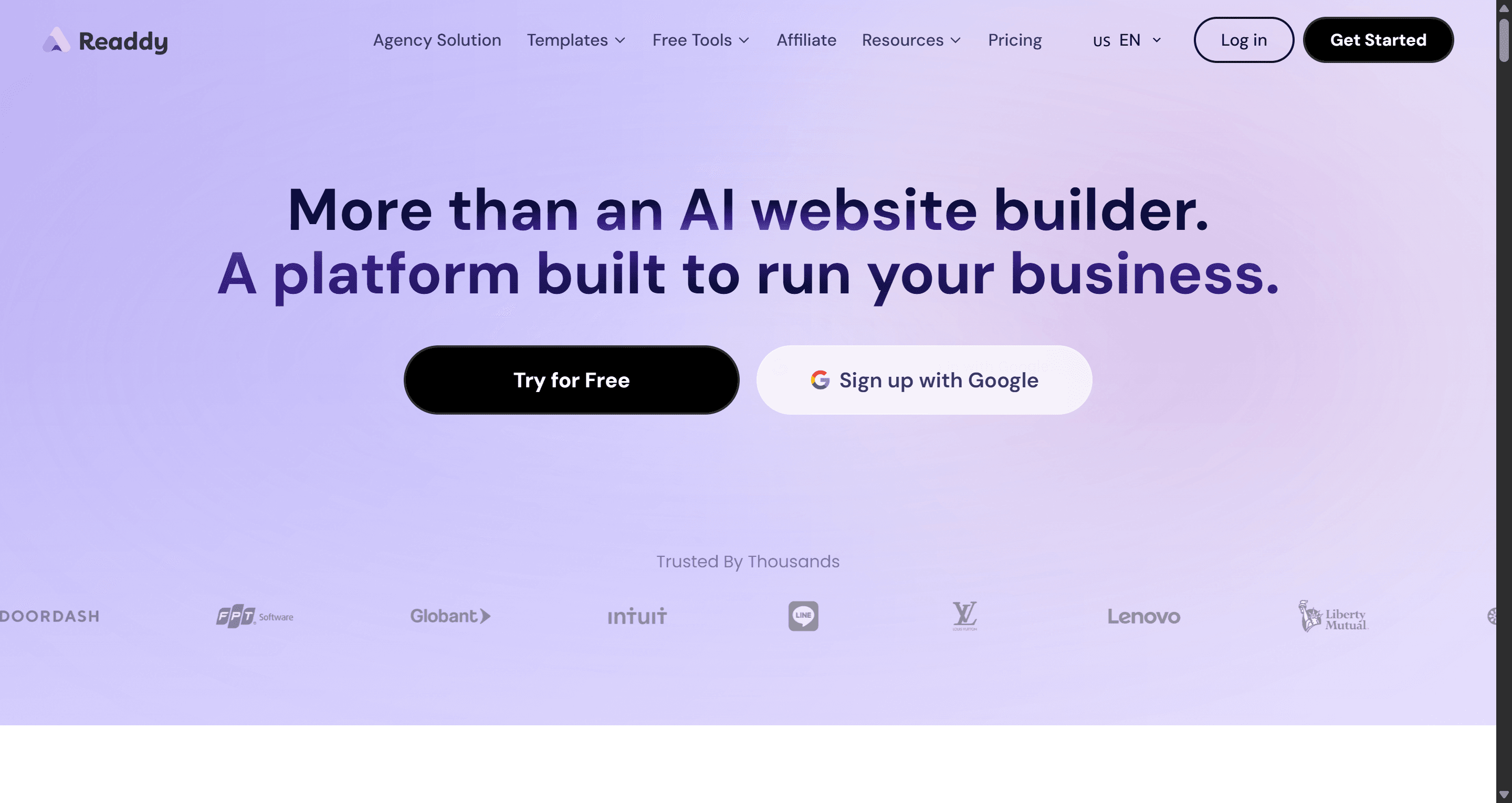
Readdy AI parses text descriptions, existing site URLs, or layout screenshots to assemble a structural draft, then renders a multi-page site within minutes - responsive layouts, baseline copy, imagery, and form logic included. UXMagic supports the same URL-based starting point through Clone a Website, which is worth knowing about if your actual need is closer to reproducing an existing site's structure than generating a brand-new marketing page from scratch.
Built-in Backend Logic: Databases, Form Schemas, and AI Receptionists
Beyond layout generation, Readdy ships functional backend infrastructure by default - databases, form schemas, and an AI Receptionist chat widget genuinely useful for a founder who needs a working lead-capture site fast, not just a static mockup.
Readdy AI Pricing Breakdown 2026
Full Tier Breakdown: Free Through Ultimate
| Plan | Price/mo | Credits | Sites Included | Key Features |
|---|---|---|---|---|
| Free | $0 | 250/mo | 0 | 2 projects, code export, basic AI generation |
| Starter | $25 ($15/mo annual) | 30,000/yr | 1 | Custom domain, Figma export, Readdy Backend, AI Receptionist, 10 projects |
| Pro | $40 ($24/mo annual) | 72,000/yr | 2 | Everything in Starter, 50 projects, 10,000 leads/mo |
| Agency | $120 ($72/mo annual) | 216,000/yr | 6 | Client management, AI SEO/GEO tools, outreach campaigns |
| Agency Pro (White-Label) | $199 ($119/mo annual) | Unlimited | 10 | Fully white-labeled platform, GitHub, code export, custom branding |
| Ultimate | $1,299 ($779/mo annual) | Unlimited | Unlimited | Everything unlimited, 50 editors/200 viewers |
The Financial Impact of the Per-Action Credit Rule
Readdy's own help documentation confirms each new AI generation costs 25 credits, and each AI-powered edit costs 25 credits as well (one older help article lists edits at 10 credits worth a quick check in your own dashboard, since documentation appears inconsistent on this specific point). Even with Credit Care's partial refund safety net for outright bad generations, a flat per-action fee still creates a real economic penalty for the kind of iterative micro-adjustment nudging spacing, testing a typography variant that Credit Care doesn't cover, since it only refunds discarded generations, not accepted ones you later want to tweak further.
Production Workflow Audit: Generation, Customization, and Export
Conversational Prompting vs. Visual Canvas Controls
During the briefing phase, teams specify business models, desired sections, and visual constraints, and Readdy renders a complete draft in minutes. Friction shows up during the iterative customization phase: adjusting visual parameters through conversational instructions can destabilize adjacent layout grids, and because each interaction deducts credits, fine-tuning visual details drains a monthly allocation fast.
Code Export Inspection: React, Vue, HTML/CSS, and TypeScript Quality
Readdy supports React, Vue, HTML/CSS, and TypeScript export via project ZIP downloads, a genuine strength for teams wanting to move straight into a real codebase rather than a design file. Validate any exported bundle locally (npm install, npm run dev) before integrating it into a production repository, rather than assuming clean-code compliance out of the box.
The Figma Export Reality: Flat Vector Payload Limitations
Promoting Figma integration while delivering flat, unconstrained canvas nodes creates hidden rework. When a vector payload lacks native auto-layout properties, responsive constraints, and design tokens, a UI team spends real time rebuilding component structures manually - static node pasting offers minimal advantage over starting from a structured UI kit in the first place. Going the other direction, Import from Figma keeps an existing design system's real tokens and components intact when bringing work into UXMagic, rather than flattening structure the way Readdy's export path does.
Here's what that looks like on two real projects. A non-technical founder needs a three-page marketing site - Home, Features, Pricing with form capture and a live chat widget within 48 hours. The initial generation produces a complete visual draft with functional backend schemas in about 10 minutes. Friction hits when adjusting a three-column pricing card into a custom two-column comparison toggle: direct visual canvas controls prove limited, forcing repeated chat prompts that misinterpret spatial alignment, consuming 200 credits across eight iterations while leaving the mobile view misaligned. The founder ultimately accepts a generic template layout just to stop burning credits. For a founder in this exact position who actually needs a testable product concept rather than a marketing page, UXMagic's AI MVP Builder is built specifically for generating a demo-ready flow without that credit-per-tweak pressure.
A UX designer at a mid-stage SaaS company needs to prototype a multi-step onboarding flow and dashboard view for stakeholder evaluation. Because Readdy's layout engine is optimized for marketing websites, detailed functional prompts produce a single-page marketing container with static dashboard mockups, not an interactive multi-screen interface. Exporting to Figma via the plugin arrives as flat vector shapes - no auto-layout, unorganized components, broken state linkages. The designer spends six hours rebuilding the imported layers into structured components, negating the time savings the initial generation promised. This is the exact scenario UXMagic's Signup Flow Generator is built around a connected, multi-screen onboarding sequence generated as one flow rather than a static container someone has to manually rebuild into something interactive.
Readdy AI vs. Professional Design Expectations
The 60/40 Rule: Fast Initial Drafts vs. Design System Debt
Generative AI efficiently handles the first 60% of web creation - structural layouts, baseline copy, media placeholders. The remaining 40% - brand identity, fine-tuned component spacing, micro-interactions, conversion optimization demands direct visual control that a prompt-based text interface becomes genuinely inefficient at during that final polish phase.
Marketing Landing Pages vs. Multi-Screen SaaS Application UI Flows
The industry frequently conflates landing page generators with comprehensive product design systems. Readdy optimizes for single-page marketing structures, basic form handlers, and automated meta tagging attempting to map dynamic, multi-screen SaaS application flows through the same engine results in rigid visual containers, since that's simply a different problem than the one Readdy was built to solve. The generic-output pattern flagged earlier - the recurring hero-and-three-card layout is also where UXMagic's Style Guide Generator addresses a related but distinct problem: locking real brand tokens upfront so generated output reflects an actual identity rather than a repeated template default.
Who Should Use Readdy AI?
- Non-technical founders who need a professional-looking site live within a day, not a week
- Marketing teams launching a campaign landing page without pulling in engineering
- Lead-generation sites where the built-in form schema and database logic remove a real setup step
- Simple AI receptionist use cases - a small business wanting live chat without a separate integration
Who Should Avoid Readdy AI?
- Complex SaaS products - the layout engine isn't built for application-grade interaction logic
- Multi-screen application flows - dashboards, onboarding sequences, and settings screens degrade into static containers
- Teams requiring structured Figma files - the flat vector export means real rebuild time regardless of plan tier
- Teams doing heavy visual iteration - the flat per-edit credit cost compounds fast under active refinement
Readdy AI vs. UXMagic
These two solve genuinely different problems, which is exactly why comparing them on features alone misses the point.
| Category | Readdy AI | UXMagic |
|---|---|---|
| Core focus | Marketing sites with built-in backend | Multi-screen product UI flows |
| Pricing model | Credit-per-edit, 25 credits per action | No credit penalty for micro-edits |
| Multi-screen flows | Degrades into static containers past a landing page | Flow Mode generates connected flows with consistent state |
| Figma export | Flat vectors, no auto-layout | Structured export, not flat vectors |
| Best entry point | Non-technical founder needing a brochure site fast | Designer or PM building an actual product interface |
| Backend included | Yes - databases, forms, AI Receptionist | No - design-focused, not a site host |
Readdy AI's built-in backend is a genuine advantage for exactly one job: a founder who needs a working marketing site with lead capture and live chat, live within a day. That's not UXMagic's job, and it doesn't try to be - there's no database or hosting layer bundled in.
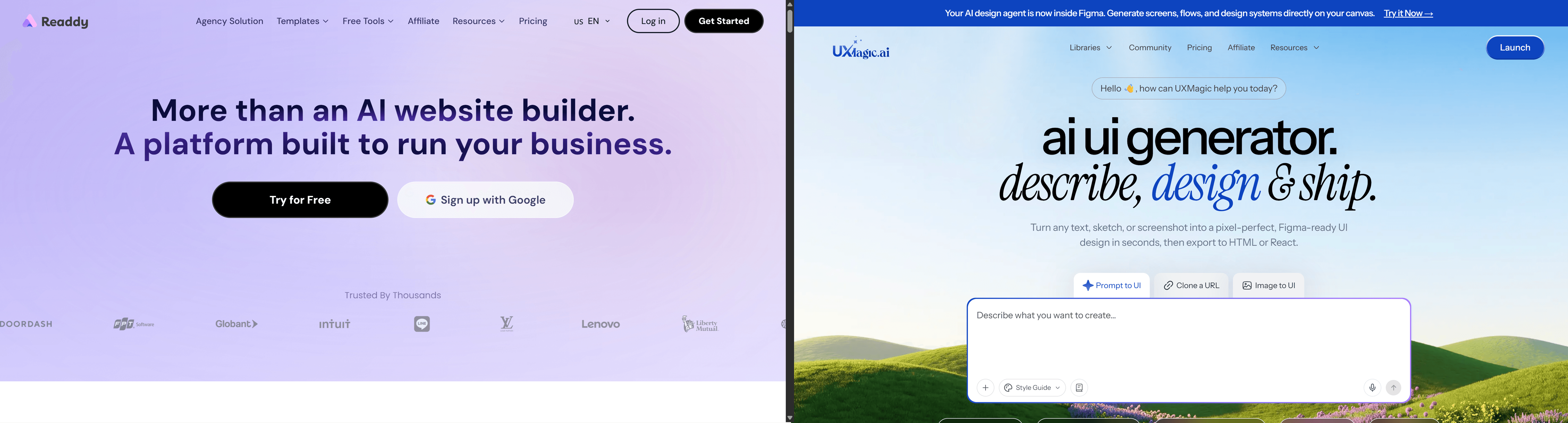
Where the two diverge sharply is the moment a project moves past that landing page into real product UI - a dashboard, an onboarding sequence, a settings flow. Readdy's layout engine wasn't built for that transition, which is exactly why the SaaS onboarding scenario earlier in this review collapsed into a static mockup instead of a working multi-screen interface. UXMagic's Flow Mode is built specifically for that stage - generating connected screens with consistent visual logic from one prompt, rather than treating each screen as an isolated marketing section.
The practical split: use Readdy AI for the marketing site and its backend. Use UXMagic for the product itself, once "site" becomes "software."
Competitive Matrix: Readdy AI vs. Webflow vs. Framer
| Tool | Best For | Multi-Screen Flows | Figma Export Quality |
|---|---|---|---|
| Readdy AI | Fast marketing site generation with built-in backend | Not built for this - degrades into static containers | Flat vectors, no auto-layout |
| Webflow | Full visual control, advanced CSS design systems | Manual, but high fidelity | N/A (native canvas) |
| Framer | Design-led marketing sites with animation | Manual, but high fidelity | N/A (native canvas) |
Framer and Webflow provide stronger visual layout control, advanced animation tools, and precise CSS design system management, making them better suited for design-led teams than a prompt-first generator like Readdy.
Final Verdict: Is Readdy AI Worth It in 2026?
Readdy AI is a genuinely fast way to launch a simple marketing brochure site, lead capture form, or basic AI receptionist deployment - the built-in backend logic is a real time-saver for that specific use case. It's a poor fit the moment the actual need is a multi-screen product UI or extensive design iteration, since the credit-per-edit model and layout engine were never built for either.
Quick takeaways before committing:
- Audit the real cost of edits - calculate expected monthly revision cycles before subscribing, since the 25-credit deduction per edit can drain Starter and Pro allocations fast during active iteration.
- Plan for manual Figma cleanup - treat the plugin export as a static visual sketch, not a production design system.
- Deploy Readdy for standard marketing MVP sites - brochure pages, lead capture forms, basic AI receptionist chat, where speed matters more than deep visual customization.
- Separate site builders from SaaS UI flow design - use a dedicated multi-screen flow engine once the job becomes an actual product interface.
- Validate exported code independently - test downloaded ZIP bundles locally before integrating into a production repository.
Build Product Flows Without Credit Limits
Iterate freely on multi-screen product flows without paying for every micro-edit.