TL;DR: Vibe coding means describing a UI's intent and aesthetic in natural language instead of writing code by hand - it's a real, meaningfully faster workflow, not just hype. It's closer to a design skill than an engineering one, since it rewards articulating user flows and visual constraints over memorizing syntax. Dev-first tools like Cursor and Bolt.new are built for backend logic, not visual UI steering - for that specific job, a visual-first tool like UXMagic is the better fit.
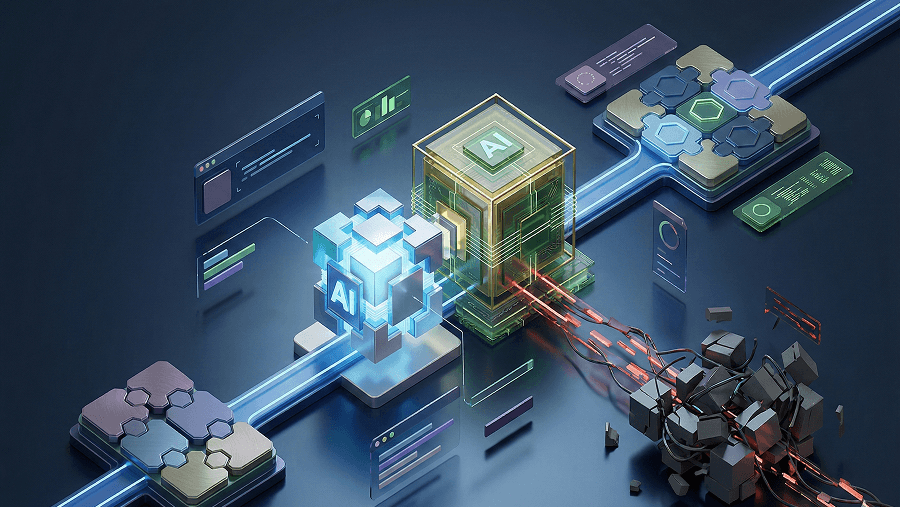
Vibe coding lets a product team ship a working prototype in twenty minutes. It also lets them introduce dozens of design system violations and a few real security flaws before lunch. When AI tools generate functional code with zero visual or architectural guardrails, teams aren't saving time - they're trading it for unmaintainable visual debt that shows up three weeks later. Vibe coding in 2026 isn't a speed problem anymore. It's a quality-enforcement problem.
You already know LLMs can write code. You've used ChatGPT, you've prompted things before. This isn't an explainer on how large language models work. It's a straight answer on what vibe coding actually is, why the name is embarrassing but the shift underneath it is real, and which tools are actually built for it versus which ones just assume you already know how to manage a GitHub repo.
What Is Vibe Coding?
Vibe coding is an AI-assisted development approach where builders describe requirements in natural language and let a large language model generate the underlying code. Instead of manually writing syntax or reviewing every diff line by line, the builder steers by evaluating output behavior and issuing follow-up prompts.
The industry's original definition - accepting AI output without reading diffs or reviewing logic - is not sustainable for anything customer-facing.
That's the actual shift happening in 2026: a move from blind vibe coding toward "agentic engineering," where AI agents execute discrete implementation tasks bounded by human-defined architectural, security, and design constraints. Same speed. A lot less cleanup afterward.
The Real Cost: Design Drift and Debt
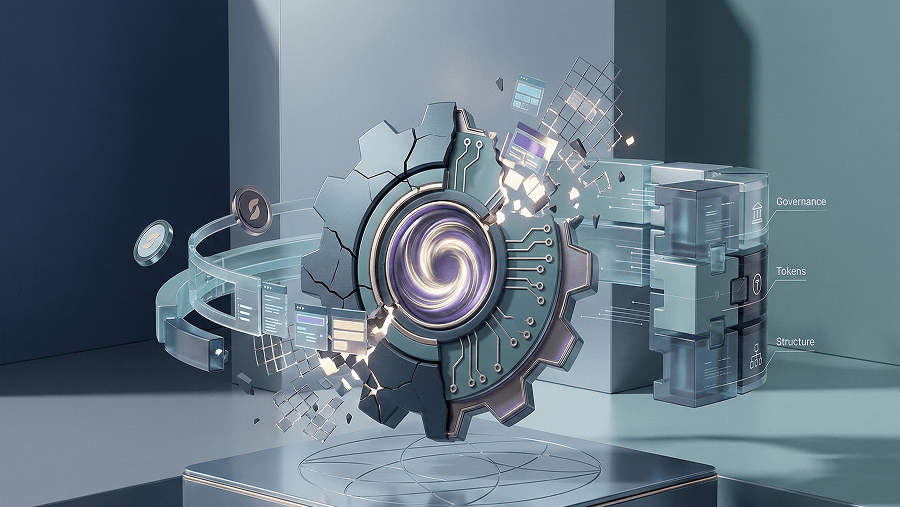
Unconstrained vibe coding destroys UI systems faster than it accumulates ordinary technical debt. Most advice treats AI code generation as an engineering-only problem - backend syntax, API structure. In practice, the most immediate damage happens at the interface layer. Generative models default to arbitrary inline styling or generic component libraries, bypassing brand tokens, typography scales, and accessibility rules entirely - the same underlying failure covered in how designers are actually using AI in real projects.
A few specific ways this shows up in real team channels:
- Design system destruction. A PM vibe-codes an internal dashboard using Bolt, and it ignores the Figma tokens completely - six random font weights, arbitrary padding, broken color variables, straight into production.
- Disjointed screen architecture. The AI generates five screens that look decent individually, but the actual user journey is a maze of dead-end navigation loops and missing edge-case states.
- The "almost compliant" fallacy. Output looks 80% correct at first glance, then breaks accessibility standards, has no responsive states, and quietly creates a mountain of UX debt nobody flagged at launch.
- Backend security gaps. Lovable generates a working React and Supabase prototype in an afternoon - but Row Level Security is entirely unconfigured and API keys are sitting exposed in client-side code.
- Codebase entropy. Cursor fixes the original bug, then adds four hundred lines of over-engineered abstraction that no human engineer on the team can parse or maintain afterward.
Text prompts are the wrong abstraction for UI flows. Natural language is a genuinely poor medium for describing multi-screen interaction logic and state changes. Prompting an LLM to "build an onboarding flow" forces it to guess at the interaction map - exactly how you end up with missing edge cases and broken navigation, a problem covered in more depth in why AI prompts fail without real UX flow architecture.
"Throwaway" prototypes are rarely thrown away. Non-technical founders and time-pressured PMs routinely take the first working prototype straight into production to hit a launch deadline. Disposable code treated as permanent infrastructure, with zero architectural review, is exactly how a product ends up with severe maintainability and scaling problems within a quarter.
Best Vibe Coding Tools for Designers and PMs in 2026
The current wave of popular tools - Cursor, v0, Bolt.new, Lovable all target the same user: a full-stack developer comfortable with terminal commands, deploying server-side logic, and managing a codebase directly. That's a real, valid use case. It's also not the same problem a designer or PM prototyping a UI flow actually has, since none of them cater to iterating on a polished flow before committing to a codebase - they assume you already know how to manage a GitHub repo.
| Tool | Primary User | Interaction Model | Visual Steering | Design System Awareness | Best For |
|---|---|---|---|---|---|
| UXMagic | Designers, PMs | Visual selection + prompt | Yes - select elements, tweak directly | Imports your actual brand/design system | Production-ready UI flows, no terminal needed |
| Cursor | Full-stack developers | Chat + code editor | No - text/code only | None | Backend logic, codebase-level editing |
| v0 (Vercel) | Frontend developers | Chat-based generation | Limited - regenerate, not select-and-edit | Minimal | Quick component scaffolding |
| Bolt.new | Full-stack developers | Chat + terminal | No - text/code only | None | Full-stack app deployment |
| Lovable | Full-stack developers/founders | Chat-based generation | Limited | Minimal | End-to-end app builds with backend |
This split shows up constantly in practice:
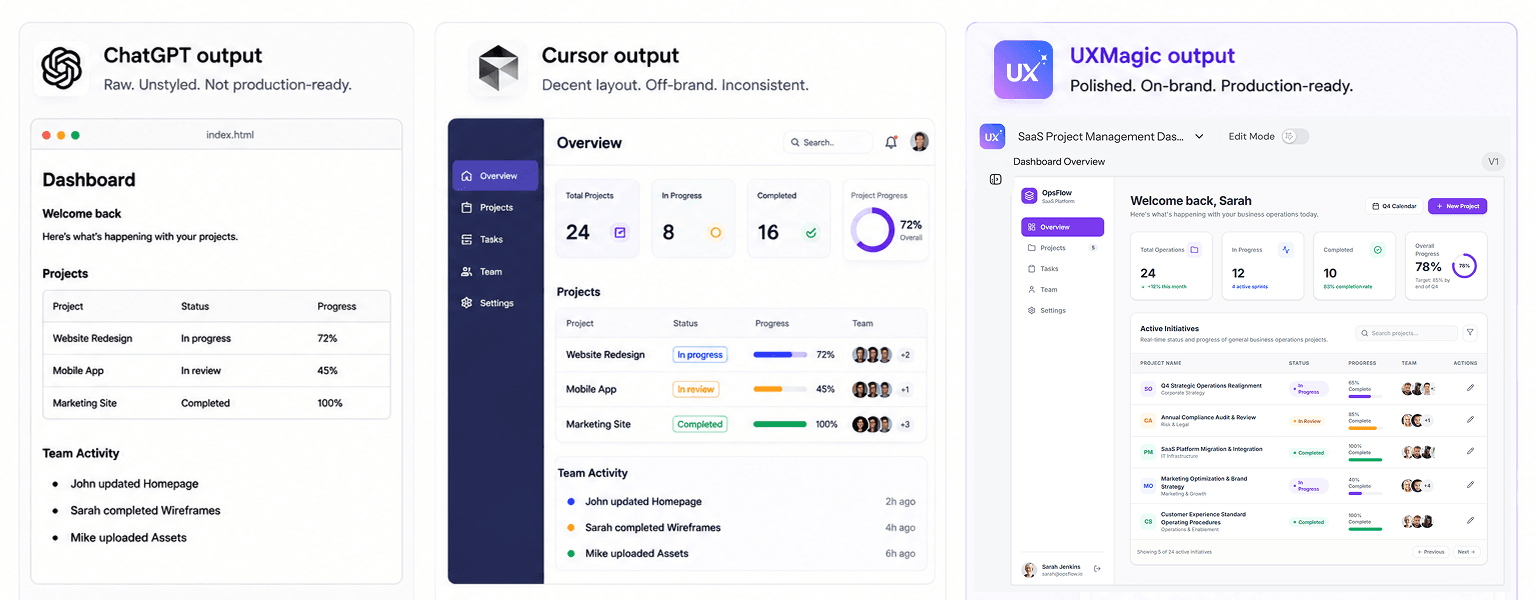
- A designer asking ChatGPT to generate a dashboard gets back generic, unstyled HTML.
- The same designer asking Cursor gets a decent layout, but with colors applied completely outside the brand guidelines.
- Neither tool has any concept of the actual design system - just whatever generic pattern the model defaults to.
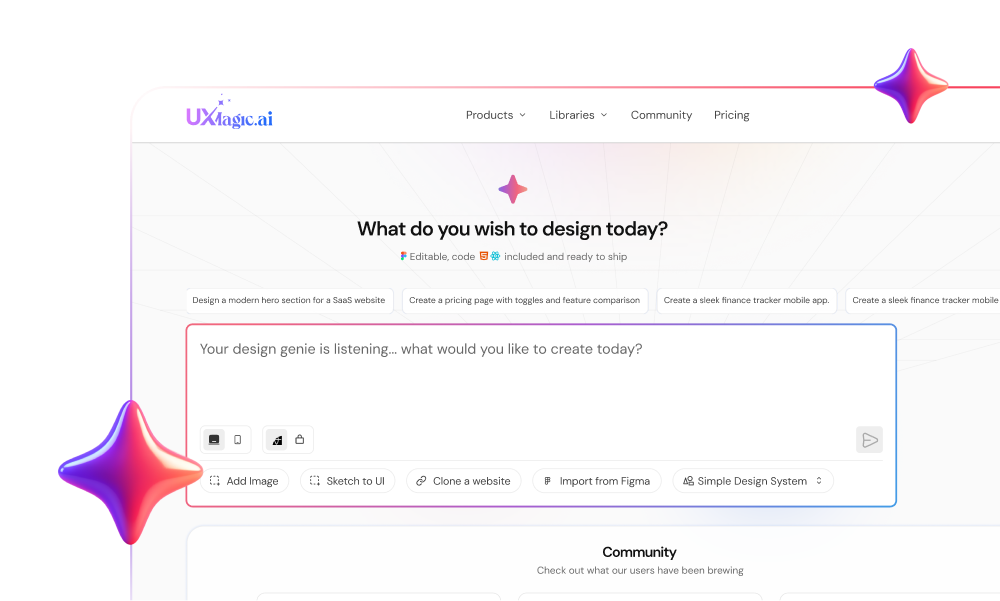
UXMagic is built specifically for this gap - letting you vibe code complete, production-ready design flows without ever opening a terminal or touching a package manager. Feed in a brand's mood board or design system through Import from Figma, and the AI generates interconnected screens that actually match the brand's look, rather than a generic layout with the wrong palette bolted on. This is the same principle behind writing production-ready prompts instead of vague ones - the tool only performs as well as the constraints it's given.
That's the real strategic gap in this space. Developer tooling blogs cover IDE performance; no-code builder content promotes "10-minute app" speed while downplaying security and drift; tech aggregators publish generic feature comparisons with no operational insight. None of them bridge visual flow planning with the actual code-execution step.
The 3-Phase Production Pipeline
| Phase | Objective | Tooling | Failure Mode to Avoid |
|---|---|---|---|
| 1. Flow Architecture | Define UX logic, map navigation, lock design tokens | UXMagic, Figma | Jumping straight into full-stack code with no screen interaction map |
| 2. Code Execution | Generate scaffolding, implement API logic | Cursor, Lovable, Bolt.new, Claude Code | Accepting multi-file diffs without inspecting component props or security settings |
| 3. Production Hardening | Audit UI drift, enforce security, test edge cases | CodeRabbit, manual UX/security audits | Shipping unverified code without testing real edge cases |
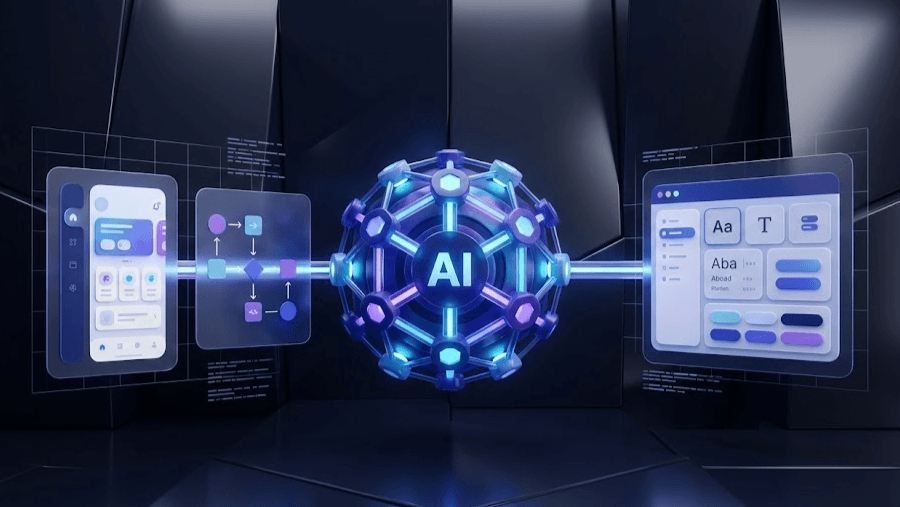
Phase 1: context establishment, before any prompt gets typed. Define business requirements, architectural rules, and screen flow boundaries first. Lock design tokens - color, typography, grid, component states and convert the product brief into multi-screen flows using UXMagic's Flow Mode, drawing on the same SaaS dashboard prompt templates that keep generation constrained instead of open-ended.
Phase 2: agentic execution, not blind acceptance. With validated flows and specs in hand, hand the structured assets to a full-stack execution environment. Never accept a diff blindly - every change gets evaluated against the architecture already established in Phase 1.
Phase 3: verification before production. Run token-checking lint scripts or manual visual reviews to catch hardcoded CSS. Have engineering audit backend permissions specifically - Row Level Security, authentication middleware, exposed secrets. Test the full user journey across mobile and desktop before calling it done. For teams building this into a repeatable process, best wireframing tools for 2026 covers where this pipeline connects back to earlier-stage prototyping.
Conclusion
The uncomfortable part of vibe coding was never the speed - every tool on this list genuinely delivers a working prototype fast. The part nobody warns you about is that speed without a locked flow and a real design system just moves the cost downstream, from a design review today to a production incident in six weeks. Phase 1 isn't bureaucracy. It's the only thing standing between "we shipped it fast" and "we're rebuilding it slowly."
The teams pulling ahead in 2026 aren't the ones prompting the loudest - they're the ones who stopped treating vibe coding as a single step and started treating it as a pipeline with a design gate built in before the code gate.
Lock Your Flow Before Code
Stop letting the AI guess at your navigation logic. Try UXMagic free and lock a real, brand-compliant flow before a single line of code gets generated.