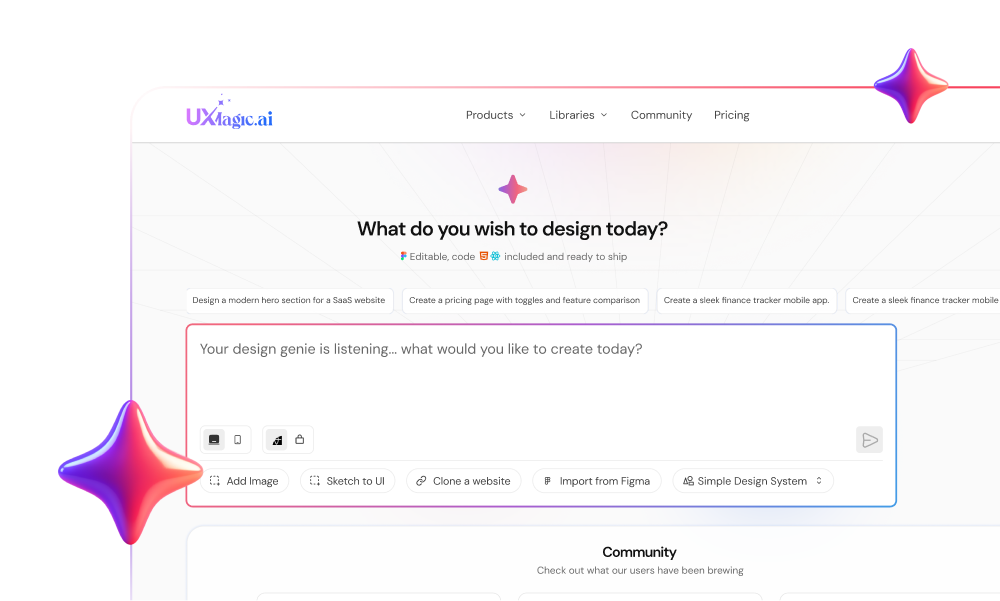
Most product teams adopt a visual CMS to free developers from landing page edits, only to discover engineers now spend their sprints registering React components for a drag-and-drop canvas. Builder.io sells itself as marketing autonomy - the reality is a two-week engineering setup tax before anyone non-technical can build a functional, on-brand page independently.
You already understand headless versus monolithic CMS architecture, React component structure, and basic Webflow-style workflows. This isn't a feature-list recap. It's the actual developer tax, the Agent Credit pricing mechanics, and the team-size threshold below which this entire category of tool is the wrong purchase.
Quick Comparison
| Platform | Best For | Setup Effort | Best Team Size |
|---|---|---|---|
| Builder.io | React/Next.js teams with a mature component library | High | 30+ people |
| Webflow | Standalone marketing websites | Low | Small teams, any size |
| AI UI tools (e.g., UXMagic) | Rapid product validation before code exists | Low | Early-stage teams |
What Is Builder.io? Understanding the Fusion vs. Publish Ecosystem
Fusion: Generative Code Workflows for Engineering Teams
Fusion enables engineering and product teams to generate design-to-code components directly within an existing application repository. It's the developer-facing half of the platform, built around producing code that plugs into a codebase your engineers already own.
Publish: Visual Headless Content Management for Marketing
Publish functions as a visual headless CMS, allowing non-technical marketing teams to build and modify web pages using pre-registered codebase components without executing code deployments themselves. This is the half most buyers actually think they're purchasing when they evaluate Builder.io, and it's the half that depends entirely on engineering having already done real setup work first.
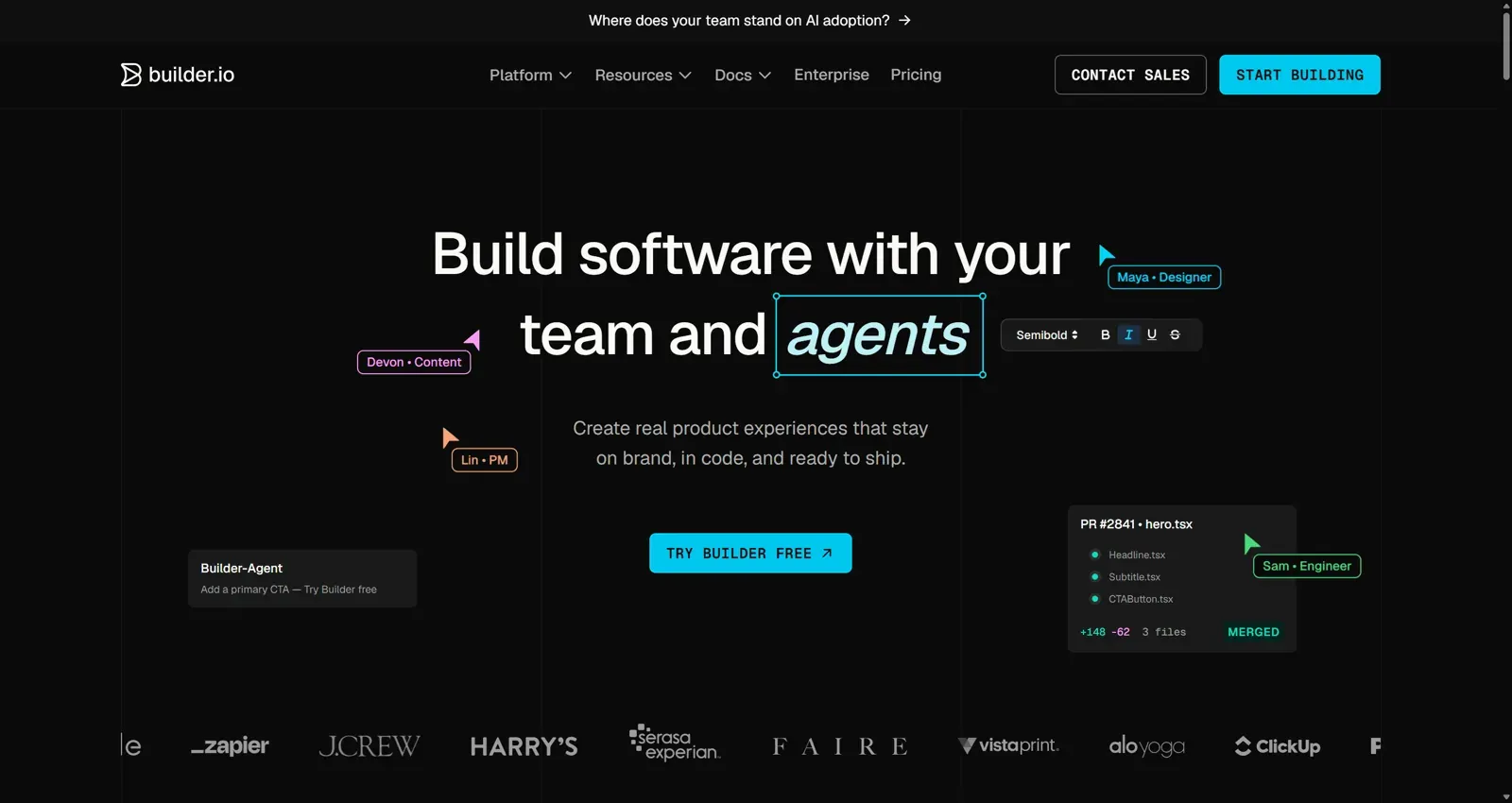
Builder.io is closer to a developer-powered visual CMS than a traditional no-code website builder. Marketing teams often purchase it expecting an out-of-the-box experience similar to Webflow. It's fundamentally a developer-first platform built around headless composable architecture instead. Without dedicated front-end engineers actively maintaining component schemas, custom MCP server connections, and codebase links, non-technical users can't build functional, on-brand pages independently; the "no-code" promise only activates after real code work happens first.
Builder.io Pricing Analysis: Agent Credit Mechanics and Hidden Costs
Tier Comparison: Free, Pro ($24/mo), Team ($40/mo), and Enterprise
Builder.io offers a Free tier with limited usage allowances. Paid options include the Pro plan at $24 per user per month and the Team plan at $40 per user per month, with custom Enterprise pricing above that.
Understanding the Agent Credit Consumption Model
Usage-based Agent Credits can genuinely penalize creative iteration. Paid tiers include 500 monthly Agent Credits per user seat, metering generative AI operations across the platform. When design and product teams use generative features to explore layout variations, token consumption escalates fast; this meter imposes a real financial cost on open-ended design exploration, pushing lean teams toward rationing AI usage or paying $25 per 500 additional credits.
That structure creates a specific failure mode: exhausting allocated Agent Credits mid-sprint halts AI-assisted generation entirely until the monthly reset or an on-demand purchase. Teams testing several layout directions in a short window can burn through a full month's allocation in days.
Pros and Cons
Pros:
- Marketing autonomy once setup is complete
- Works inside an existing React/Next.js application, not a separate isolated platform
- Strong component control and design system mapping (higher tiers)
- Peer review workflows that mirror familiar Git-style approval processes
Cons:
- Requires real, ongoing engineering investment to set up and maintain
- Not true no-code - every new pattern still requires developer registration
- Credit-based AI usage can escalate costs unpredictably during heavy iteration
- Missing-component blocks stall non-technical users until engineering intervenes
Developer Experience vs. Marketing Autonomy: The Setup Tax
The Mechanics of React and Next.js Component Registration
Before opening the Builder.io visual canvas, engineering teams have to build production UI components within their codebase - React, Next.js, or Vue and designers need to establish foundational tokens (color palettes, typography scales, spacing units) in Figma first. Only after that groundwork exists does the actual "component registration" step happen.
To make local components editable on the visual canvas, engineers write registration functions exposing specific props, layout constraints, and slot rules to Builder.io's engine. Higher-tier plans include Design System Intelligence to assist in mapping Figma components to codebase equivalents genuinely useful, but still a mapping exercise a human has to configure and maintain, not something that happens automatically on install.
- Missing component blockers. Non-technical users can't create layouts requiring an unregistered component that request becomes an engineering ticket, halting the marketing work the tool was supposed to unblock in the first place.
- Mid-sprint credit depletion. Running out of Agent Credits stops AI-assisted generation until the billing cycle resets or someone buys another block.
SDK Integration and Performance Considerations
Bundle bloat and hydration anxiety are worth taking seriously, not dismissing as an inconvenience. Engineering teams are right to be cautious about injecting third-party visual editor SDKs into an application bundle - the risk of degraded Core Web Vitals or client-side hydration bugs is a legitimate technical cost, and it's a cost that exists regardless of how the marketing team ends up using the finished editor.
Here's what the full setup tax looks like on a real timeline. A seed-stage team with five people needs to evaluate three distinct onboarding sequences to increase sign-up conversion. The Builder.io path: engineers spend two weeks integrating the SDK, writing component registration schemas, and configuring preview environments then the team burns through its full 500 monthly Agent Credits during initial layout testing alone, triggering additional charges before a single onboarding flow ships. The actual bottleneck was never the visual editing step; it was the two weeks of infrastructure work required before any editing could start.
The alternative for that same team: using prompt-to-UI generation to produce three complete, multi-screen onboarding flows in under twenty minutes, validating UX direction before writing frontend code at all - a fundamentally different sequencing of the same problem.
Builder.io vs. Webflow: Headless Codebase vs. Hosted Platform
| Feature | Builder.io | Webflow |
|---|---|---|
| Hosting | Your own app infrastructure | Managed hosting on Webflow's platform |
| Code ownership | Full control, embedded in your repo | Platform-managed |
| Developer dependency | Higher - requires ongoing component registration | Lower - mostly self-contained |
| App integration | Strong - shares real application state | Limited - lives on an isolated domain |
Webflow is an all-in-one, hosted visual site builder that manages infrastructure and hosting independently - content lives on Webflow's own platform, separate from your application. Builder.io is a headless visual layer embedded directly into an existing React or Next.js application instead, requiring developers to register components before non-technical users can build anything.
The practical split: Webflow lives on an isolated domain that can break app state continuity when you need marketing pages to share real application context. Builder.io embeds directly into a Next.js repository, but that means designers navigate developer preview environments instead of a fully self-contained builder. Neither is universally better - they're solving different problems, and choosing based on feature checklists alone misses that they're architecturally different categories.
Who Should NOT Use Builder.io?
A few specific profiles where this platform is the wrong purchase regardless of budget:
- Small startups without dedicated frontend resources. If there's no engineer available to own SDK setup and ongoing component maintenance, the platform simply can't deliver on its core promise.
- Teams needing quick MVP validation. Two weeks of infrastructure setup is the opposite of what an early validation cycle needs - speed to a testable concept matters more than long-term editing infrastructure at this stage.
- Teams without an existing, mature component library. Builder.io maps onto components that already exist; it doesn't generate net-new UI patterns, so a team still building its base component set gets little immediate value.
- Marketing teams expecting true no-code editing. Anyone expecting a Webflow-style, fully self-contained experience will hit the registered-component ceiling almost immediately and need to file an engineering ticket for anything outside it.
Real Team Scenarios
SaaS company managing 50+ landing pages. A mid-market company with an established Next.js design system and a dedicated growth marketing function is close to the ideal Builder.io buyer - the volume of ongoing page edits justifies the upfront engineering investment, and the component library is already mature enough to map cleanly.
Enterprise app with an established React design system. A larger org where multiple product squads already share a token-driven component library is well-positioned for Design System Intelligence to actually save time, since the mapping exercise has less ambiguity to resolve.
Startup launching an MVP. This is the clearest mismatch. A team validating product-market fit needs speed to a testable flow, not infrastructure for content updates on a product that might pivot entirely within the quarter - exactly the seed-stage scenario covered above where the setup tax consumed two weeks before any real validation happened.
UXMagic vs. Builder.io
These two aren't really solving the same job, and that's the whole reason a side-by-side matters here - comparing them on features alone misses which stage of the workflow each one actually operates in.
| Category | UXMagic | Builder.io |
|---|---|---|
| What it generates | New UI flows and screen patterns from a text prompt | Pages assembled from pre-existing, registered components |
| Setup required | None - start generating immediately | SDK install, component registration, token mapping |
| Best entry point | Before code exists - concept validation | After code exists - a mature component library |
| Who can use it day one | Designers, PMs, founders | Only after engineering completes setup |
| New pattern needed? | Generates it directly | Blocked until a developer builds and registers it |
| Pricing model | Flat, generation-based | Per-seat + metered Agent Credits |
The practical difference comes down to sequencing. Builder.io assumes the component library already exists and lets non-technical users assemble pages from it - genuinely valuable once that library is mature, and genuinely blocking when it isn't. UXMagic assumes the opposite starting point: no components exist yet, and the job is generating the pattern itself directly from a description, with export options once it's validated.
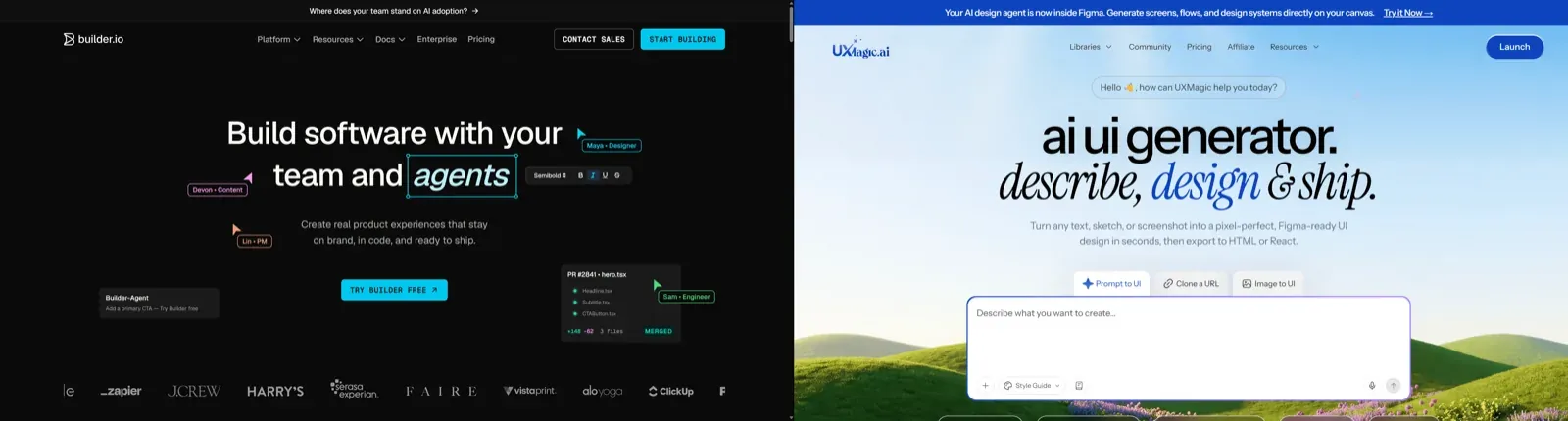
That's also why they're not mutually exclusive. A team can use UXMagic to validate a new onboarding flow or landing page pattern in an afternoon, then - once that pattern proves out and the component gets built properly in code - register it in Builder.io so marketing can iterate on copy and layout variations independently going forward. Treated as sequential tools rather than competing purchases, each one handles the stage of the workflow it's actually built for.
Accelerating UI Workflows: Moving from Prompt to Production
Builder.io depends on pre-registered React components, and that dependency creates a specific stall point. When a marketing campaign or product feature needs a novel layout structure absent from the existing design system, the visual editor workflow stops entirely until developers write a new component. That's the inverse of what a "visual CMS" is supposed to solve - the moment a genuinely new pattern is needed, the non-technical user is blocked again.
UXMagic bypasses that specific bottleneck by generating new, polished UI layouts and component patterns directly from natural language prompts - production-ready structures that can be deployed immediately or added to the design system afterward, rather than requiring engineering to pre-build every possible pattern before anyone can use it.
UXMagic's Flow Mode generates entire user journeys, UI flows, and screen variations upfront, letting teams validate concepts before writing any production code at all, while Builder.io requires those production components to already exist before a non-technical user can touch anything. Using the former to validate direction, then feeding the validated flow into a Builder.io-style setup once the pattern is proven, avoids paying the full SDK integration tax on ideas that might not survive first-round stakeholder review.
Final Verdict: Architectural Fit and Adoption Thresholds
Builder.io is a genuinely capable platform for what it's actually built for: giving marketing autonomy inside an established, component-mature codebase at a company where engineering bandwidth is already the bottleneck for content updates. It's a poor fit for anything earlier than that a lean team without a mature component library is paying real infrastructure cost to solve a problem it doesn't have yet.
Before purchasing, run these checks:
- Assess front-end engineering bandwidth - don't buy Builder.io unless developers are actually allocated to set up SDKs, build preview endpoints, and register component schemas.
- Budget for variable Agent Credit expenses - factor base subscription pricing ($24–$40/user/month) alongside usage overages ($25 per 500 additional credits) into a real annual cost model, not just the sticker price.
- Apply a team-size threshold - avoid headless visual CMS infrastructure under roughly ten people, since the technical overhead reduces initial velocity rather than improving it.
- Match architecture to actual use case - Webflow for a standalone marketing site disconnected from application logic, Builder.io specifically when editing layouts inside an existing React or Next.js codebase.
Validate UI Flows Before Engineering Setup
Generate complete, testable multi-screen UI journeys before investing engineering time into SDK integrations and component registration.